
Artwork Archiving: Preserving a Digital Record of Fine Art
An original painting, drawing, or photograph exists in exactly one place. If it's damaged, sold, lost, or simply ages the way every physical object ages, the record of what it looked like depends on whatever digital file was made of it. Artwork archiving is the work of making that file good enough to stand in for the original — accurate in color, rich in detail, documented well enough that someone twenty years from now can use it without asking you what it shows.
This guide explains what an archival digital record requires: the resolution that preserves real detail, the color management that keeps a red true, the metadata that makes a file findable, the formats that won't go obsolete, and the storage that keeps the file alive. It's written for the people who carry this responsibility — artists building a record of their own work, families managing an estate, collectors and galleries cataloguing what they hold, and the institutions that set the standards everyone else borrows.
What "Archival" Means for a Digital File
A physical archive protects an object from light, humidity, and handling. A digital archive has a different job. The file isn't degrading on a shelf — but it can become useless in other ways. It can be too low-resolution to reproduce. It can carry no color profile, so the colors shift on every screen that opens it. It can be saved in a format that no software opens in a decade. It can sit on a single drive that fails. Or it can simply lack any record of what it is, which painting, by whom, photographed when.
An archival digital file solves all five at once. It captures enough optical detail to stay useful as reproduction and display technology improves. It's color-managed, so the file means the same thing everywhere it's opened. It's stored in a stable, lossless format. It carries metadata that travels with the file. And it lives in more than one place. Get any one wrong and the archive has a weak link; the value of a digital record is set by its weakest part.
The principle underneath all of it: capture once, capture right. The original may not be available for a second pass — sold into a collection, shipped overseas, or gone. The cost of doing the capture properly the first time is almost always lower than the cost of needing it again and not being able to. For more on why resolution can't be added after the fact, see what resolution artwork should be scanned at.
Resolution: Capturing Enough Detail to Last
Resolution determines how much real detail the file holds, which sets the largest size it can ever reproduce and how much you can crop into it. For an archive, the question isn't "what do I need today" — it's "what might anyone need from this file in the future." That argues for capturing more than your current use requires.
For two-dimensional artwork, archival captures are typically made at 600 PPI at the original size or higher. That density preserves fine surface detail and gives the file room to reproduce larger later. Works with delicate detail — drawings, prints, small paintings — are often captured higher, at 1200 PPI or above, because a small original scanned at high resolution can reproduce at many times its physical size with no loss. A 5 × 7 inch drawing at 1200 PPI produces a 6,000 × 8,400 pixel file, large enough to print at 20 × 28 inches at 300 PPI.
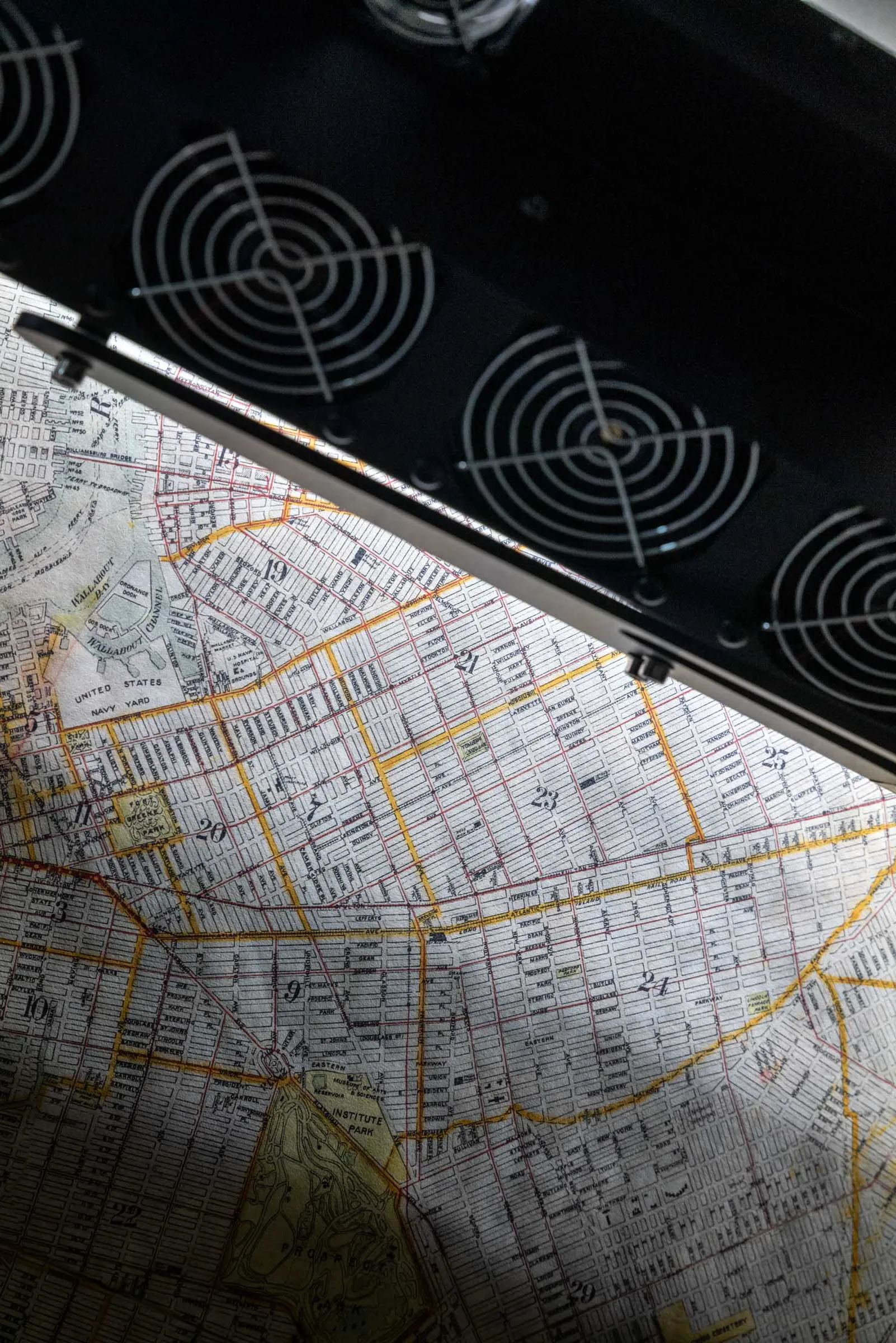
One distinction matters more than any headline number: native optical resolution versus interpolated resolution. Native optical resolution is what a scanner's sensor and optics actually measure — real captured detail. Interpolated resolution is software inventing pixels between the real ones to inflate the file size. A scan advertised at 6400 DPI that interpolates from a 600 PPI optical capture holds no more true detail than the 600 PPI scan. For an archive, native optical resolution is the only figure that counts. Brooklyn Editions captures on the Metis DRS 2020, which has a native optical resolution up to 1600 PPI.
Color: A File That Means the Same Thing Everywhere
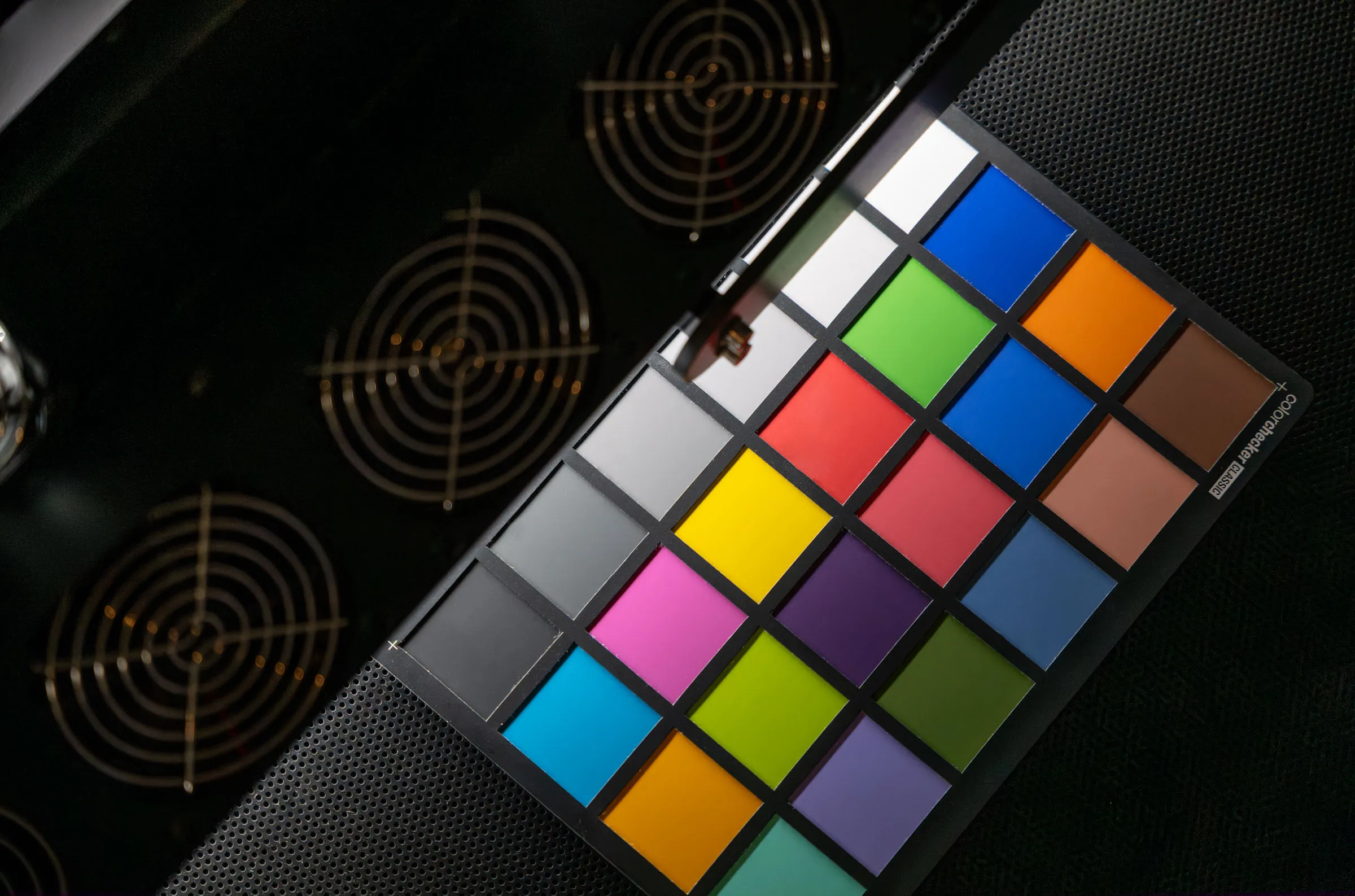
Resolution and color are independent. A 1600 PPI scan with bad color is a large, inaccurate file. Color accuracy comes from calibration, controlled lighting, and color management — and for an archive, color management is the part that keeps the file honest across time and devices.
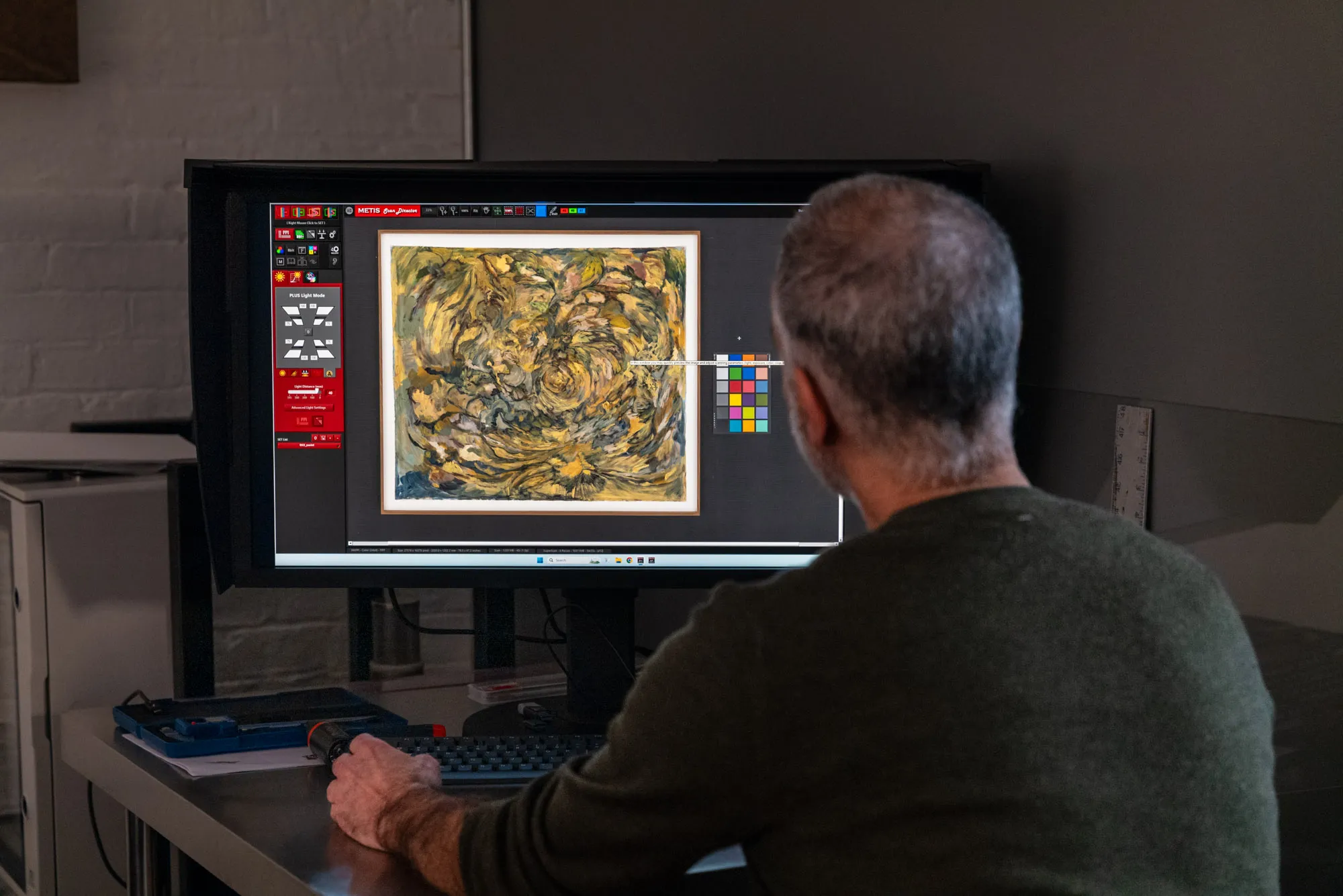
An archival file should be captured and delivered in a wide-gamut color space such as Adobe RGB or ProPhoto RGB. sRGB, the default for the web and consumer cameras, was built for screens and clips the saturated colors a fine art pigment printer can reproduce — deep reds, rich blues, luminous yellows. Archiving in sRGB throws away color the original actually has. The file should also be tagged with an embedded ICC profile, the small piece of data that tells any color-managed application how to interpret the colors. A file without an embedded profile may look fine on the screen it was made on and shift unpredictably everywhere else. For an archive meant to outlive the equipment that made it, an embedded profile isn't optional. Color accuracy in art scanning covers how calibrated capture produces a faithful record in the first place.
Bit Depth: Headroom for the Future
Bit depth describes how much tonal information each pixel holds. An 8-bit file records 256 values per color channel; a 16-bit file records 65,536. The two look identical on screen but behave differently under editing. The hardest thing to reproduce isn't fine detail — it's smooth gradation, the soft transition of a watercolor wash or an out-of-focus background. Heavy correction can make those areas band or step in an 8-bit file; 16-bit data holds the gradation together.
For an archival master, capturing on hardware that processes 16-bit per channel gives the file headroom future work might need, even if the original use never required it. 16-bit roughly doubles file size and processing time, so it's reserved for works where it matters — photographic pieces, paintings with subtle gradients, anything likely to face strong future editing. An archive should preserve more than the immediate job needs, because you can't know what the file will be asked to do later.
File Formats: Choosing What Won't Go Obsolete
The archival master should be a lossless format — one that preserves every bit of image data without compression artifacts. TIFF is the long-standing standard for fine art archives. It's lossless, widely supported across software and platforms, and it carries embedded color profiles and metadata cleanly. For files too large for the TIFF format's size ceiling, Photoshop's PSB handles the data, with the caveat that it's a proprietary Adobe format and won't open everywhere.
JPEG has no place as an archival master. Its compression discards image data permanently, and repeated saves compound the loss. JPEG is a fine derivative for web and email — a small copy made from the master for sharing — but the master itself stays lossless. The principle to hold onto is the master-and-derivative model: one high-resolution, lossless, color-managed master per work, from which every smaller or compressed copy is generated as needed. Best file formats for artwork archives goes deeper on TIFF versus JPEG versus DNG, lossless versus lossy, and how to structure masters and derivatives.
Metadata: What Makes a File Findable
A high-resolution, color-accurate file is worth far less if no one can tell what it shows. Metadata is the information embedded in or paired with the file: the title of the work, the artist, the medium and dimensions, the date the work was made, the date of capture, the photographer or studio, copyright and rights information, and an accession or inventory number if the work belongs to a catalogue.
For an estate or a collection, metadata turns a folder of files into an archive. It lets someone search ten thousand images for one painting, keeps attribution attached when the file is shared, and records rights so later users know what they can do with the image. The IPTC and XMP standards define embedded fields that travel inside the file itself, so the information doesn't get separated from the image when the file moves. Decide on a consistent metadata scheme before capture begins — retrofitting it across a finished archive is far more work than building it in from the start.
Storage: Keeping the Archive Alive
A perfect file on a single drive is one drive failure from gone. Digital archiving means redundancy, and the standard worth following is the 3-2-1 rule: at least three copies of the file, on two different types of media, with one copy kept off-site or in the cloud. That protects against the failures that actually happen — a dead drive, a stolen laptop, a flooded studio.
Storage is also a maintenance commitment, not a one-time act. Drives fail with age, and formats and media evolve. A serious archive gets checked periodically, copies get refreshed onto current media before old media degrades, and the file inventory gets verified against the catalogue. For an institution this is formal digital preservation practice; for an artist or an estate it can be a simple, scheduled habit. An archive you never check is an archive you can't trust.
Who Builds Digital Archives, and Why
The reasons to archive vary, and they shape what the file needs to be.
- Artists archive a body of work to protect against loss, to enable reproduction and edition printing later, and to maintain a consistent visual record of their output over a career.
- Estates face a specific pressure: a defined collection, a finite window, and works that may be dispersed or sold. The job is to capture a complete, consistent record before the collection scatters. See digitizing an artist's estate for the cataloguing and prioritization process.
- Collectors and galleries archive for insurance documentation, condition records, catalogue production, and sharing accurate images of works they hold.
- Institutions — museums, libraries, foundations — work to formal digitization standards. Guidelines such as those from the Federal Agencies Digital Guidelines Initiative (FADGI) specify minimum capture resolution, color targets, and metadata for two-dimensional artwork. How museums digitize artwork covers these standards.
Across all four, the underlying file requirements rarely change. What differs is scale, prioritization, and how formal the documentation needs to be.
Frequently Asked Questions
What resolution should artwork be scanned at for archiving?
Archival captures of two-dimensional artwork are typically made at 600 PPI at the original size or higher, with 1200 PPI or above recommended for works with fine surface detail or for small originals you may want to reproduce at large scale. Use native optical resolution as the benchmark, not interpolated figures.
What file format is best for an archival master?
A lossless format. TIFF is the standard for fine art archives — it preserves all image data without compression, supports embedded ICC profiles and metadata, and opens across nearly all professional software. Keep JPEG copies only as derivatives for web and sharing, never as the master.
Is a photograph good enough for an archival record?
It can be, for some works, but professional scanning generally produces a more accurate and consistent archival record for flat and shallow artwork. A scanner holds the light source, sensor, and artwork in fixed registration, which gives it color and geometric consistency that camera capture finds hard to match. For three-dimensional works or pieces that can't be transported, camera-based capture has its place.
How should archived files be stored?
Follow the 3-2-1 rule: three copies, on two types of media, with one copy off-site or in the cloud. Check the archive periodically and refresh copies onto current media before old drives or formats degrade. A single drive is not an archive.
Professional Artwork Archiving at Brooklyn Editions
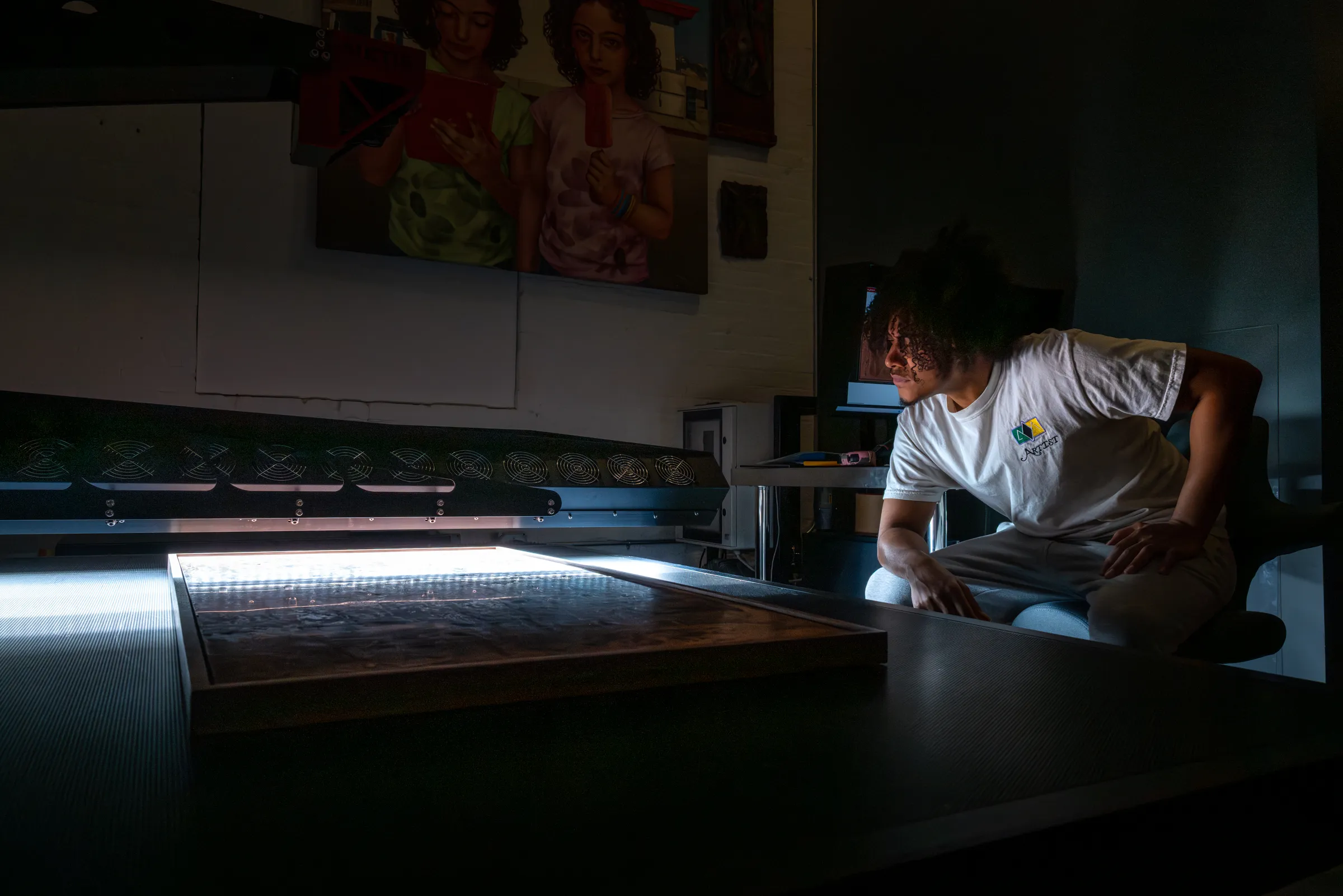
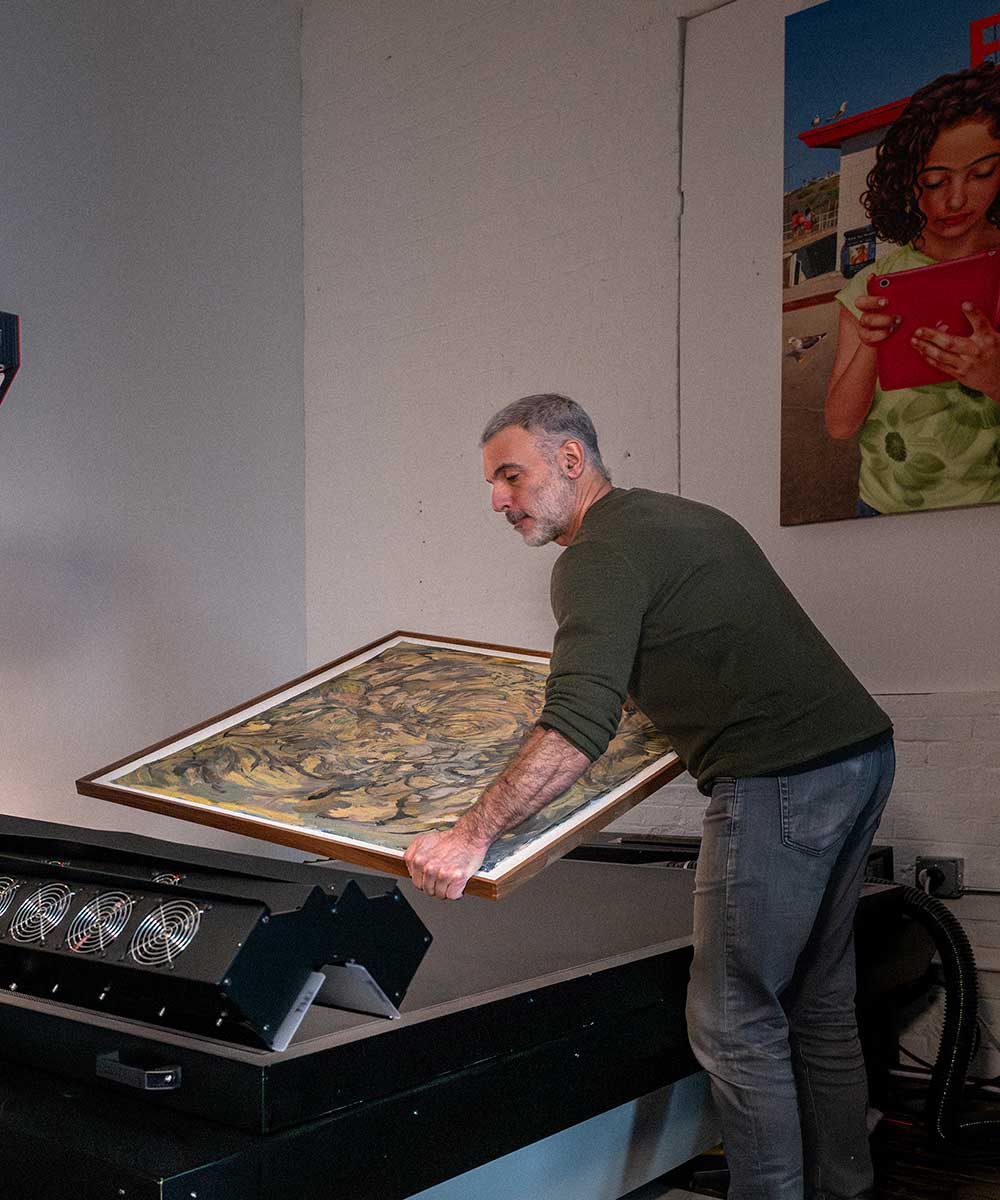
Brooklyn Editions digitizes artwork on the Metis DRS 2020 — a contactless system with a native optical resolution up to 1600 PPI and a scan bed that captures large paintings in a single pass — and delivers color-managed, wide-gamut master files built to serve as a lasting archival record. Every project starts with a consultation about the work, its scale, and how the files will be used, so the resolution, format, and color space are right before any capture begins. To plan an estate, collection, or institutional archive, our scanning services page covers the process and file delivery; the rest of this artwork archiving series goes deeper on formats, estates, and museum standards.