
What Resolution Should Artwork Be Scanned At?
Artists preparing work for reproduction or archiving consistently ask the same question: what DPI — or PPI — do I actually need to reproduce artwork? The answer depends on what the file will be used for, but the principle behind it is straightforward.
Quick answer
For fine art reproduction printing, capture your artwork so that the final file can reproduce the original size at 300 PPI or higher. For archival use, 600 PPI or more. For large-scale or edition work where you'll want to enlarge significantly, scan at 1200 PPI or above. When in doubt, scan at higher resolution: files can always be reduced, but resolution that wasn't captured can't be recovered.
What DPI should artwork be scanned at?
The list below covers the most common use cases. These are scan resolution targets (input) — the resolution at which you capture the original — not output resolution, which is a separate setting applied when preparing a file for a specific printer or display.
Scan ResolutionFile Size (approx.)Best For72–150 PPISmallWeb display, digital proofing — not suitable for print.300 PPIMediumReproduction prints at original size; standard commercial print.600 PPILargeArchival documentation; enlargements up to 2× original size.1200 PPIVery LargeEnlargements up to 4× original size; fine-detail capture; small originals.1600 PPI and aboveExtremely LargeMaximum-detail archival; large edition production; extreme enlargements.
For most professional reproduction work, the practical standard is to scan so that the file can reproduce at 300 PPI at the original size of the artwork. Higher than this gives you the ability to enlarge — which is often exactly what artists and studios need.
DPI vs. PPI — what the terms actually mean
Before going further, it's worth clarifying a terminology distinction that causes genuine confusion in professional imaging workflows. DPI and PPI are not the same thing, but they're used interchangeably in almost every professional context — including in this article.
PPI — pixels per inch
PPI is the technically correct term for digital image resolution. It describes how many pixels are present in each inch of a digital image file. When you open Image Size in Photoshop, the resolution field shows PPI — not DPI. A file at 300 PPI contains 300 pixels for every inch of its dimensions.
DPI — dots per inch
DPI technically refers to printer output resolution — specifically, how many ink dots a printer places per inch on paper. A modern fine art pigment printer might print at 1200 DPI or higher, even when the image file it's printing is only 300 PPI. The printer is interpolating pixel information to produce a finer pattern of ink dots than the pixel grid of the file itself. DPI can also refer to dots on a halftone screen used in traditional printmaking and offset printing. Regardless, there is a clear distinction between pixels and dots.
Why everyone uses DPI anyway
Despite the technical distinction, the printing industry settled on DPI as its common shorthand decades ago — rooted in the dot-based halftone screens of traditional offset printing, where the term was literally correct. Today, designers, photographers, and print studios almost universally say ‘300 DPI’ when they mean ‘300 PPI,’ and most software, including Photoshop, presents both terms depending on context.
There's also a pragmatic reason: the overwhelming majority of people searching for resolution guidance type ‘DPI’ rather than ‘PPI.’ For the purposes of this article, DPI and PPI are used interchangeably — but it's worth knowing that when we discuss the resolution of a digital file, we are always talking about PPI.
Resolution, pixel count, and total file size
DPI or PPI alone doesn't tell you how large a file is, or how much information it contains. Resolution is a density measurement — pixels per inch — and it only describes how closely packed those pixels are, not how many there are in total. Total pixel count is what determines file size, print potential, and the amount of detail available.
Here's how the math works. If you scan a painting that is 20 inches wide at 600 PPI, the scan produces 12,000 pixels across that dimension (20 × 600 = 12,000). If you scan the same painting at 300 PPI, you get 6,000 pixels — half the count, a quarter of the total file size. Both files might be called ‘20 × 16 inches at 300 or 600 PPI,’ but they contain very different amounts of information.
Think of it like writing an essay. If you write 5,000 words, you can format them at single, double, or triple spacing — the number of pages changes, but the words don't. If you want the essay to fill a specific number of pages at a specific spacing, you need a specific number of words. Resolution works the same way: if you want a file to print at 40 inches wide at 300 PPI, you need at least 12,000 pixels across (40 × 300). If the file doesn't have them, the print will be soft or pixelated. You cannot manufacture pixels that weren't captured.
This is why the practical advice for fine art work is always: scan at the highest resolution your intended use requires, and then some. Files can be scaled down without loss of quality. Files cannot be scaled up without loss of detail — and no upscaling software, however sophisticated, can recover information that was never there in the first place.
Resolution by use case
Fine art reproduction and edition printing
For reproduction prints — giclée editions, limited-edition prints, open editions — the standard is to capture the artwork so that the file reproduces at the original size at 300 PPI or higher. At this density, the print contains enough detail for high-quality output at normal viewing distances.
Many artists and studios scan at 600 PPI or higher for edition work, even when the initial print will be at original size. The reason is flexibility: a file captured at 1200 PPI can be used to produce prints at twice or four times the original dimensions without any loss of quality. A file captured at 300 PPI cannot. For artists building a body of edition work, the cost of a higher-resolution scan at the outset is almost always lower than the cost of rescanning later.
Archival documentation
When artwork is digitized for archival purposes — insurance records, estate documentation, collection cataloguing, or institutional preservation — the goal is to preserve as much visual information as possible. Archival captures are typically performed at 600 PPI or higher, ensuring that fine details remain visible in the digital file even if the original is later altered, damaged, or unavailable.
High-resolution archival scans also future-proof the file: as display technology, printing technology, and reproduction workflows improve, a high-resolution master file remains useful. A low-resolution archival file may be adequate for today's uses but limiting for tomorrow's.
Publication and digital use
Files destined for publication — books, catalogues, editorial use — typically require 300 PPI at the reproduction size used in the layout. This is different from the scan resolution: a painting reproduced at a quarter of its original size in a printed book requires a file with at least 300 PPI at that quarter size, which translates to 1200 PPI at original size if you want flexibility. Web images can be considerably lower — 72 to 150 PPI is standard for screen display — but a web-optimized version should always be derived from a high-resolution master, not the other way around.
Small originals
Small artworks — detailed drawings, miniatures, small-scale paintings — are often scanned at higher resolutions than their size might suggest. A drawing that is 5 × 7 inches scanned at 1200 PPI produces a file 6,000 × 8,400 pixels, which can be reproduced at 20 × 28 inches at 300 PPI with no loss. Scanning small works at high resolution is the most practical way to preserve the option of large-format reproduction without returning to the original.
Does resolution affect color?
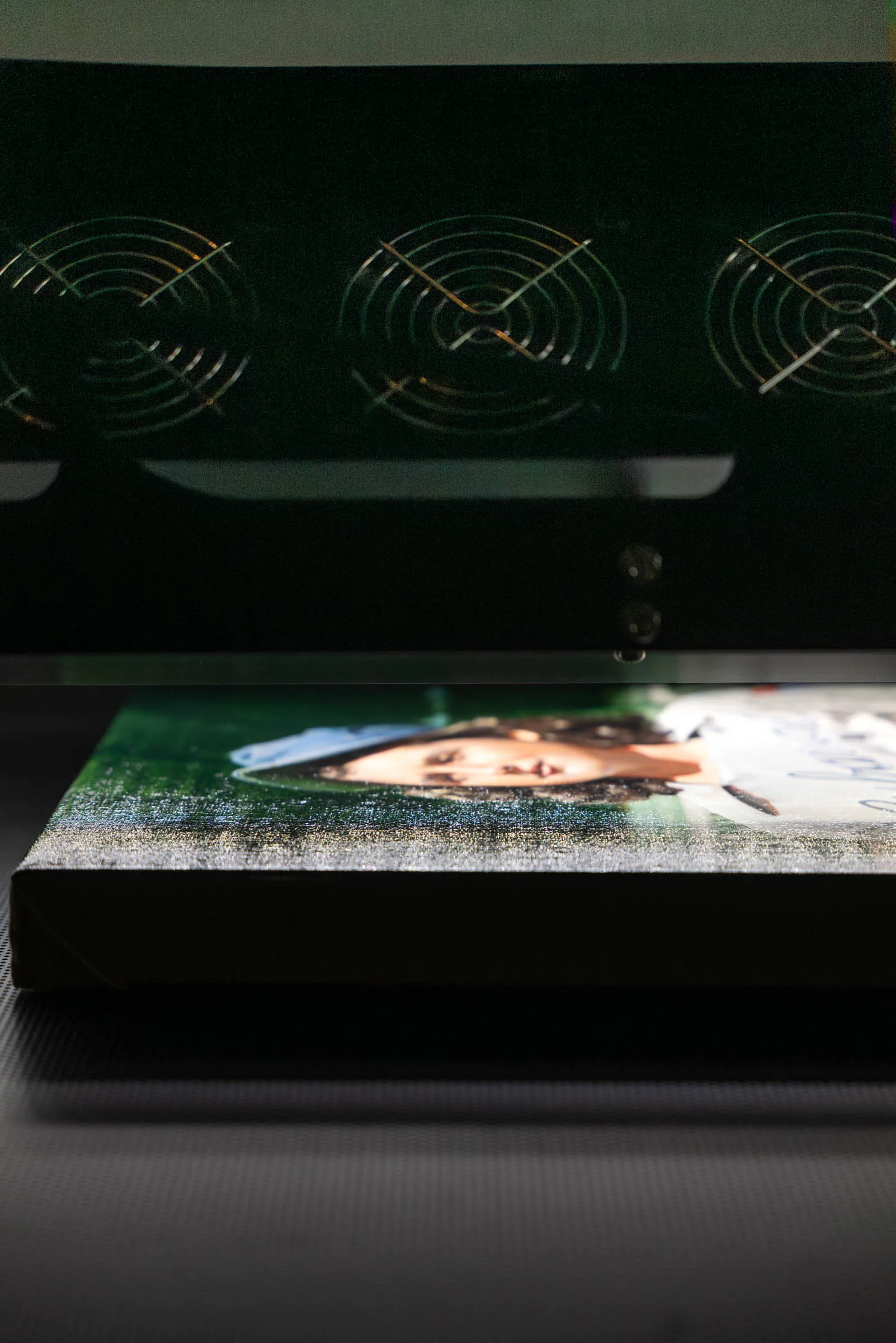
Resolution and color accuracy are independent variables — but they interact in ways worth understanding. A high-resolution scan does not automatically produce accurate color, and a low-resolution scan does not automatically produce inaccurate color. Color accuracy depends on calibration, lighting, and the color management of the scanning workflow, not on pixel count.
That said, very low resolution can create secondary color problems. Smooth tonal gradations — a watercolor wash, a subtle sky, a soft shadow — require a sufficient number of pixels to remain smooth. At very low resolution, these gradations can appear banded or stepped, an artifact of having too few pixels to represent the continuous transition in the original. Higher resolution gives those gradations the pixel depth they need to render accurately.
The practical takeaway: resolution is necessary but not sufficient for a quality capture. A 1600 PPI scan with poor lighting or uncalibrated color is a large, low-quality file. Adequate resolution combined with professional color management is what produces a faithful digital record of the original.
Resolution and large artwork
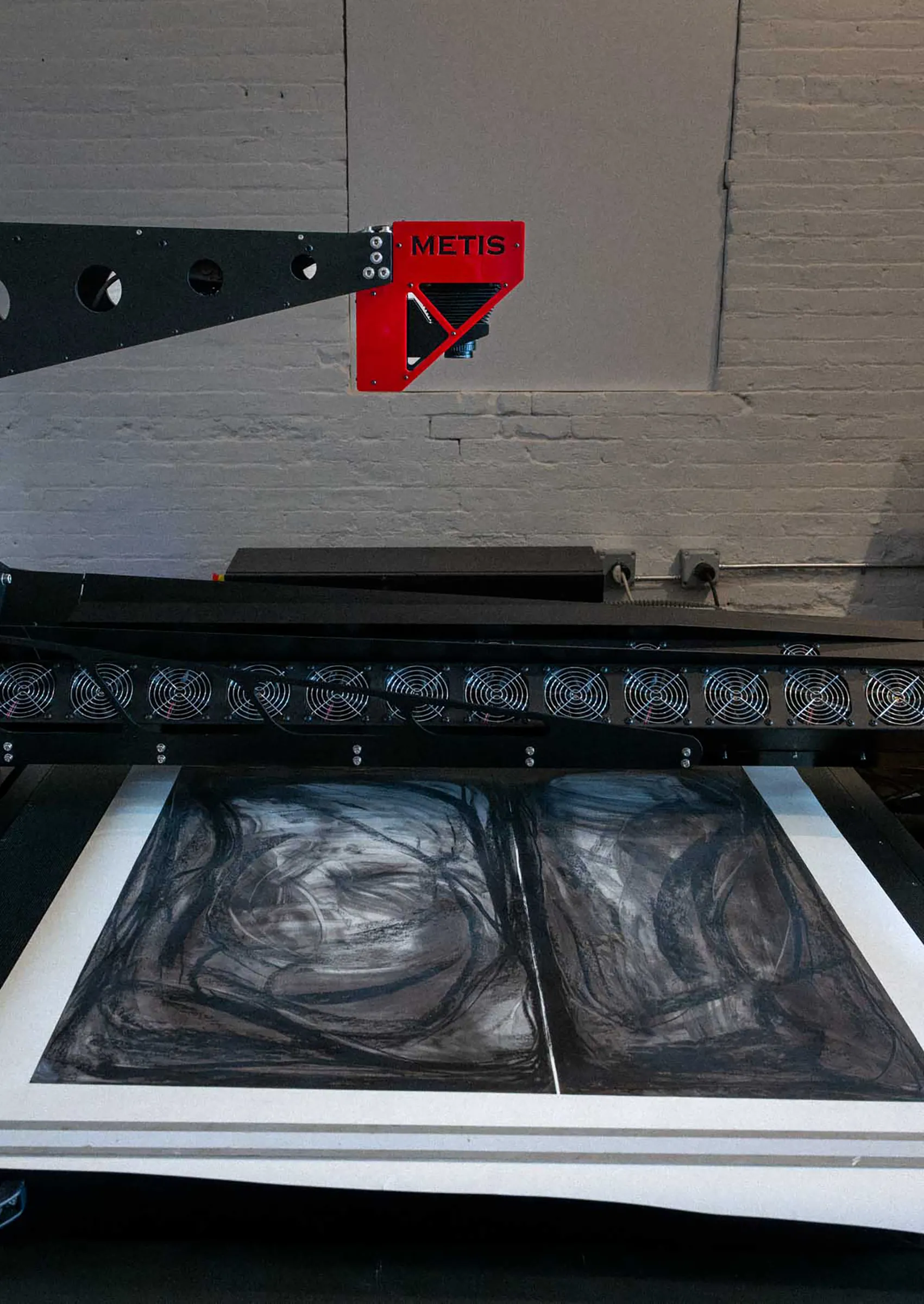
Large paintings present a specific challenge for high-resolution scanning: the file sizes become very large. An oil painting that is 40 × 60 inches scanned at 1200 PPI produces a file 48,000 × 72,000 pixels — well over 10 gigabytes uncompressed. Managing, storing, and working with files at this scale requires professional-grade equipment and workflows.
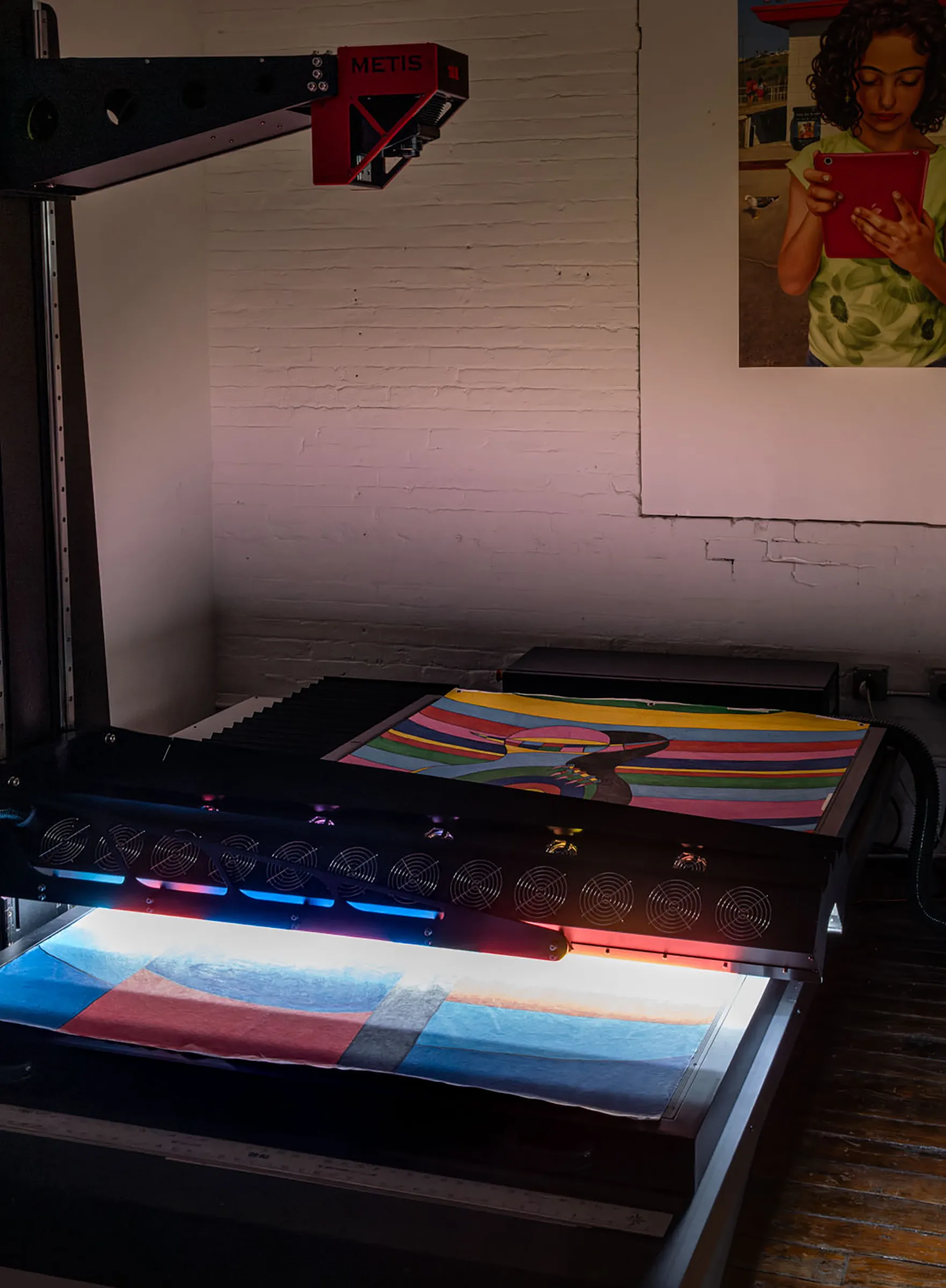
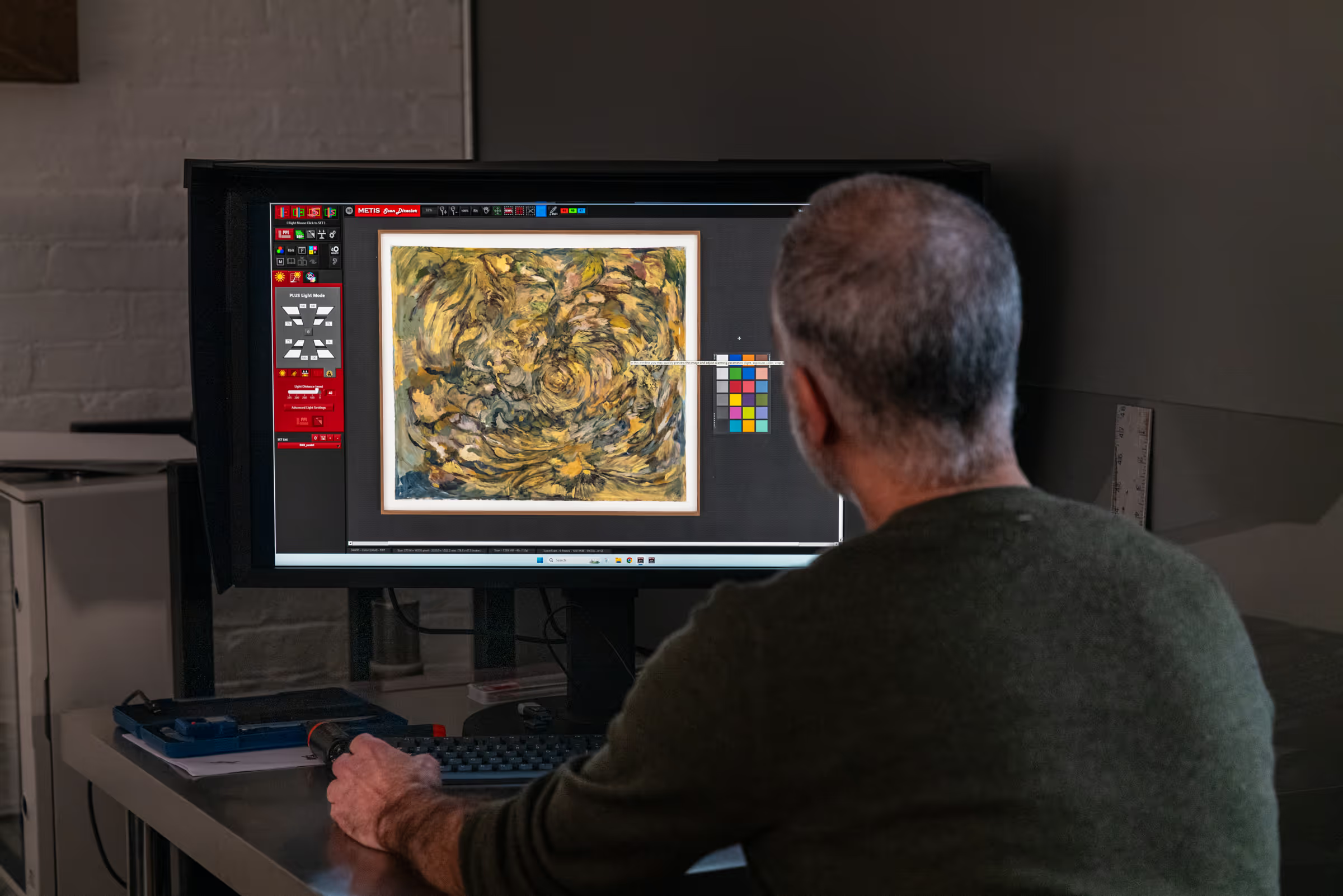
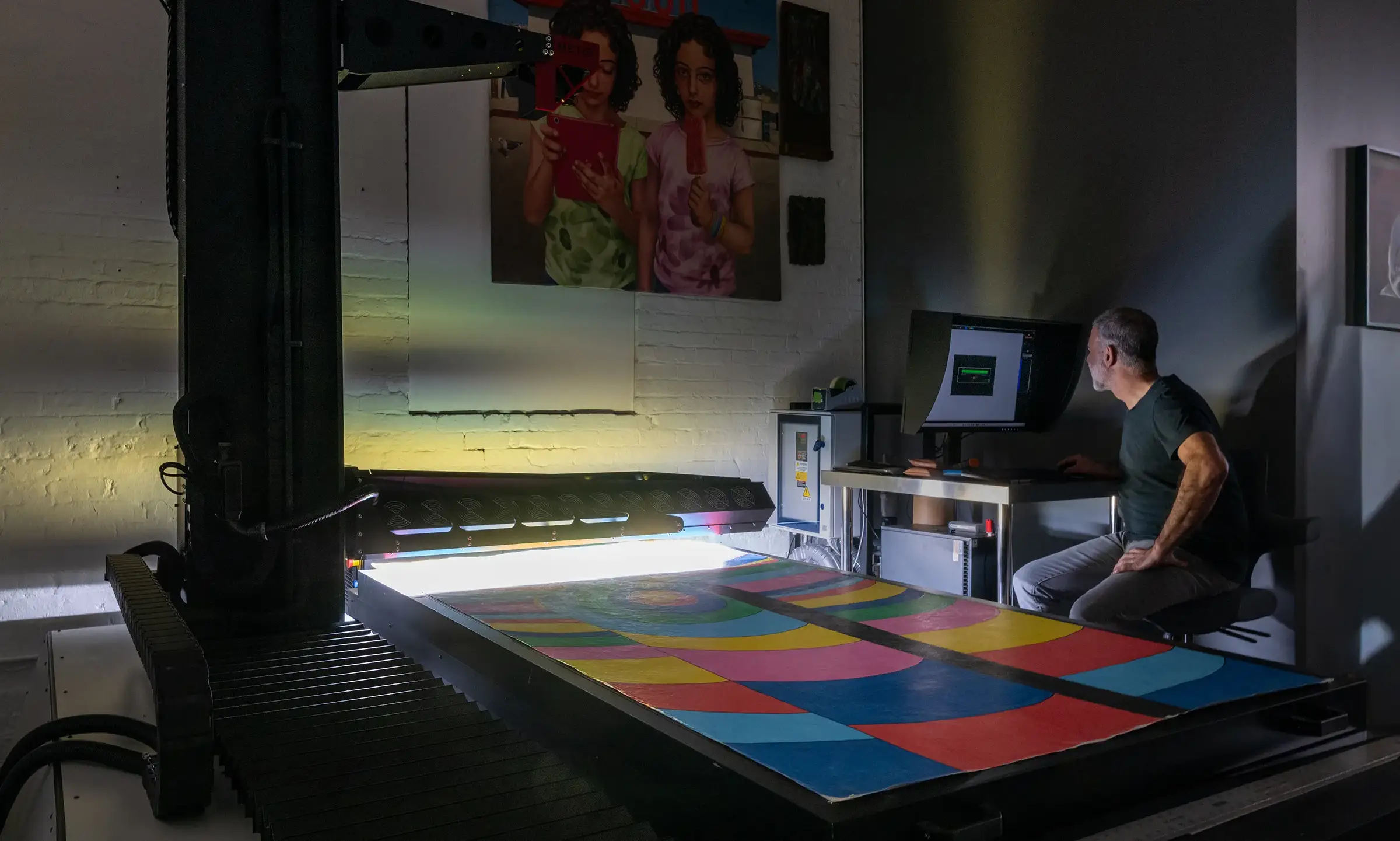
Professional fine art scanning systems — including the Metis DRS 2020, which Brooklyn Editions uses — are designed to handle these files with consistency and image quality across the full surface of the work. Consumer and prosumer flatbed scanners have many limitations, including size and the need for the artwork's face to contact the scanner glass — among several reasons large-scale works require specialized scanning facilities. For very large works, the scan bed itself may also become a constraint: most flatbed scanners max out at tabloid or A3 size, while professional large-format systems can scan paintings several feet across in a single pass.
Scanning vs. photographing artwork: a resolution comparison
When artists decide how to digitize their work, the choice between scanning and camera-based photography affects not just quality, but the relationship between the size of the artwork and the resolution of the resulting file.
A camera has a fixed sensor with a fixed pixel count. A 24-megapixel camera produces a file roughly 6,000 × 4,000 pixels regardless of whether you're photographing an 8 × 10 inch drawing or a 40 × 60 inch painting. For the small drawing, that may be more than enough — at 300 PPI, a 6,000-pixel dimension prints at 20 inches. For the large painting, the same file produces only about 100 PPI at the 60-inch original size, meaning it is already under-resolution for a same-size reproduction.
A scanner produces a file whose pixel count scales with the size of the artwork. Scan both the 8 × 10 drawing and the 40 × 60 painting at 600 PPI, and the small drawing produces 4,800 × 6,000 pixels while the large painting produces 24,000 × 36,000 pixels — a file many times larger, with proportionally more detail, exactly as the original warrants. For a deeper comparison, see scanning vs. photographing artwork.
Practical recommendations: how to choose the right resolution
The clearest professional guidance on resolution is this: scan once, scan right. The cost of a high-resolution professional scan is almost always lower than the cost of scanning again at a later date — and the risk of the original being unavailable for a rescan (damaged, sold, in a collection) is real.
- Reproduction printing at original size: 300 PPI minimum; 600 PPI recommended for quality and flexibility.
- Edition work with potential enlargement: 1200 PPI; allows prints up to 4× original size without quality loss.
- Archival documentation: 600 PPI minimum; 1200 PPI for works with fine surface detail or future publication potential.
- Small originals (under 10 inches): 1200–1600 PPI; small works benefit most from high-resolution capture.
- Web and digital use only: 72–150 PPI is sufficient — but scan at higher resolution and downscale, never scan low and try to upscale later.
If you're unsure what resolution is right for a specific project, the best starting point is a conversation with your scanning studio before the work comes in. A professional studio will ask about your intended use, the scale of the work, and your plans for the files — and recommend the resolution that covers your needs without unnecessary file size.
Frequently asked questions
Should small artwork be scanned at a higher DPI than large artwork?
Yes, generally. Smaller works are often scanned at higher PPI so that the resulting file is large enough for enlargement. A 5-inch drawing scanned at 1200 PPI produces the same pixel dimensions as a 20-inch painting scanned at 300 PPI — but the smaller drawing may have finer detail that justifies the higher capture resolution.
Does DPI matter if the image is only used online?
For screen display, 72–150 PPI is sufficient. But best practice is to scan at a higher resolution and produce a downscaled web version from the master file. This preserves the option of future print use without requiring a rescan, and ensures the web version is derived from the highest-quality source.
Can you increase the resolution of an existing scan?
Not without loss of quality. Resolution can only be reduced from a high-resolution file without losing information. Upscaling a low-resolution file — whether through Photoshop or AI-based upscaling software — interpolates new pixels from existing ones. The result is a larger file, not a more detailed one. No software can recover detail that wasn't captured in the original scan.
What resolution do museums and archives use for digitization?
Most institutional digitization standards specify a minimum of 400 PPI at original size for two-dimensional artwork, with 600 PPI or higher recommended for works with fine surface detail. Standards such as those published by the Federal Agencies Digital Guidelines Initiative (FADGI) provide detailed guidance for institutional archival projects.
Professional Artwork Digitization at Brooklyn Editions
At Brooklyn Editions, artwork is digitized using the Metis DRS 2020 — a professional scanning system with a native optical resolution up to 1600 PPI and a scan bed capable of capturing large paintings in a single contactless pass. Every scan project begins with a consultation to discuss the artwork, its dimensions, and the intended use of the files, so that we can recommend the right resolution and workflow before any work begins.
If you're planning to reproduce artwork as prints, create an archival digital record, or produce an edition, our scanning services page has full details on the process, file delivery, and how to get started.