
Color Accuracy in Artwork Scanning
Quick answer
Color-accurate art scanning comes from four things working together: a calibrated scanner, controlled and consistent lighting, an end-to-end color-managed workflow, and files tagged with the right ICC profile. Scanning a color reference target alongside the artwork gives the workflow an objective anchor. None of this is about resolution or bit depth — a high-resolution file can still have wrong color. Accuracy is built into the capture, not added afterward. A professional scanner controls the variables that a camera leaves open, which is why scanning produces more consistent color for flat artwork.
The rest of this article explains what each of those factors does, why color fidelity matters for reproduction, and how scanning and camera capture compare.
What drives color accuracy
Faithful color is not one setting. It is a chain, and every link has to hold.
Calibration
A scanner sees color through its sensor, and that sensor has its own characteristics — slight biases in how it reads reds, greens, and blues. Calibration corrects for them. The scanner reads color patches of known, measured values, compares what it recorded against what those patches actually are, and builds a correction that brings its readings into line with reality. Each scanner setting and lighting state gets its own calibration, because changing the light changes what the sensor sees. Without calibration, the file records the scanner's biases rather than the artwork's colors.
Lighting
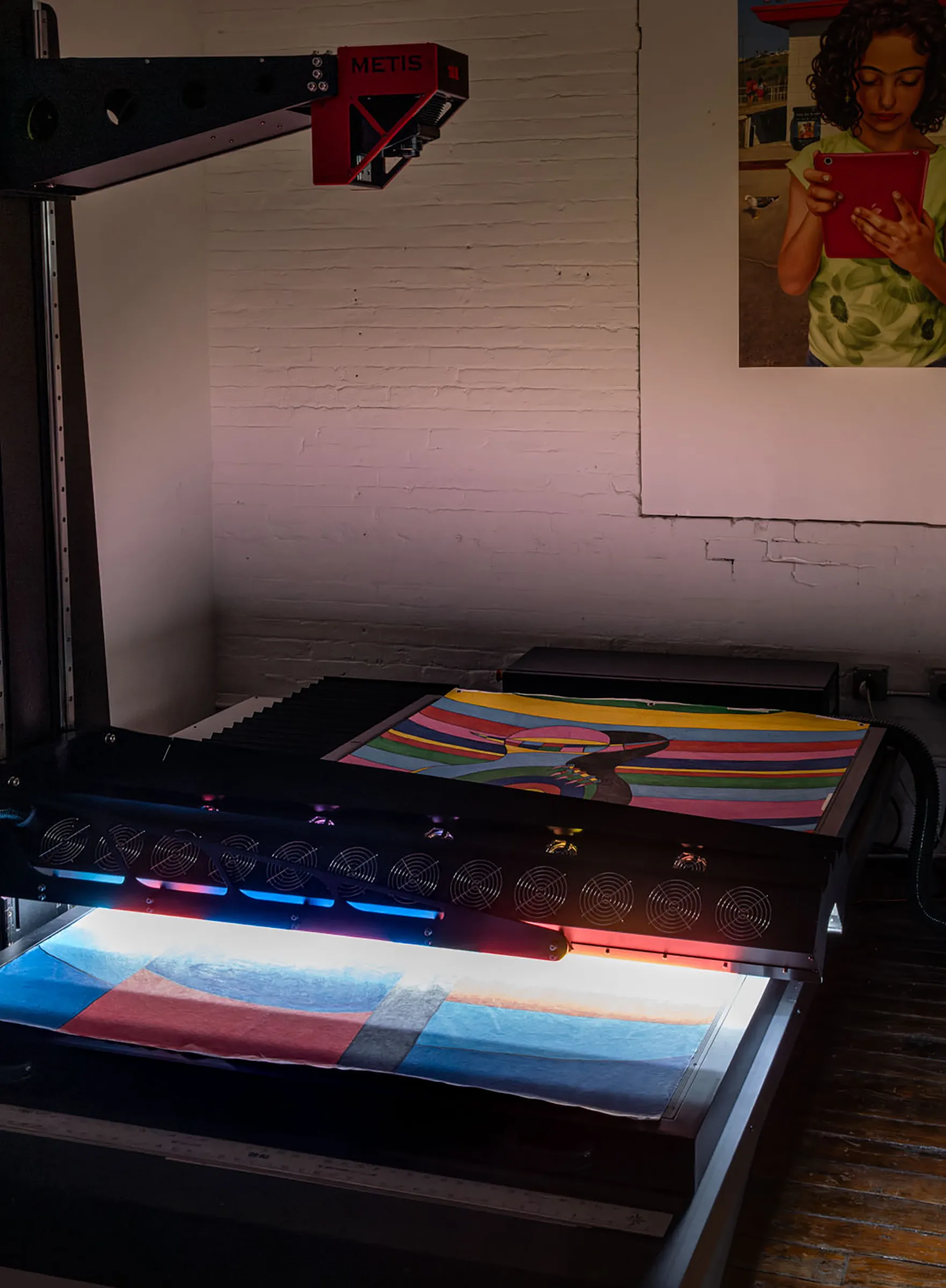
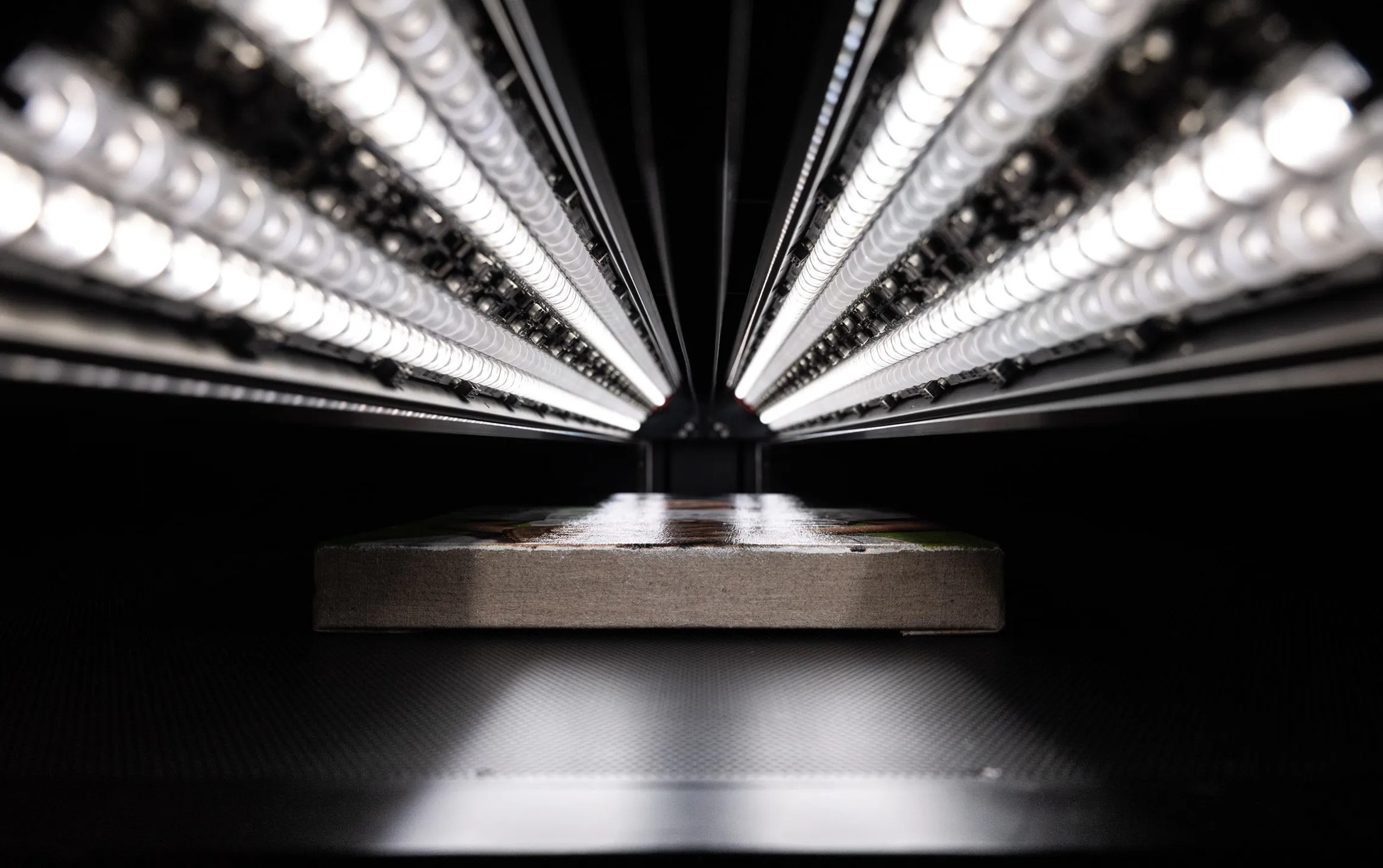
Color depends on light. The same pigment looks different under warm light, cool light, or uneven light, so consistent illumination is a precondition for consistent color. A scanner's light source moves in fixed registration with its sensor, so every part of the artwork is lit at the same angle and intensity as the capture proceeds. That uniformity is hard to achieve any other way. Uneven lighting produces color that drifts across the surface of the file — accurate in one corner, off in another.
Color management and ICC profiles
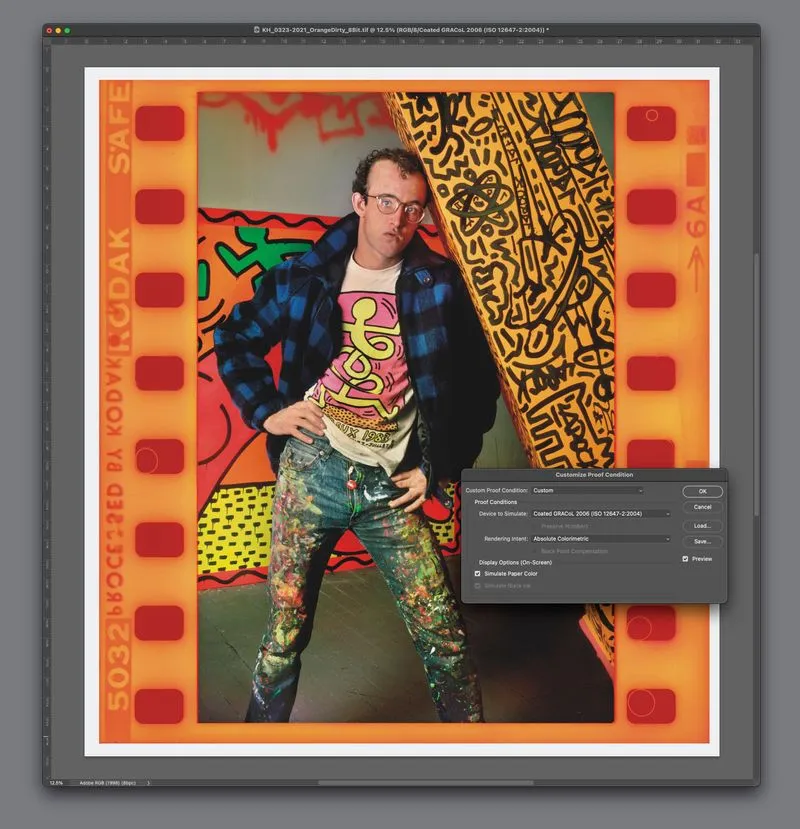
Color management is the system that keeps color consistent as a file moves between devices. Its mechanism is the ICC profile — a standardized description of how a particular device represents color. The scanner's profile says what its numbers mean; your monitor's profile says how to display them; the printer's profile says how to reproduce them. When every device in the chain is profiled, a color-managed application can translate accurately between them, and the red you scanned is the red you see and the red that prints.
A file delivered with the right embedded profile carries its own interpretation instructions. An unmanaged file — one with no profile, or with the profile stripped — has no objective reference, so its colors shift unpredictably from one screen or printer to the next. For reproduction, where the goal is a print that matches the original, missing color management is the most common cause of failure.
Color space
The profile defines color within a color space, and the choice of space matters. sRGB, the default for the web, is deliberately narrow — it was built for screens and omits saturated colors a fine art pigment printer can produce. Professional scans are captured and delivered in a wide-gamut space such as Adobe RGB or ProPhoto RGB, so deep reds, rich blues, and luminous yellows survive in the file instead of being clipped. When the file goes to print, that wide-gamut data is converted to the specific profile of the printer and paper, keeping as much of the original color as the output can reproduce.
Color targets
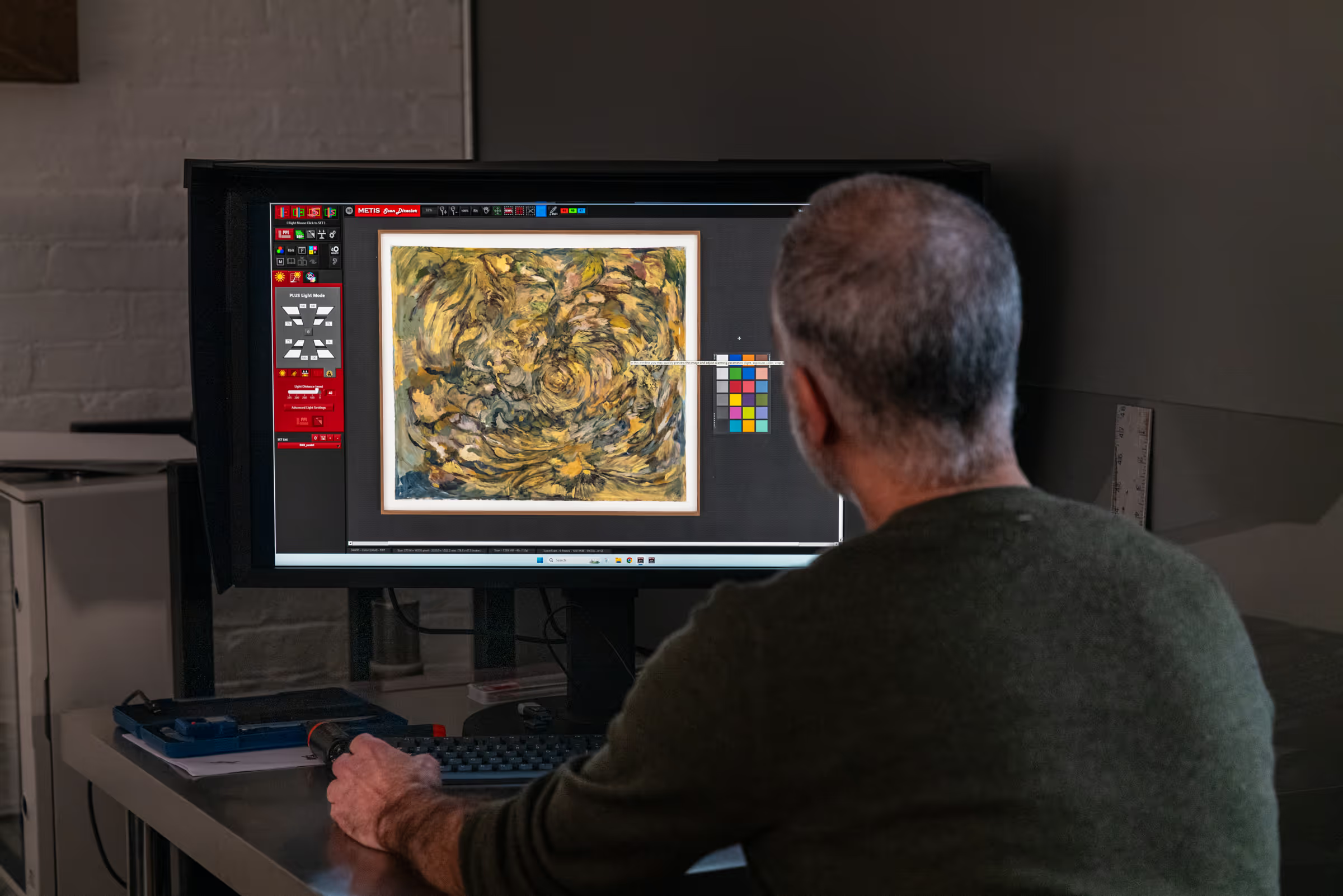
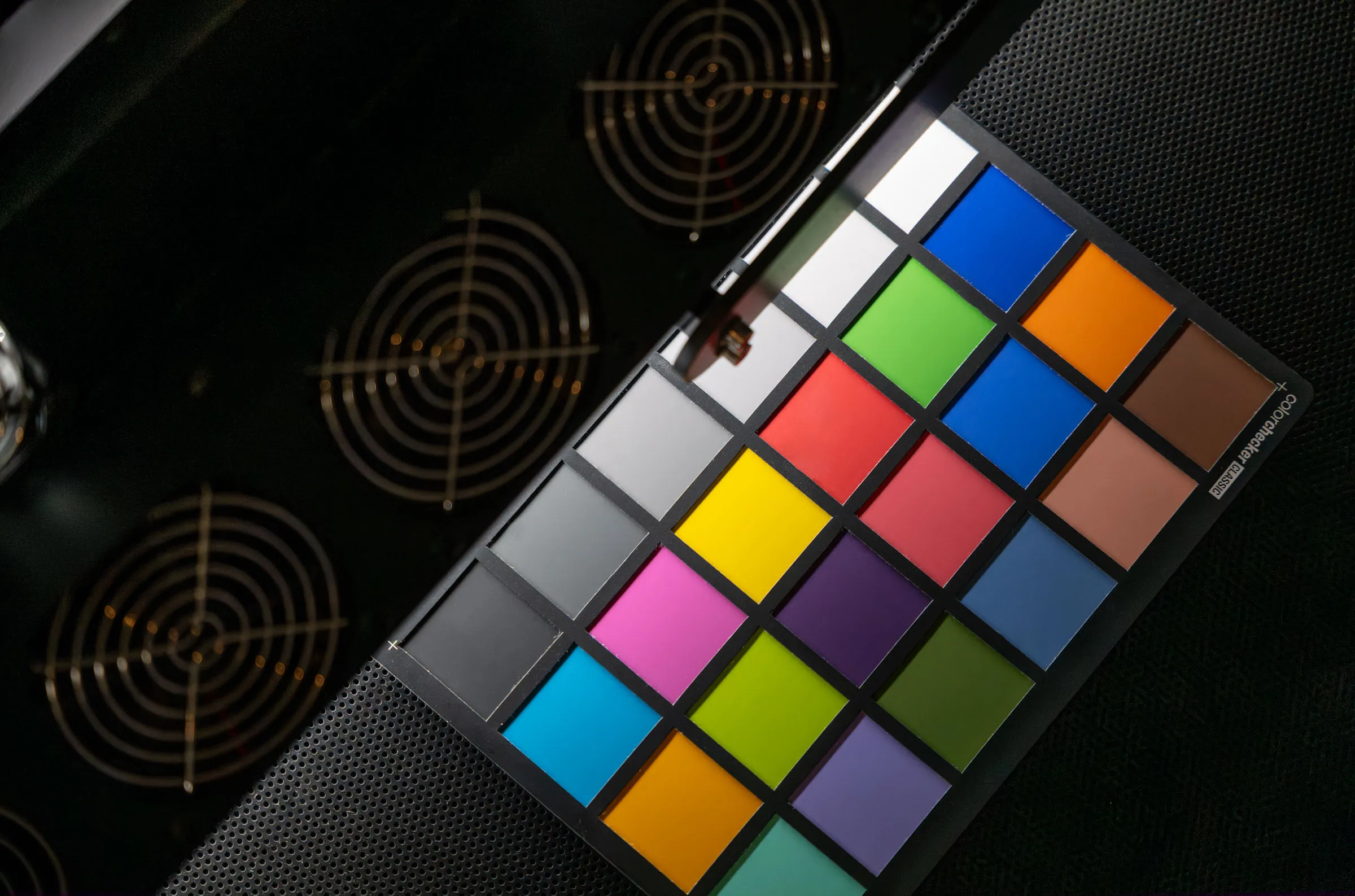
A color reference target is a printed chart of patches with known, measured color values. Scanning one alongside the artwork — or as part of the calibration — gives the workflow an objective point of comparison: the operator can check the recorded values against the true values and confirm the capture is accurate rather than trusting the eye alone. Targets turn color accuracy from a judgment call into a measurement.
Why color accuracy matters
For most reasons artists digitize their work, color is the whole point. A giclée edition is only worth making if the print matches the painting; a collector buys a reproduction expecting the colors of the original; a catalogue or gallery website misrepresents the work if its colors drift. A scan with perfect resolution and wrong color is a high-quality record of the wrong thing.
The problem with inaccurate color is that it often passes unnoticed until it is expensive. A file that looks acceptable on the screen it was captured on can shift when opened on another display, sent to a printer, or laid into a publication — because nothing in the file pinned the color down. By then prints may already be made. Accurate, color-managed capture closes that gap at the start, where it is cheap to control.
Scanning versus a camera for color consistency
Camera-based capture can produce good color in a carefully controlled studio, but it leaves more variables open than scanning does. A camera records the whole artwork in a single exposure under studio lights, and across a large surface the lighting angle and intensity vary from center to edge, so color can drift across the frame. Lens characteristics, camera angle, and exposure add further variables, and matching color across multiple shots or multiple sessions is genuinely difficult.
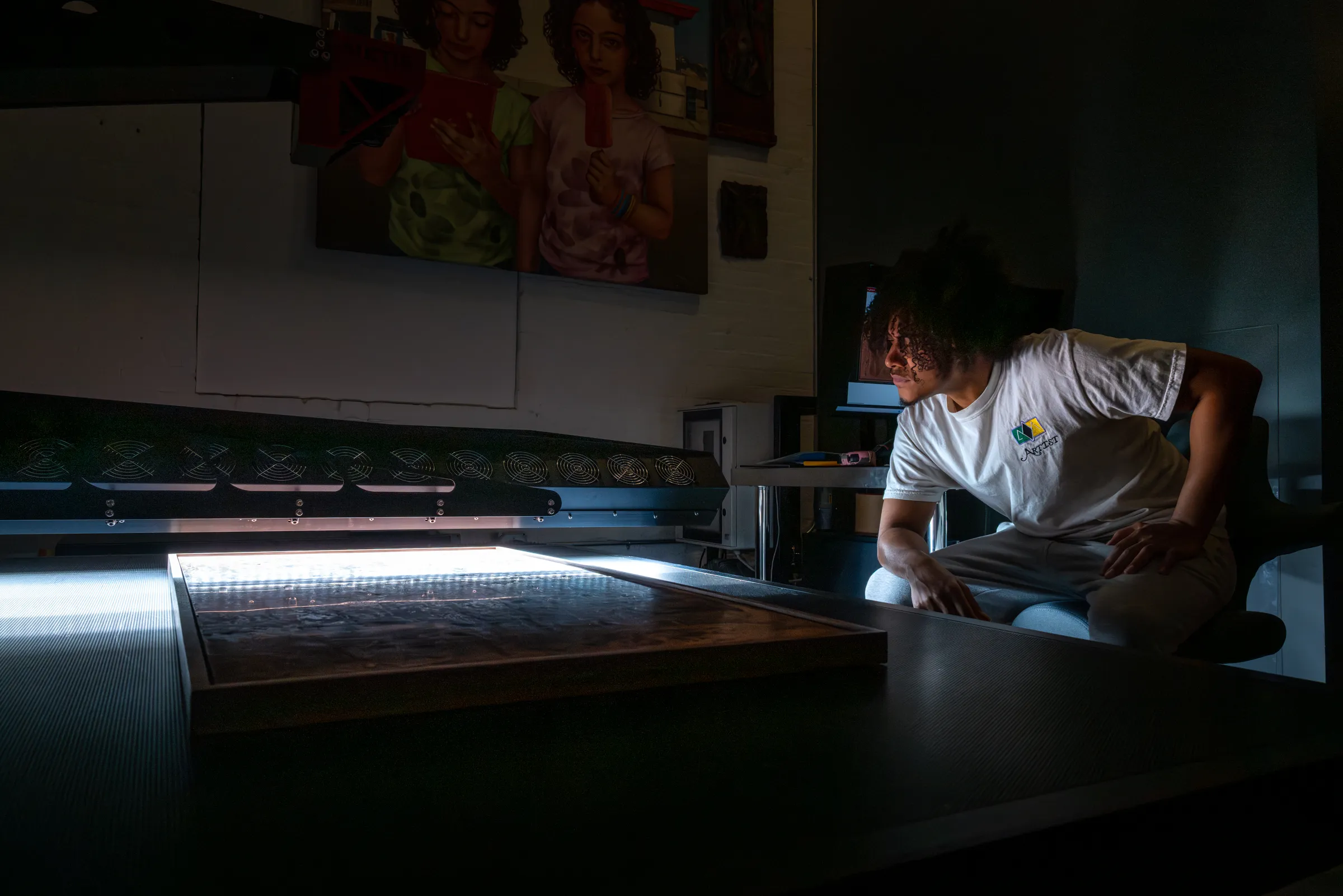
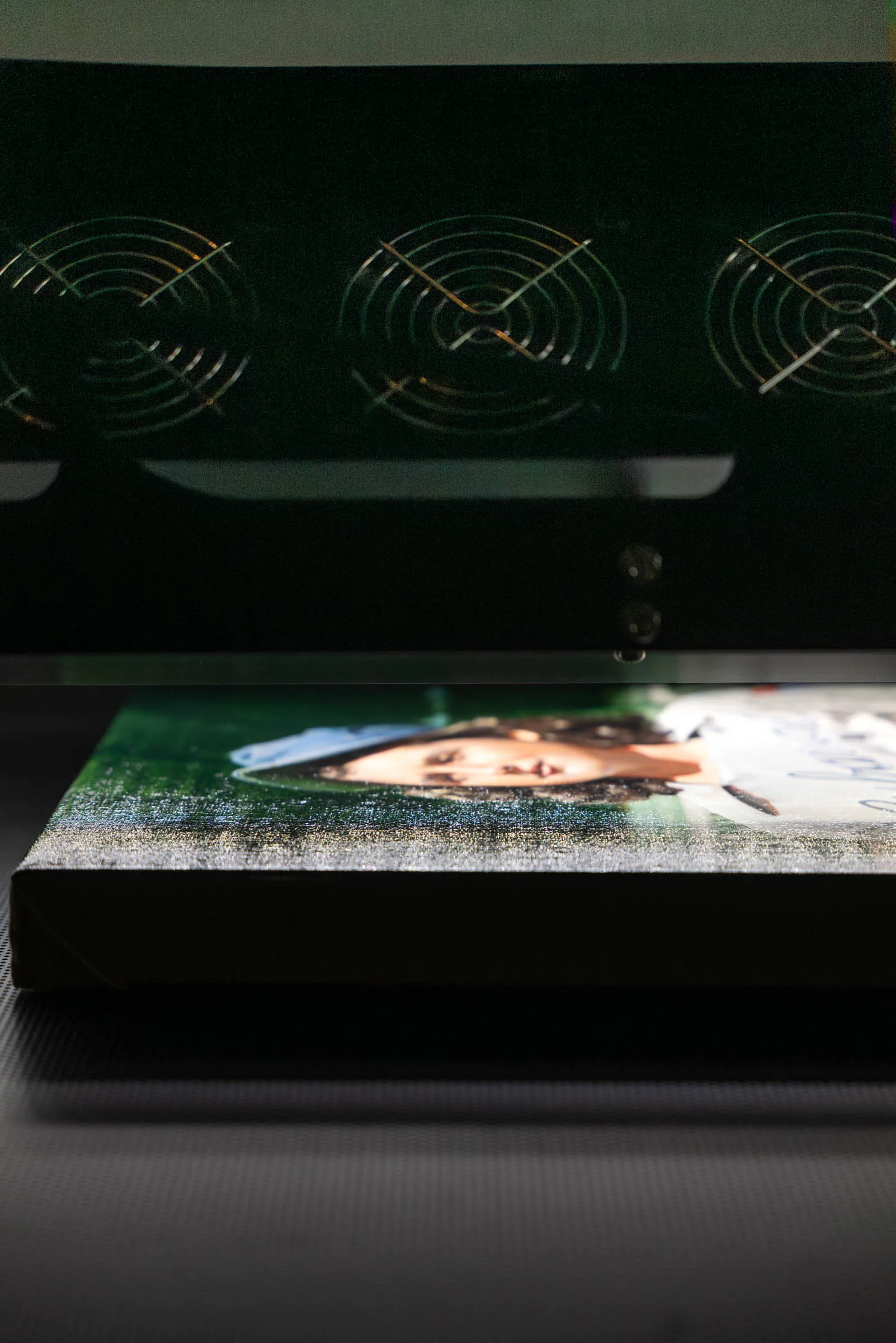
A scanner narrows those variables by design. Its light and sensor hold a fixed geometric relationship with the artwork throughout the capture, so every line is lit and read under identical conditions. Calibration ties the sensor to known color values, and the result is color that stays consistent across the full surface and repeats reliably from one scan to the next. For flat and dimensionally shallow artwork, that consistency is the decisive advantage. For a fuller comparison of the two approaches, see scanning vs. photographing artwork.
Color accuracy is independent of how many pixels you capture. A scan needs adequate resolution to reproduce at the size you want and accurate color to reproduce the right hues — two separate properties, both required. For the resolution side, see what resolution artwork should be scanned at, and for how tonal precision affects smooth color transitions, see bit depth in artwork scanning.
Frequently asked questions
Why do the colors in my scan look different on another screen?
Almost always because of color management. If the file carries the correct embedded ICC profile and you view it in a color-managed application on a calibrated display, the colors hold. Differences usually trace to a missing or ignored profile, an uncalibrated monitor, or a viewer that disregards color management. The fix is a properly profiled file viewed in a color-managed environment.
Does a higher-resolution scan have more accurate color?
No. Resolution and color accuracy are independent. A 1600 PPI scan made with poor lighting or no calibration is a large file with inaccurate color. Accuracy depends on calibration, lighting, and color management, not on pixel count.
Can color accuracy be fixed after scanning if the capture was poor?
Only within limits. A skilled operator can correct a calibrated, color-managed file against the original under controlled viewing conditions. But color the scanner never recorded correctly — clipped by a narrow color space, lost to uneven lighting, or distorted by an uncalibrated sensor — cannot be reliably reconstructed. Accuracy is far cheaper to capture than to repair.
What is the role of a color target in scanning?
A color target is a chart of patches with known values that gives the workflow an objective reference. Scanning it with the artwork lets the operator verify recorded color against true color, turning accuracy into something measured rather than judged by eye alone.
Professional Artwork Digitization at Brooklyn Editions
At Brooklyn Editions, artwork is digitized using the Metis DRS 2020 — a professional scanning system with a native optical resolution up to 1600 PPI and a scan bed capable of capturing large paintings in a single contactless pass. Every scan project begins with a consultation to discuss the artwork, its dimensions, and the intended use of the files, so that we can recommend the right resolution and workflow before any work begins.
If you're planning to reproduce artwork as prints, create an archival digital record, or produce an edition, our scanning services page has full details on the process, file delivery, and how to get started.