
Understanding Bit Depth in Artwork Scanning
Quick answer
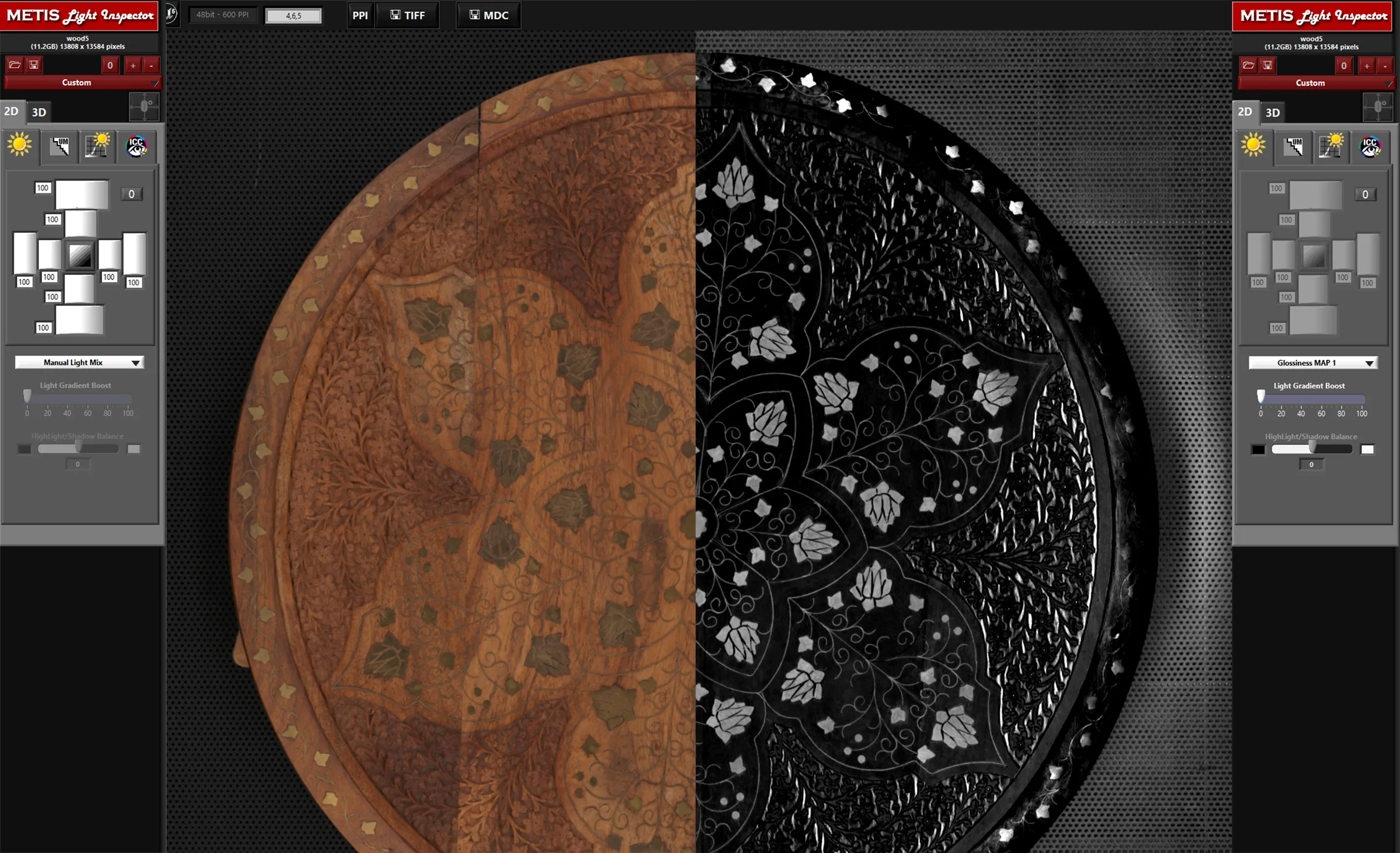
Bit depth describes how many tonal values a scan records for each color channel. An 8-bit file holds 256 values per channel; a 16-bit file holds 65,536. More values mean smoother gradients and far more room to edit before the image breaks down. Capture in 16-bit when the artwork has subtle tonal transitions or will need strong correction, and when the work is destined for archival preservation. For most reproduction prints from already color-accurate scans, an 8-bit export is enough. The practical rule is simple: capture high, export to the bit depth the final use actually needs.
The rest of this article explains what those numbers mean, why bit depth governs how gradients reproduce, and how to decide what your project requires.
What bit depth actually measures
Every pixel in a digital image is a set of numbers describing its color. In RGB, that pixel has three channels — red, green, and blue — and bit depth tells you how finely each channel is divided.
An 8-bit channel can hold 2 to the 8th power values, which is 256 distinct levels, from 0 (no light) to 255 (full intensity). Combine three 8-bit channels and you get 256 × 256 × 256, or roughly 16.7 million possible colors. That sounds like plenty, and for a great many images it is.
A 16-bit channel holds 2 to the 16th power values — 65,536 levels per channel. The jump from 256 to 65,536 is enormous: a 16-bit file describes each channel with 256 times the resolution of an 8-bit file. Across three channels, the number of representable colors runs into the trillions. You will never see most of those colors as distinct steps, and that is the point. The extra precision is held in reserve.
You may also see bit depth quoted as a total across channels. A 16-bit-per-channel RGB file is sometimes called 48-bit; an 8-bit-per-channel file, 24-bit. They describe the same thing from different angles. When a fine art scanner is specified to capture in 16-bit, it means 16 bits per channel — the figure that matters for image quality.
Why bit depth matters: gradients and banding
Sharp detail is not the hard part of digital reproduction. Crisp edges, fine lines, and texture survive in almost any reasonable file. What strains a file is smooth, continuous tone — a watercolor wash fading across the paper, a clear sky, a soft shadow falling off into black, the out-of-focus background of a photograph.
These transitions ask the file to step gently from one tone to the next across many pixels. With 256 levels per channel, the steps between adjacent tones can become visible as distinct bands — an artifact called banding or posterization, where a smooth gradient turns into a series of flat stripes. With 65,536 levels, the steps are 256 times smaller and the transition reads as continuous, exactly as it does in the original.
A faithful scan captured in 16-bit will reproduce a delicate gradient without visible steps. The same subject captured at 8-bit may look fine on first viewing but show its limits the moment the file is pushed.
Editing headroom is the real argument for 16-bit
The strongest reason to capture in 16-bit is not how the file looks straight out of the scanner — a well-made 8-bit scan can look identical. The reason is what happens when you edit.
Every correction you apply — adjusting contrast, lifting shadows, shifting color balance — redistributes the tonal values in the file. When you stretch a range of tones, you spread its existing values across a wider span, and gaps open up between them. In an 8-bit file with only 256 values to begin with, aggressive edits can thin those values until gradients that were smooth start to band. The information to fill the gaps was never recorded, so it cannot be recovered.
A 16-bit file starts with so many values that the same edits barely dent the smoothness. You can lift deep shadows, recover highlights, and apply strong color correction, and the gradients hold. This headroom is why archival and high-correction workflows specify 16-bit capture: the file you keep should survive whatever editing the future requires.
Resolution and bit depth are independent. Resolution governs how many pixels you have; bit depth governs how much tonal information each pixel carries. A scan needs both to be a faithful record. For how resolution works, see our guide on what resolution artwork should be scanned at.
When 8-bit is enough
16-bit is not always necessary, and it carries a real cost. A 16-bit file is roughly twice the size of the same image in 8-bit, which means more storage, slower processing, and larger transfers. For many projects that overhead buys nothing you can see.
An 8-bit export is sufficient when:
- The scan is already color-accurate and needs no heavy correction.
- The artwork has limited smooth-gradient content — line work, flat graphic areas, high-detail textures.
- The file is destined for web display, where 8-bit is the standard and the display itself cannot show more.
- You are delivering a print-ready file to a printer that expects 8-bit input.
Most color-correct fine art scans reproduce perfectly in 8-bit. The works that genuinely benefit from 16-bit are the ones with delicate, continuous tone: watercolors and gouaches with luminous washes, dark paintings with subtle shadow detail, and photographic prints with smooth out-of-focus areas.
Capture high, export low
The professional approach resolves the tradeoff cleanly: capture in 16-bit, then export to the bit depth each use needs.
Working this way, the master scan holds the full tonal range and all the editing headroom you might ever want. From that master you derive whatever the project requires — a 16-bit TIFF as the archival original, an 8-bit TIFF or JPEG for a print job, an 8-bit image sized down for the web. You can always discard precision when you export. You cannot add precision that was never captured.
This mirrors the same logic that governs resolution: capture generously once, then scale down for specific uses, because the original may not be available to recapture. For 16-bit to mean anything, the capture hardware has to read the full tonal range in the first place — bit depth set in software on a scanner that cannot resolve the tones does not invent detail it never measured.
Frequently asked questions
Will I see a difference between an 8-bit and 16-bit scan on screen?
Usually not, side by side, when both files come straight from a quality scan. The two will look essentially identical until the file is edited. The difference appears when you apply strong corrections: the 16-bit file holds its smooth gradients while the 8-bit file may begin to band in delicate tonal areas.
Does a higher bit depth make my colors more accurate?
No. Color accuracy comes from calibration, controlled lighting, and color management, not from bit depth. Bit depth governs how finely tones are recorded and how much editing a file can take, not whether the color is correct to begin with. See our guide on color accuracy in artwork scanning for what actually drives faithful color.
Should I archive my scans in 8-bit or 16-bit?
Archive in 16-bit when the work warrants it. An archival master is meant to be the most complete record of the original, and 16-bit preserves the tonal headroom for future editing, reproduction, and display technology you cannot anticipate today. The larger file size is a reasonable cost for a file meant to last.
What about 32-bit files?
32-bit per channel exists for high-dynamic-range photography and certain compositing work, but current fine art printing technology cannot use 32-bit data. For scanning, reproduction, and archiving artwork, 16-bit is the meaningful ceiling.
Professional Artwork Digitization at Brooklyn Editions
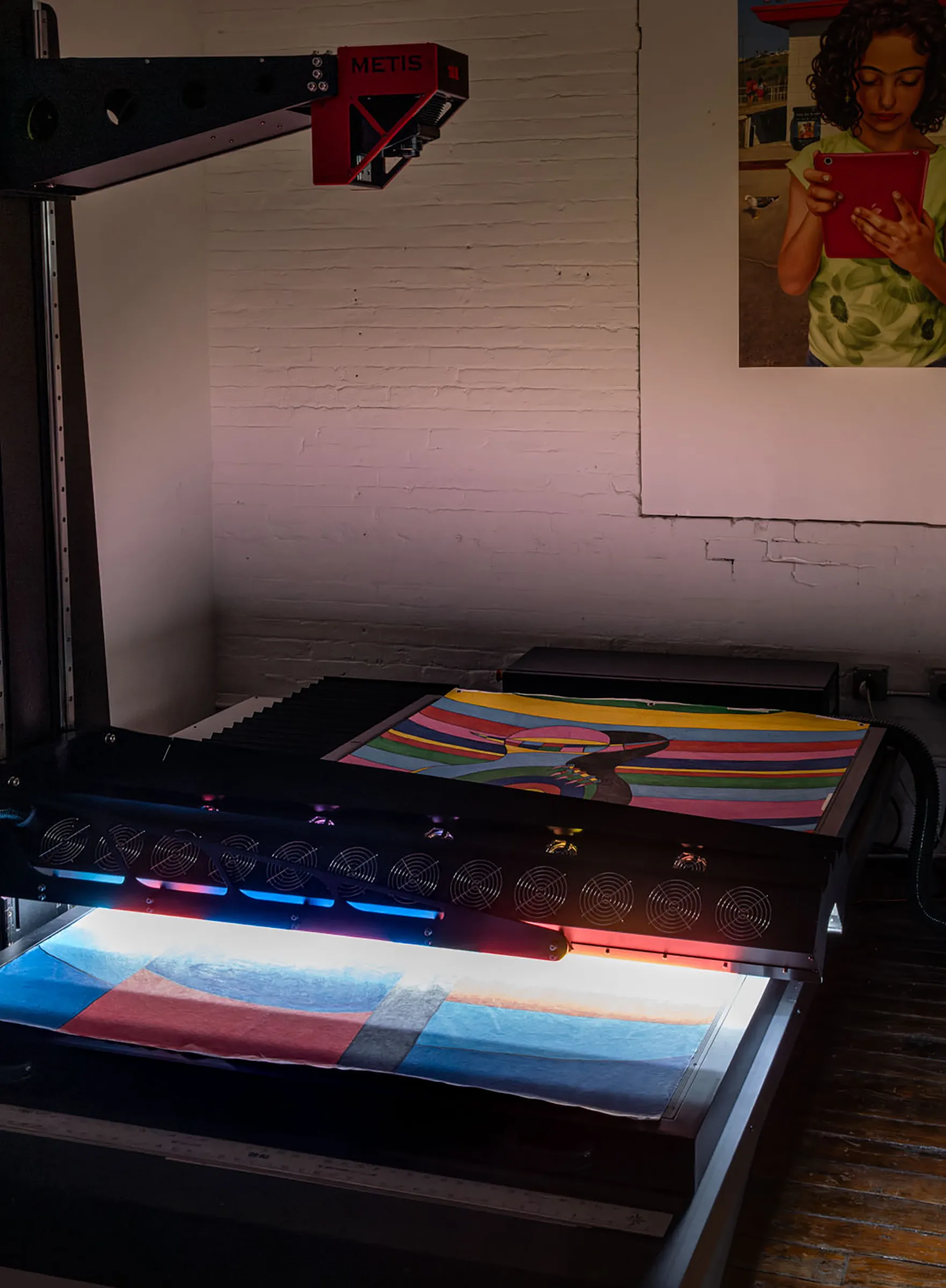
At Brooklyn Editions, artwork is digitized using the Metis DRS 2020 — a professional scanning system with a native optical resolution up to 1600 PPI and a scan bed capable of capturing large paintings in a single contactless pass. Every scan project begins with a consultation to discuss the artwork, its dimensions, and the intended use of the files, so that we can recommend the right resolution and workflow before any work begins.
If you're planning to reproduce artwork as prints, create an archival digital record, or produce an edition, our scanning services page has full details on the process, file delivery, and how to get started.