
How Museums Digitize Artwork
Quick Answer
Museums digitize artwork to formal standards that govern resolution, color accuracy, and metadata, so the resulting files are consistent, verifiable, and useful decades after capture. The work centers on dedicated scanners over cameras, capture at 400 to 600 PPI or higher at original size, wide-gamut color management with calibration targets, and structured metadata recorded alongside each file. Smaller institutions and private collections can't always match a museum's budget, but the principles — capture once at high quality, manage color, and document everything — apply at any scale.
The rest of this guide explains the standards institutions follow, why they use dedicated scanners, and what a gallery, archive, or collector can practically borrow from museum practice.
Why Museums Hold Themselves to Standards
A museum digitizes a work once and expects the file to serve for generations — for conservation reference, scholarly study, publication, licensing, exhibition, and access long after the original has gone back into climate-controlled storage. A file that's merely "good enough" for today's website fails the moment someone needs it for a large-format catalogue, a condition comparison, or a display technology that doesn't exist yet.
That long horizon is why institutional digitization runs on published standards rather than individual judgment. When every work in a collection is captured to the same specification, the files are comparable across the archive, verifiable by anyone who picks them up later, and resistant to the drift that creeps in when each operator improvises. The standard is what makes a digitization program an archive rather than a folder of pictures.
The Standards Museums Follow
The most widely cited reference in the United States is the Federal Agencies Digital Guidelines Initiative — FADGI. FADGI publishes tiered guidance for digitizing cultural materials, defining measurable targets for resolution, tonal accuracy, color, and other imaging variables, along with a star-rating system that lets an institution specify exactly how rigorous a capture needs to be. A four-star FADGI capture for two-dimensional artwork is a demanding specification, not a loose suggestion.
FADGI isn't the only framework. Institutions also reference the metadata and image-delivery standards around IIIF (the International Image Interoperability Framework) for sharing high-resolution images across collections, and various national and museum-specific guidelines that build on the same core ideas. The common thread is that the requirements are written down, measurable, and consistent — so a file's quality can be checked against the spec rather than eyeballed.
For two-dimensional artwork, institutional digitization standards typically call for a minimum of around 400 PPI at original size, with 600 PPI or higher recommended for works with fine surface detail. These are floors, not ceilings — works destined for large-format reproduction or detailed scholarly study are often captured higher.
Resolution, Color, and Metadata
Three requirements do most of the work in any institutional spec.
Resolution
Institutional captures target a specific PPI at the original size of the artwork, because that figure determines how large and how detailed any future reproduction can be. A painting captured at 600 PPI at original size carries enough information to reproduce at roughly twice its dimensions without visible degradation; at 1200 PPI, roughly four times. The institution captures high because rescanning means pulling an irreplaceable original back out of storage — a cost and a risk worth avoiding. For the full logic of matching resolution to use, see what resolution artwork should be scanned at.
Color
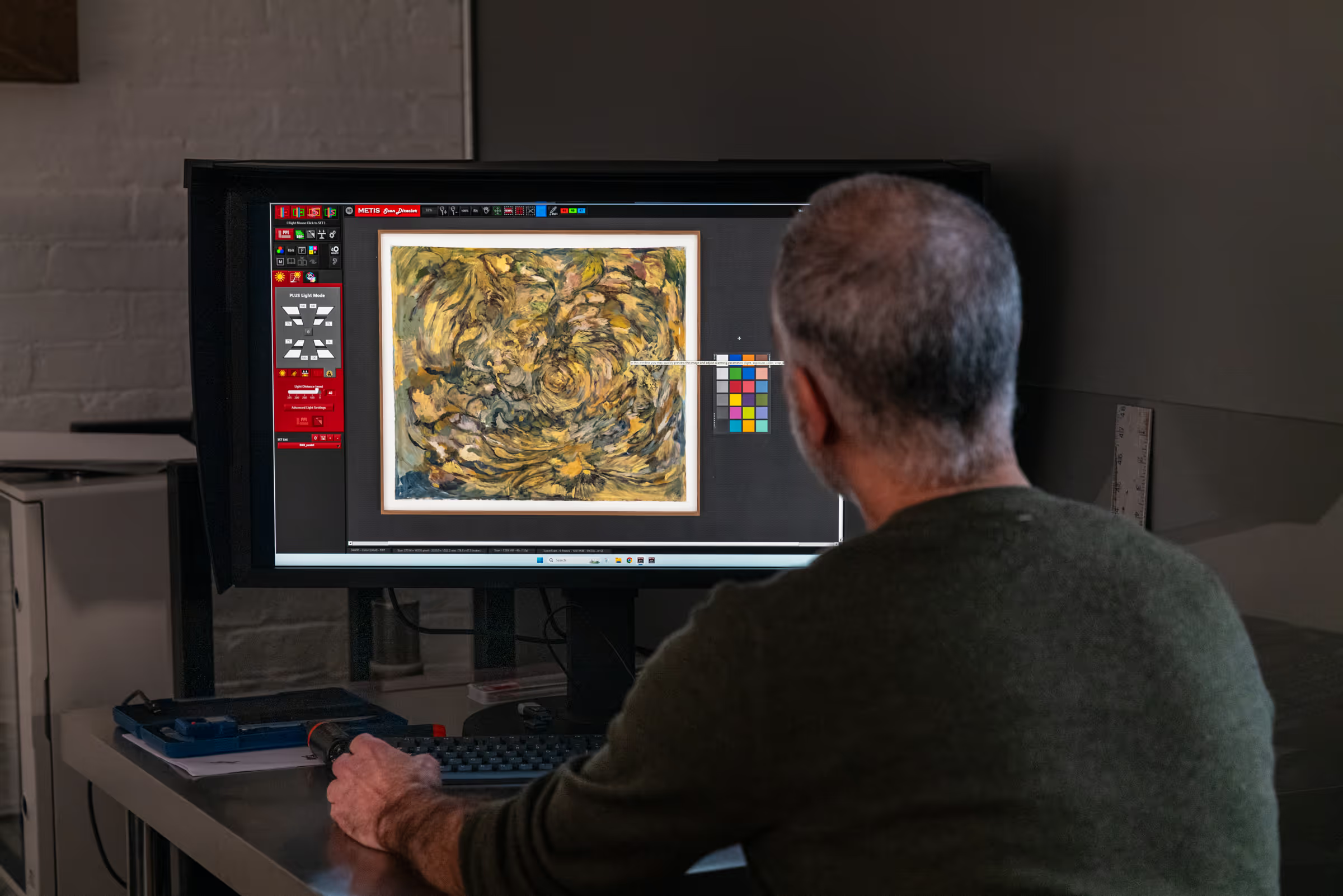
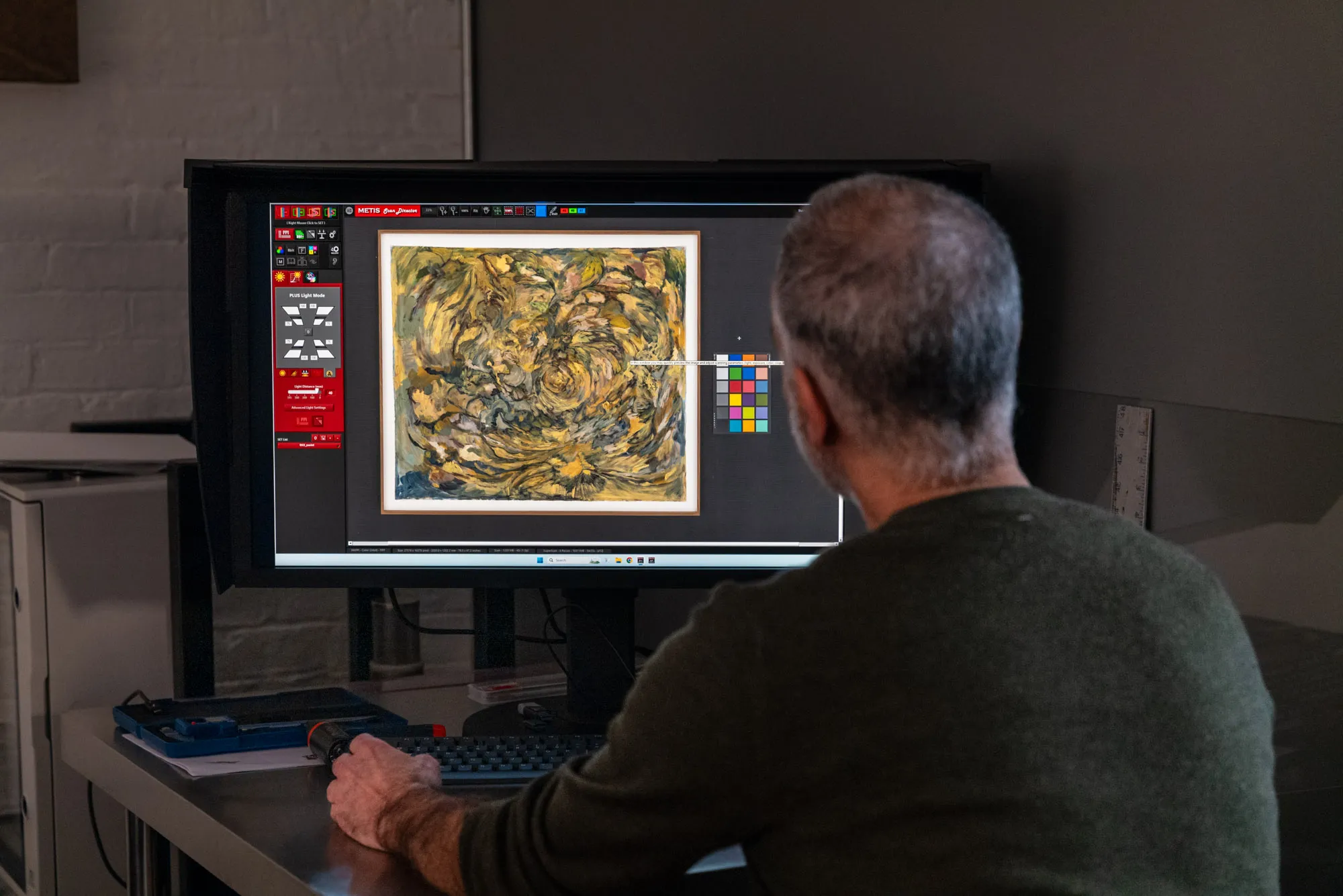
Color accuracy in institutional work is verifiable, not subjective. The scanner is calibrated against targets of known color values, files are captured and delivered in a wide-gamut color space such as Adobe RGB, and a color reference target is frequently captured alongside the artwork so anyone can confirm later that the file's color is faithful. High bit depth — 16 bits per channel — preserves the fine tonal gradations that matter in shadows, highlights, and smooth transitions, giving the file headroom for any future correction without banding.
Metadata
This is where institutional practice diverges most sharply from casual digitization. Every museum file carries structured metadata: the artwork's identifiers, dimensions, medium, and provenance; the capture details — equipment, resolution, color space, date, operator; and the rights and access information that govern how the file can be used. Metadata is what turns a pixel grid into a record. A file without it is an orphan; a file with it can be found, verified, and trusted across decades and across institutions.
Why Institutions Use Dedicated Scanners
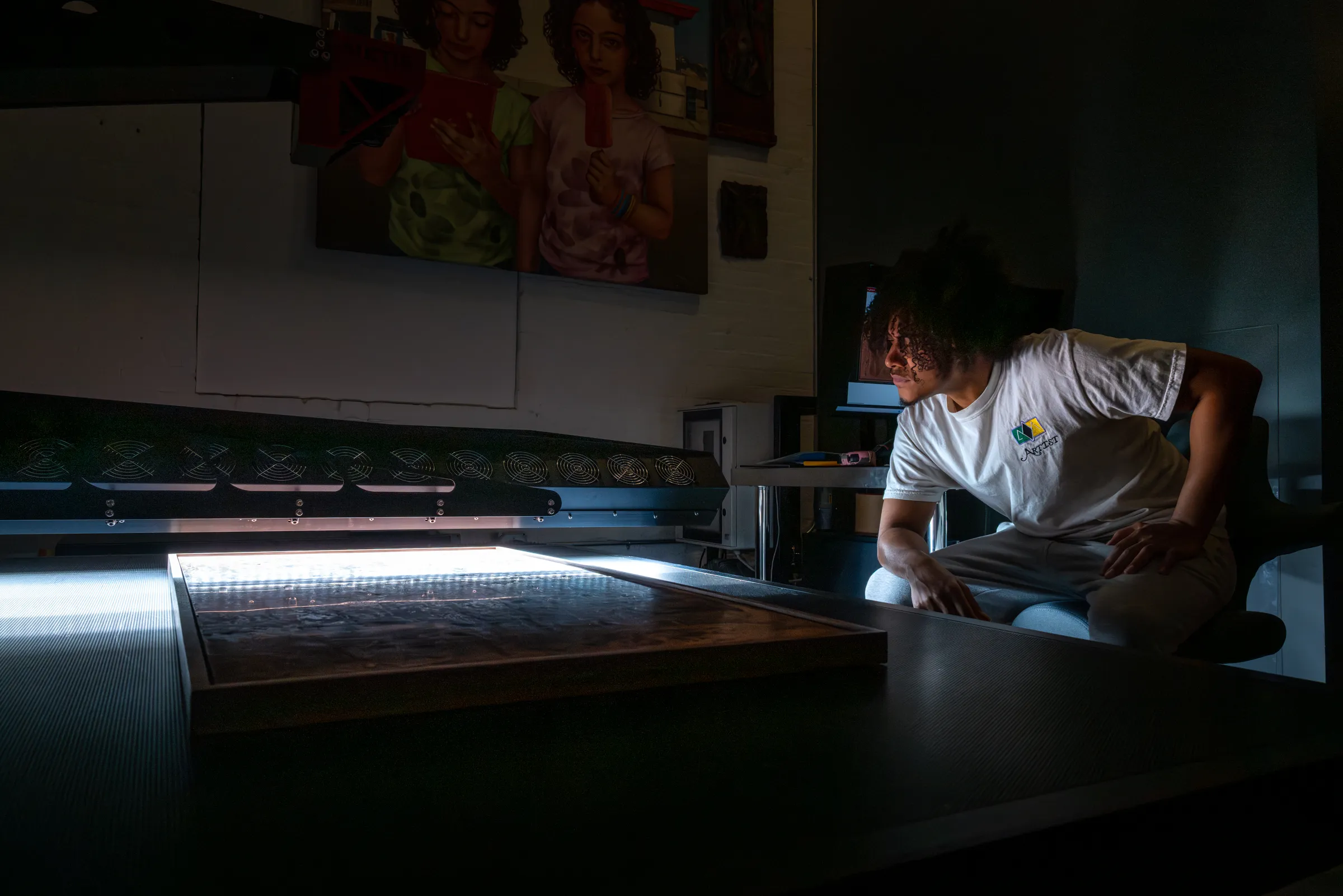
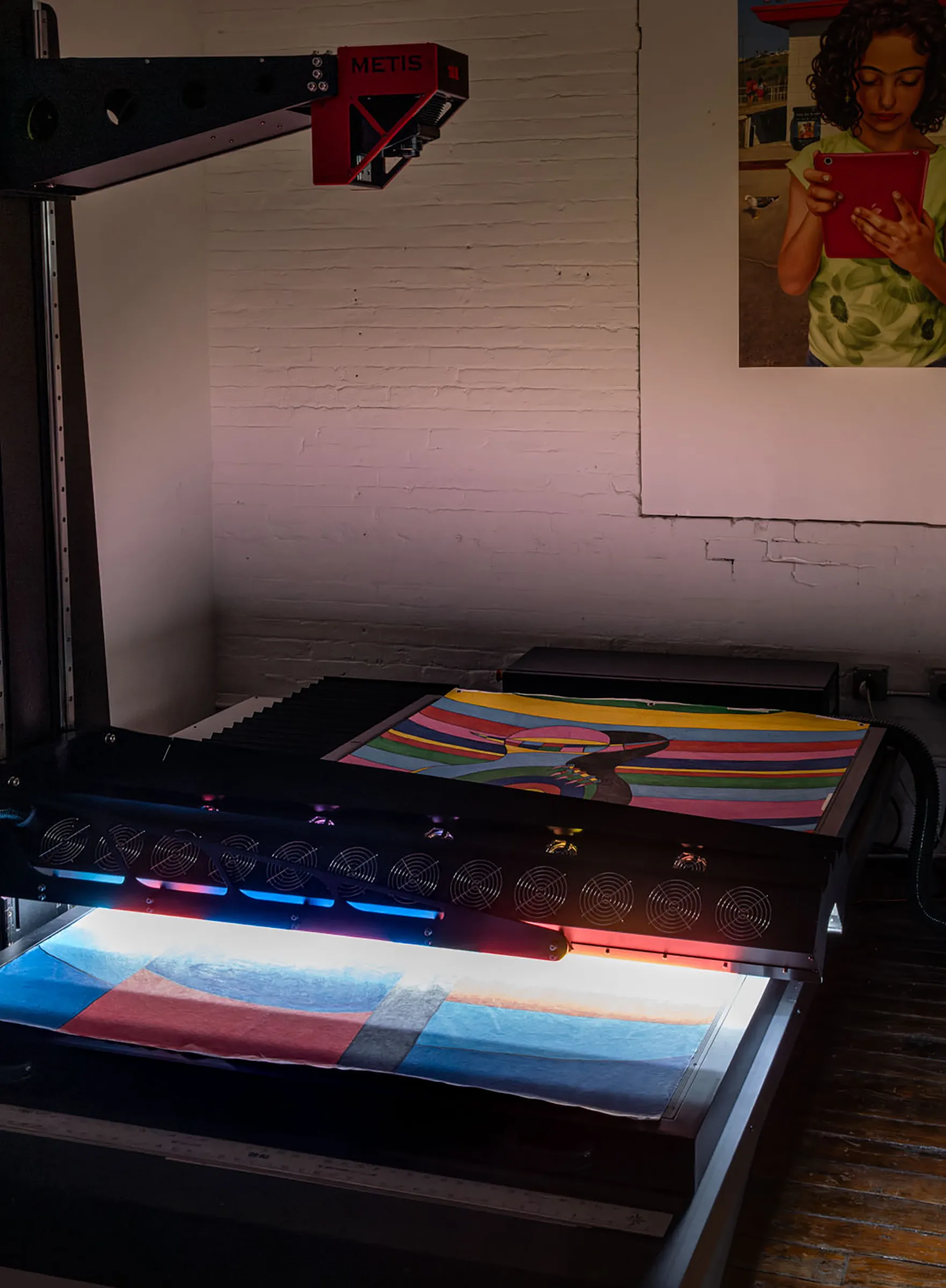
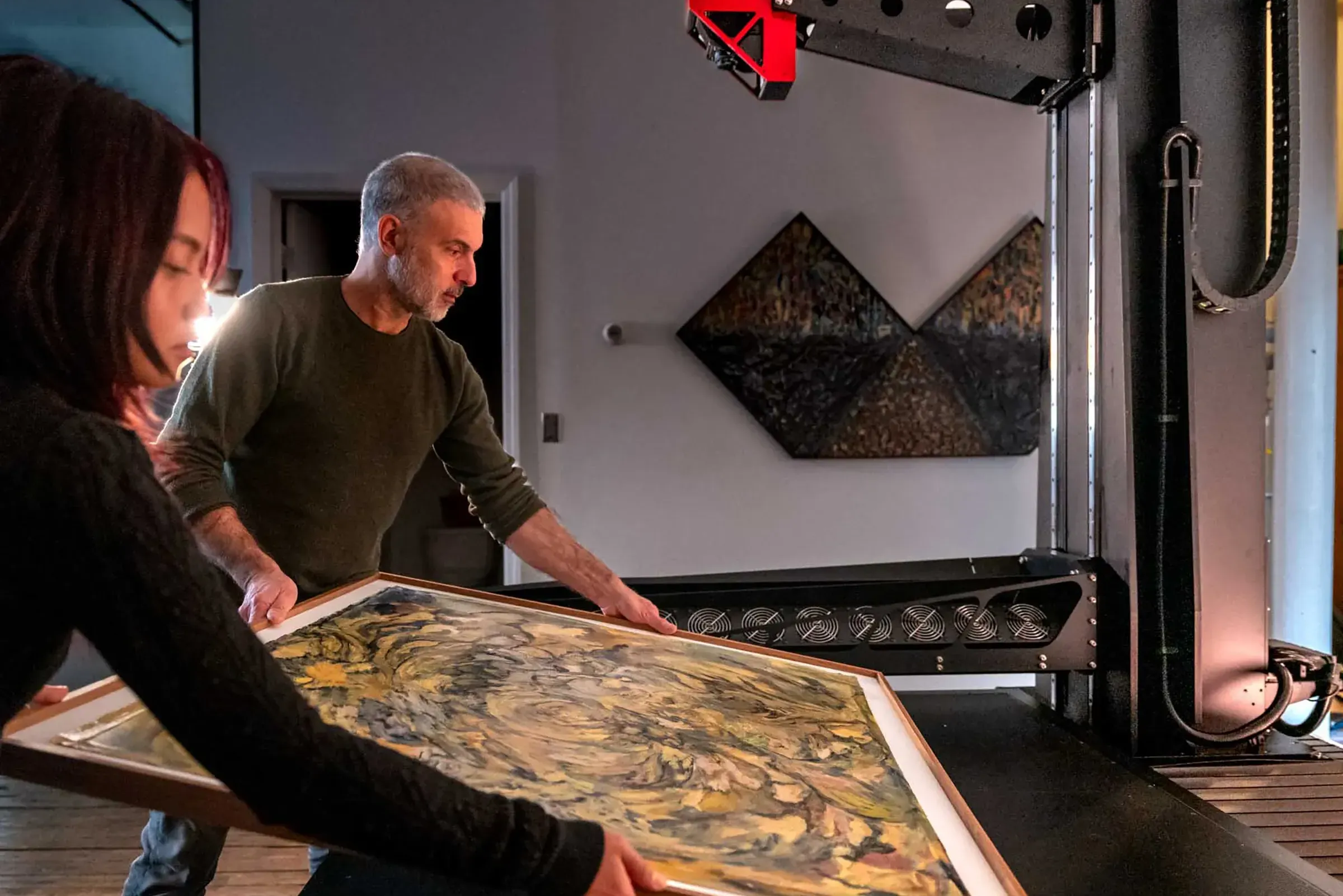
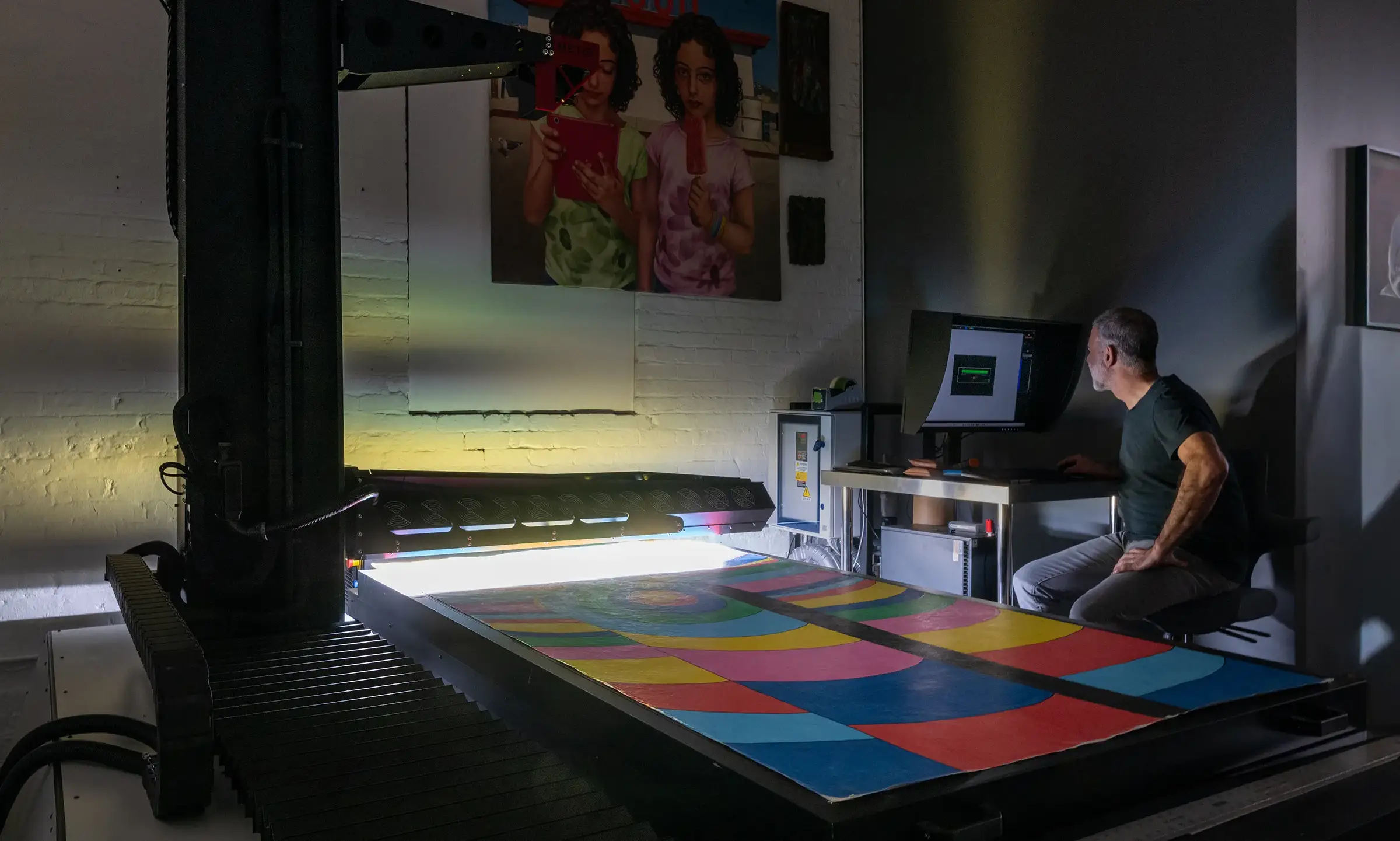
Museums favor dedicated fine art scanners over camera-based capture for two-dimensional work because the scanner removes the variables that make consistency hard. Metis and Cruse build the state-of-the-art systems used in cultural institutions — instruments often the size of a car, where the light source and sensor move across the artwork in precise, calibrated registration.
That fixed geometric relationship is the point. Because light, sensor, and artwork hold a constant relationship through the capture, a scanner delivers spatial accuracy and tonal consistency that a camera — where lens distortion, lighting uniformity, and angle are all moving targets — struggles to match. A scanner's pixel count also scales with the size of the work: scan a small drawing and a large painting at the same PPI and the painting produces a proportionally larger, more detailed file, exactly as the original warrants. A fixed-sensor camera can't do that. For the full comparison, read scanning versus photographing artwork.
Dedicated scanners also handle the variables that institutional work can't ignore: directional lighting control to render surface texture and brushwork faithfully, high dynamic range to hold detail in both deep shadows and bright highlights, and large scan beds that capture sizable works in a single pass rather than stitching sections by hand. Camera capture still has a role for three-dimensional pieces and works that can't be moved, but for flat artwork, the scanner is what makes the standard achievable.
What Smaller Collections Can Learn from Museum Practice
You don't need a museum's budget to apply a museum's thinking. The principles scale down cleanly to a gallery archive, a regional historical society, an artist's estate, or a private collection.
- Capture once, at high quality. The most expensive mistake is a low-resolution scan that has to be redone — assuming the original is even still available. Capturing at 600 PPI or higher at original size costs little more up front and saves a rescan you may never get the chance to make.
- Manage color, every file. Calibrate, capture in a wide-gamut space, and deliver files tagged with an ICC profile. Color management is the single cheapest way to keep your files from drifting unpredictably across screens and printers.
- Document everything. You don't need a full FADGI metadata schema to benefit from its logic. Recording each file's resolution, color space, dimensions, date, and a basic identifier is enough to turn a pile of files into a usable archive.
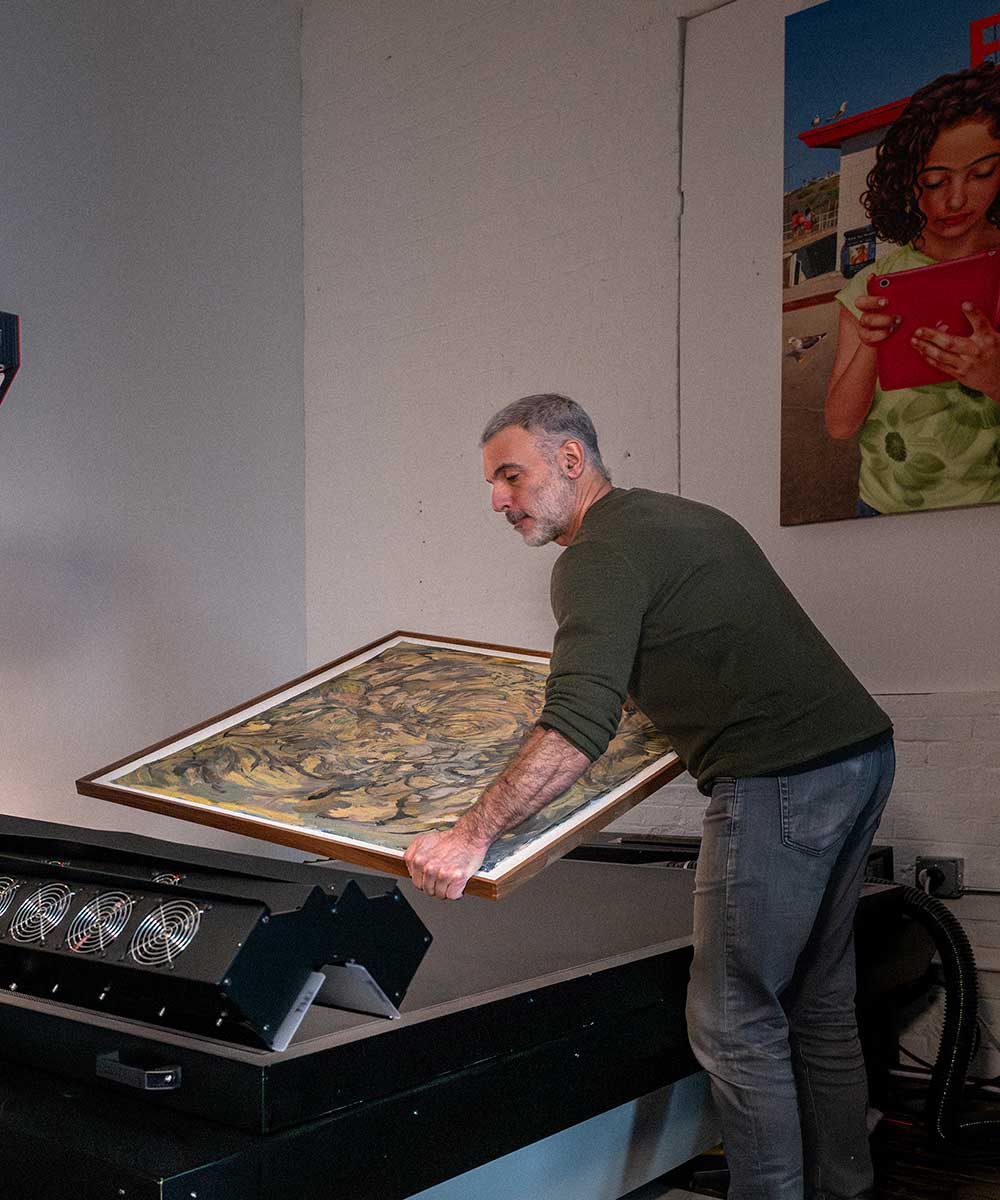
- Use a studio with the right equipment. Most small institutions don't own a fine art scanner and shouldn't try to. A professional studio with a dedicated scanner and a color-managed workflow gives you institutional-grade capture without the institutional-grade machine.
For estate-scale projects in particular, consistency across the whole archive matters more than any single file. A digitization program that locks in one specification — same scanner, same resolution floor, same color space, same metadata fields — produces a coherent archive instead of a collection of one-offs. See our guide to digitizing an artist's estate for how this plays out at scale.
Frequently Asked Questions
What resolution do museums use to digitize artwork?
Institutional standards for two-dimensional artwork typically specify a minimum of around 400 PPI at original size, with 600 PPI or higher recommended for works with fine surface detail. Works intended for large-format reproduction or close scholarly study are often captured higher. These figures are measured at the original size of the artwork, not at a reduced display size.
What is FADGI?
FADGI is the Federal Agencies Digital Guidelines Initiative, a widely referenced set of standards for digitizing cultural heritage materials in the United States. It defines measurable targets for resolution, tonal accuracy, and color, along with a star-rating system that lets an institution specify how rigorous a capture needs to be. Museums and archives use it to make digitization verifiable rather than subjective.
Why don't museums just photograph artwork with a camera?
For flat artwork, dedicated scanners remove the variables — lens distortion, uneven lighting, capture angle — that make camera-based consistency difficult, and a scanner's pixel count scales with the size of the work. Cameras still have a role for three-dimensional pieces and works that can't be moved, but institutions favor scanners for two-dimensional work because they deliver the spatial and tonal consistency that archival standards require.
Can a small collection follow museum digitization standards?
Yes, in principle if not always to the full specification. The core practices — capture once at high resolution, manage color with calibration and ICC profiles, and record structured metadata for every file — apply at any scale and don't require owning a museum-grade scanner. Working with a professional studio gives a smaller collection institutional-quality capture without the institutional equipment budget.
Professional Artwork Digitization at Brooklyn Editions
At Brooklyn Editions, artwork is digitized using the Metis DRS 2020 — a professional scanning system with a native optical resolution up to 1600 PPI and a scan bed capable of capturing large paintings in a single contactless pass. Every scan project begins with a consultation to discuss the artwork, its dimensions, and the intended use of the files, so that we can recommend the right resolution and workflow before any work begins.
If you're planning to reproduce artwork as prints, create an archival digital record, or produce an edition, our scanning services page has full details on the process, file delivery, and how to get started.