
Digitizing an Artist's Estate
Quick Answer
Digitizing an artist's estate works best as a planned project, not a pile of scans. Catalogue the works first so you know what you have. Prioritize by fragility, value, and likelihood of dispersal — capture the most vulnerable and most important pieces early. Set one consistent standard for resolution, color space, file format, and metadata before any capture begins, so the whole archive matches. Then work with a scanning studio that can handle the range of media and sizes in the estate, and that captures contactlessly to protect fragile originals. The result is a complete, uniform digital record that outlasts the physical collection.
Why an Estate Is a Different Kind of Project
Digitizing one painting is a task. Digitizing an estate is a project, and the difference shapes every decision. An estate is a defined, finite body of work — sometimes a few dozen pieces, sometimes thousands — often under time pressure, and frequently facing dispersal. Works get sold into collections, donated to institutions, shipped to heirs, or placed in storage. Once a piece leaves, capturing it again may be impractical or impossible.
That changes the goal. You're not making the best possible file of a single work; you're building a complete, consistent record of an entire collection before it scatters. Consistency is the part people underestimate. An archive where every file follows the same resolution, color, format, and metadata standard is a usable catalogue. An archive assembled piecemeal — different resolutions, missing color profiles, inconsistent naming — is a folder of images nobody can rely on. The planning you do before the first scan determines which one you end up with.
Step One: Catalogue Before You Capture
You can't digitize what you haven't inventoried. The first job is a catalogue — a working list of every piece in the estate, with the basic facts recorded for each: title, medium, dimensions, approximate date, and current condition. A note on surface (heavy impasto, loose pastel, varnish, gloss) and any fragility flags will shape both the capture order and how each piece is handled.
This catalogue does double duty. It tells you the scope of the project — how many works, what range of sizes and media, which pieces need special handling — which is exactly what a scanning studio needs to scope the work and advise you. And it becomes the backbone of the digital archive's metadata. Every field you record now becomes data embedded in the finished files, which is how a future user searches the archive and keeps attribution attached to each work. Build the catalogue in a form you can carry forward — a spreadsheet maps directly onto the metadata fields the files will eventually hold.
Step Two: Prioritize the Order of Work
Few estates get digitized all at once. Budget, time, and access usually mean capturing in waves, which makes prioritization a real decision rather than a formality. Three factors should drive the order.
- Fragility. Works that are actively deteriorating — flaking paint, acidic paper, loose charcoal or pastel — should be captured first. The digital record may become the only faithful version if the original degrades further.
- Value and significance. The most important works — by market value, by significance to the artist's body of work, by likelihood of being requested for exhibition or publication — earn priority because the cost of not having a good file of them is highest.
- Likelihood of dispersal. Pieces about to be sold, donated, or shipped should be captured before they leave. Once a work is in a distant collection, a second capture may not happen.
Works that are stable, lower in priority, and staying put can wait for a later wave without risk. Sorting the catalogue against these three factors turns an overwhelming collection into a sequence you can actually execute.
Step Three: Set the Standards Once, Apply Them to Everything
The single decision that most determines archive quality is setting your capture standards before you start — and holding them across every piece. Decide these up front:
- Resolution. A consistent archival benchmark, typically 600 PPI at original size or higher, with higher resolution for small works or pieces with fine detail. Use native optical resolution as the measure, not interpolated marketing figures. What resolution artwork should be scanned at covers how to set this.
- Color space. A wide-gamut space such as Adobe RGB or ProPhoto RGB, with an embedded ICC profile in every file, so the archive's color is accurate and consistent everywhere it's opened.
- File format. A lossless master per work — TIFF is the standard — with JPEG derivatives generated only as needed for sharing. Best file formats for artwork archives covers the master-and-derivative structure in depth.
- Metadata. A fixed set of fields embedded in every file, drawn from your catalogue: artist, title, medium, dimensions, date, capture date, copyright, and an inventory number.
- File naming. A consistent naming convention, ideally tied to the inventory number, so files sort predictably and map back to the catalogue.
Standards set once and applied to everything produce an archive that behaves as a single coherent record. Standards improvised piece by piece produce one that doesn't, and re-doing an inconsistent archive after the fact is far more expensive than getting it uniform the first time.
Step Four: Working With a Scanning Studio
An estate usually spans a range of media and sizes — oils, works on paper, photographs, large canvases, small drawings — which is more than camera-based capture or office equipment handles well. A professional fine art scanning studio matters here for reasons specific to estate work.
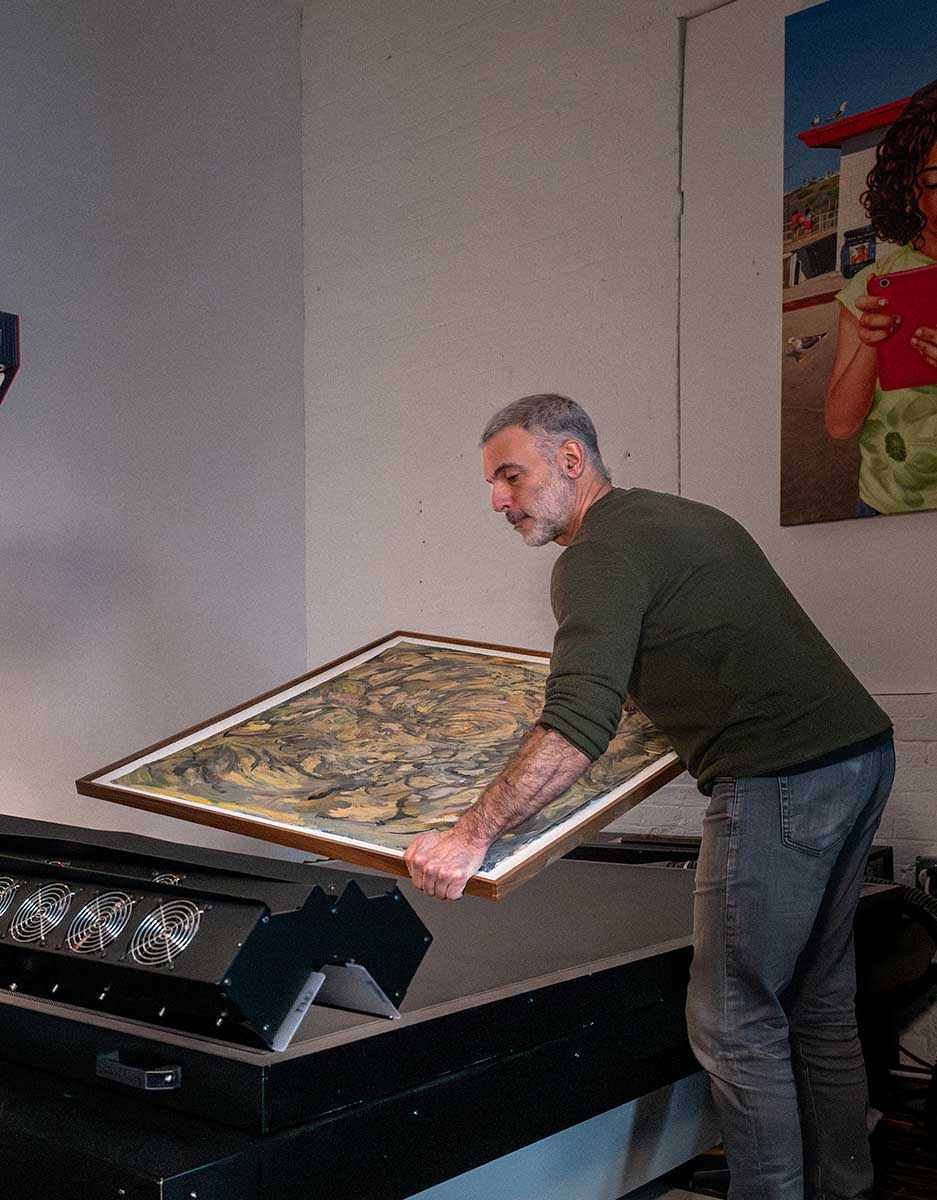
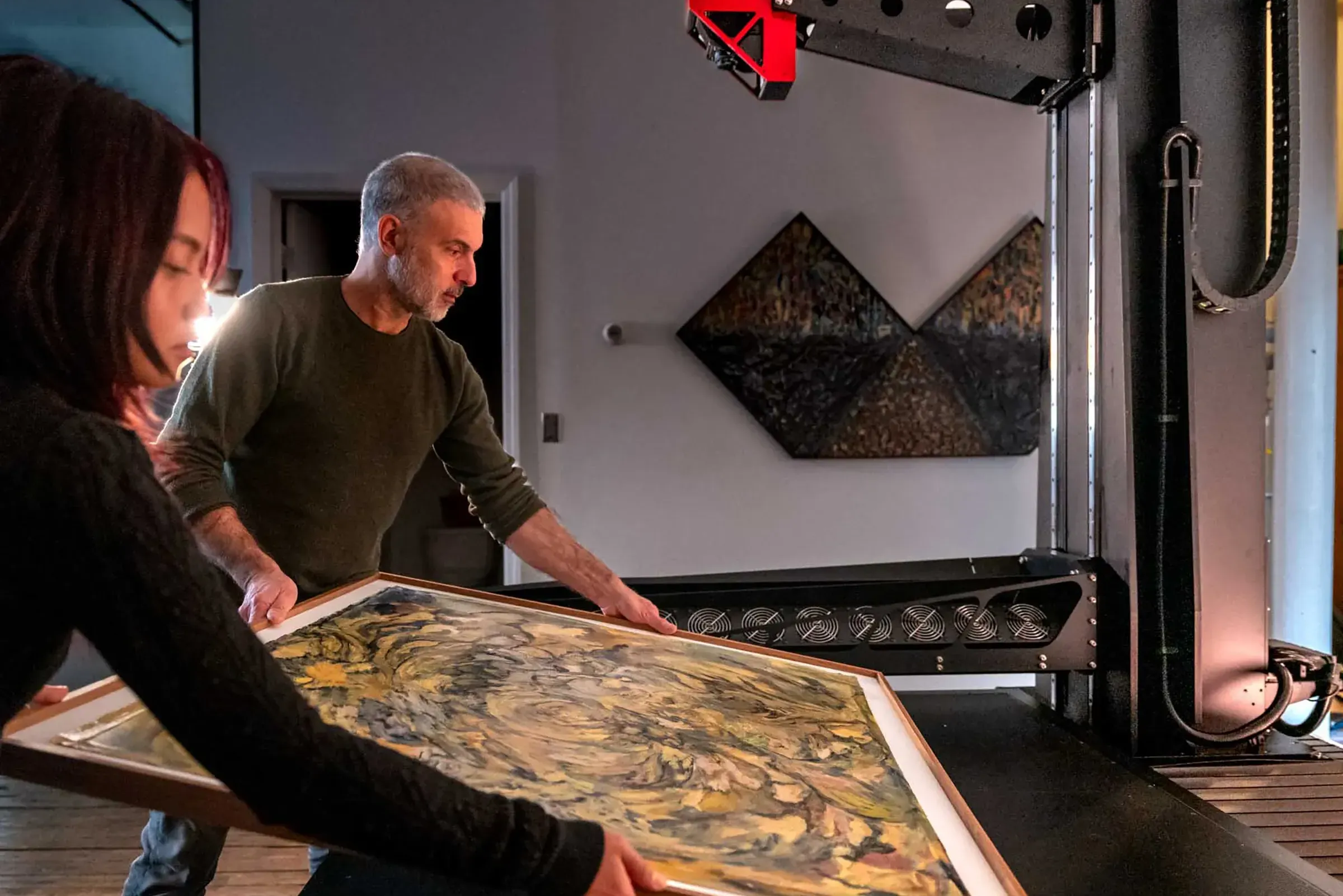
Contactless capture protects fragile originals: a contactless system passes the sensor and light over the work with no pressure on the surface, which matters for aging paper, flaking paint, and delicate media. A large scan bed handles oversized works in a single pass rather than stitching sections together. A color-managed workflow delivers the consistent, profiled files the archive standard requires. And a studio that scans the full range of media keeps the whole estate to one standard instead of farming different pieces to different vendors with different results.
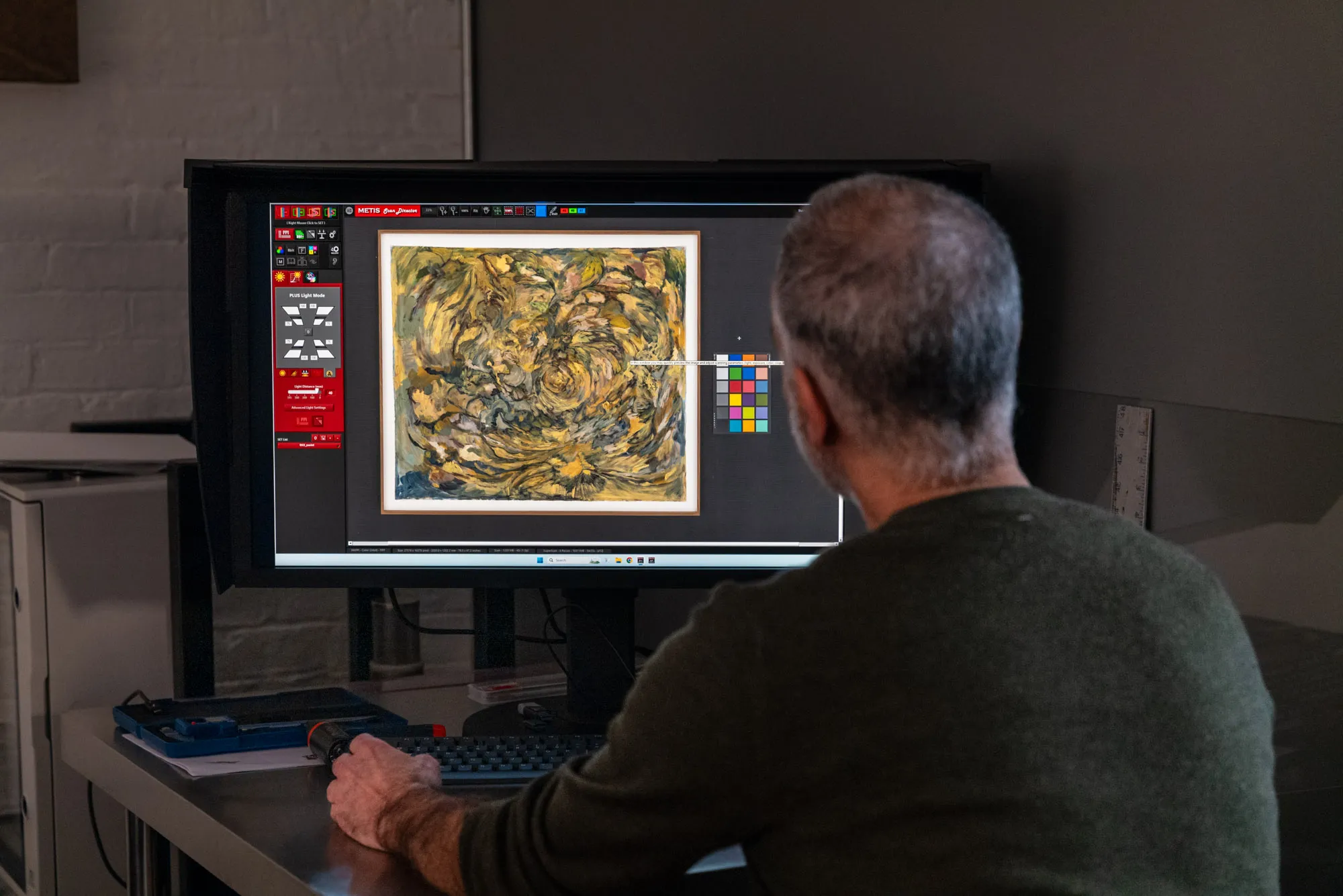
Bring the catalogue to the first conversation. A studio can scope the project accurately — capture order, handling needs, scan settings, delivery format — from a clear inventory of what the estate contains. The consultation is also where you confirm the standards: native optical resolution of the equipment, color space and bit depth of delivery, file format, and how files will be named and tagged. Settling these before capture begins is what keeps thousands of files consistent. For estates fragile or significant enough to warrant it, color reference targets captured alongside the work give the archive an objective color reference for the long term.
Frequently Asked Questions
What resolution should I use to digitize an artist's estate?
Set one consistent archival benchmark and apply it across the collection — typically 600 PPI at original size or higher, with higher resolution for small works or pieces with fine surface detail. Measure by native optical resolution, not interpolated figures. A uniform standard across every file matters more than maximizing any single capture.
In what order should I digitize an estate?
Prioritize by fragility first — capture deteriorating works before they degrade further — then by value and significance, then by likelihood of dispersal, so pieces about to be sold or shipped are captured before they leave. Stable, lower-priority works that are staying put can wait for a later wave.
Can fragile or aging artwork be safely digitized?
Yes, with the right equipment. A contactless scanning system passes the sensor and light source over the work without applying pressure to the surface, which protects fragile paper, flaking paint, and loose media. Flag any condition concerns to the studio in advance so handling can be planned.
Should I catalogue the works before scanning?
Yes. A catalogue tells you the scope of the project so a studio can scope and advise the work, and it becomes the backbone of the archive's metadata. Recording title, medium, dimensions, date, and condition before capture means that information can be embedded in the finished files and the archive is searchable from day one.
Professional Artwork Archiving at Brooklyn Editions
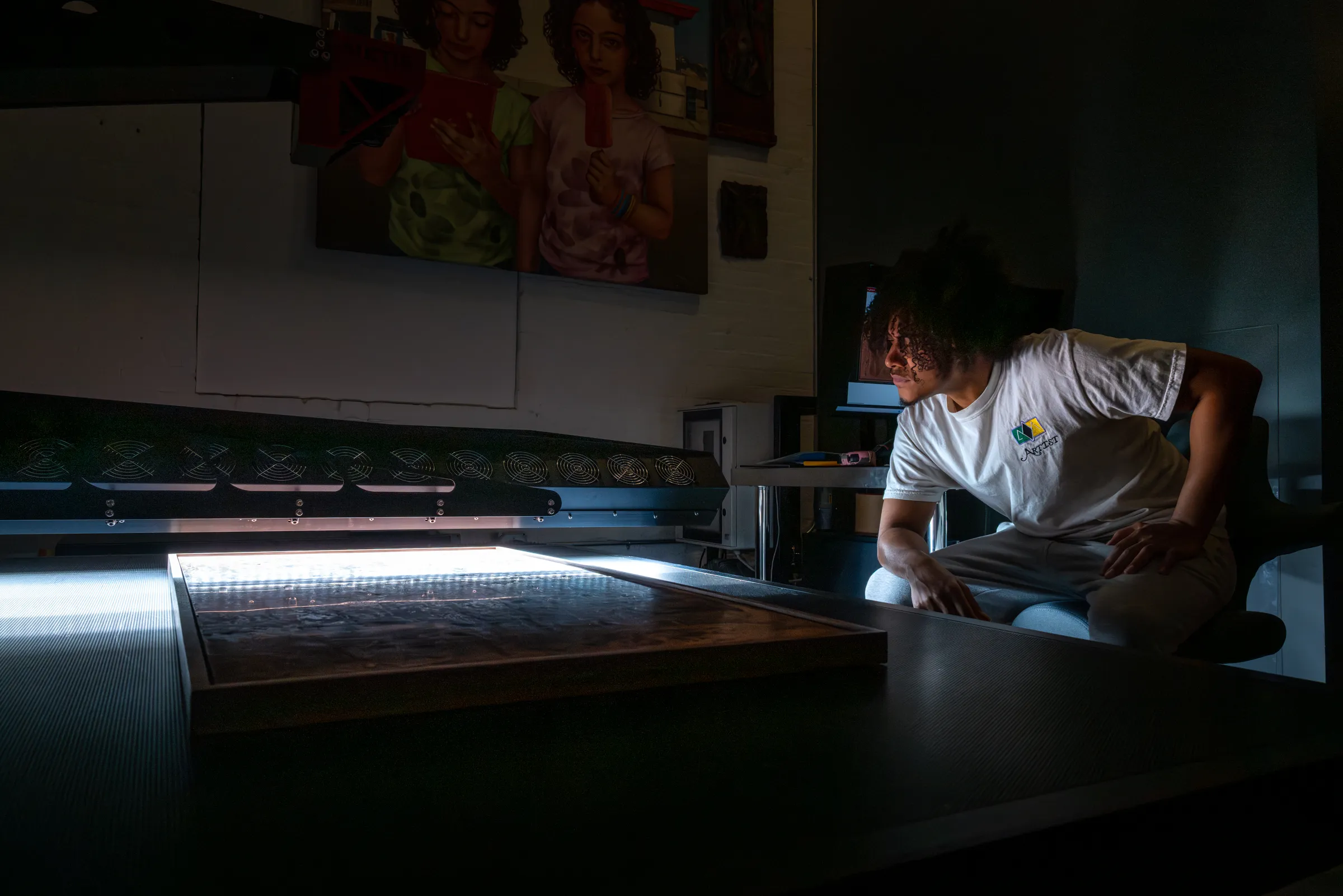
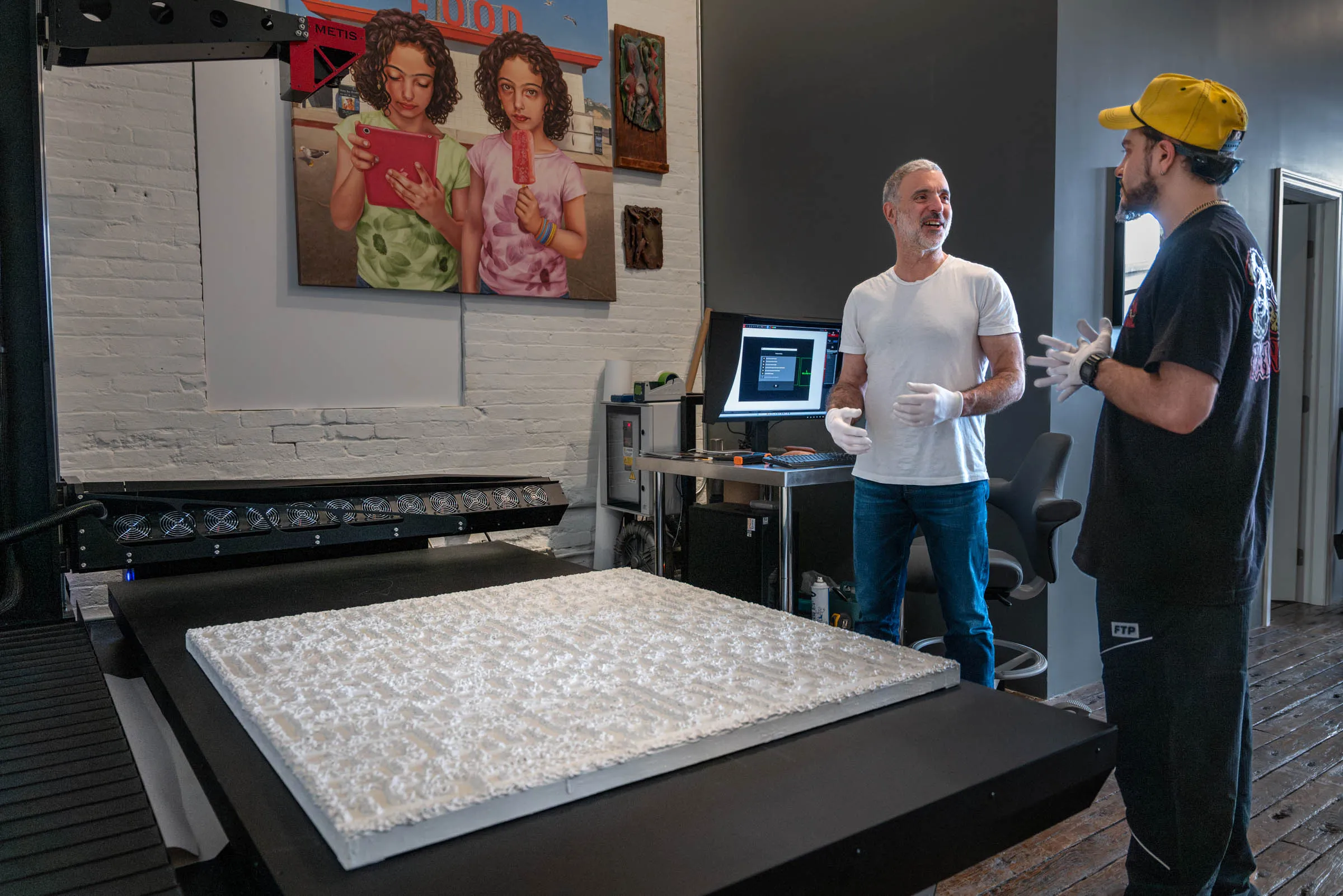
Brooklyn Editions digitizes artwork on the Metis DRS 2020 — a contactless system with a native optical resolution up to 1600 PPI and a scan bed that captures large paintings in a single pass — and delivers color-managed, wide-gamut master files built to serve as a lasting archival record. Every project starts with a consultation about the work, its scale, and how the files will be used, so the resolution, format, and color space are right before any capture begins. To plan an estate, collection, or institutional archive, our scanning services page covers the process and file delivery; the rest of this artwork archiving series goes deeper on formats, estates, and museum standards.