
Best File Formats for Artwork Archives
Quick Answer
For an archival master, use a lossless format: TIFF is the standard for fine art. It preserves every pixel without compression, carries an embedded ICC color profile and metadata, and opens across nearly all professional software. Keep that master in a wide-gamut color space (Adobe RGB or ProPhoto RGB) at 16-bit when the work warrants it. Make JPEG copies for web and sharing — but never let a JPEG be the master. For camera-based capture, save the camera RAW or convert it to DNG and keep it alongside the processed TIFF.
The rest of this article explains why, so you can specify the right format for your own archive instead of taking the recommendation on faith.
Lossless vs. Lossy: The Distinction That Decides Everything
Every archival format choice comes down to one question: does saving the file throw image data away? Lossless formats don't. Lossy formats do.
A lossless format — TIFF, PNG, or a RAW file — preserves every bit of image data the capture recorded. Save it, reopen it, save it again, and the pixels are identical. A lossy format — JPEG is the one you'll meet most — compresses the file by discarding image information the algorithm judges less visible. The trade is real: a JPEG is much smaller, but the data it dropped is gone, and you can't get it back. Save a JPEG, edit it, save again, and each cycle compounds the loss until smooth areas go blocky and edges break up.
For an archive, that settles it. The master file — the one standing in for an irreplaceable original — has to be lossless. Lossy compression is a convenience for delivery, not a method of preservation.
TIFF: The Archival Standard
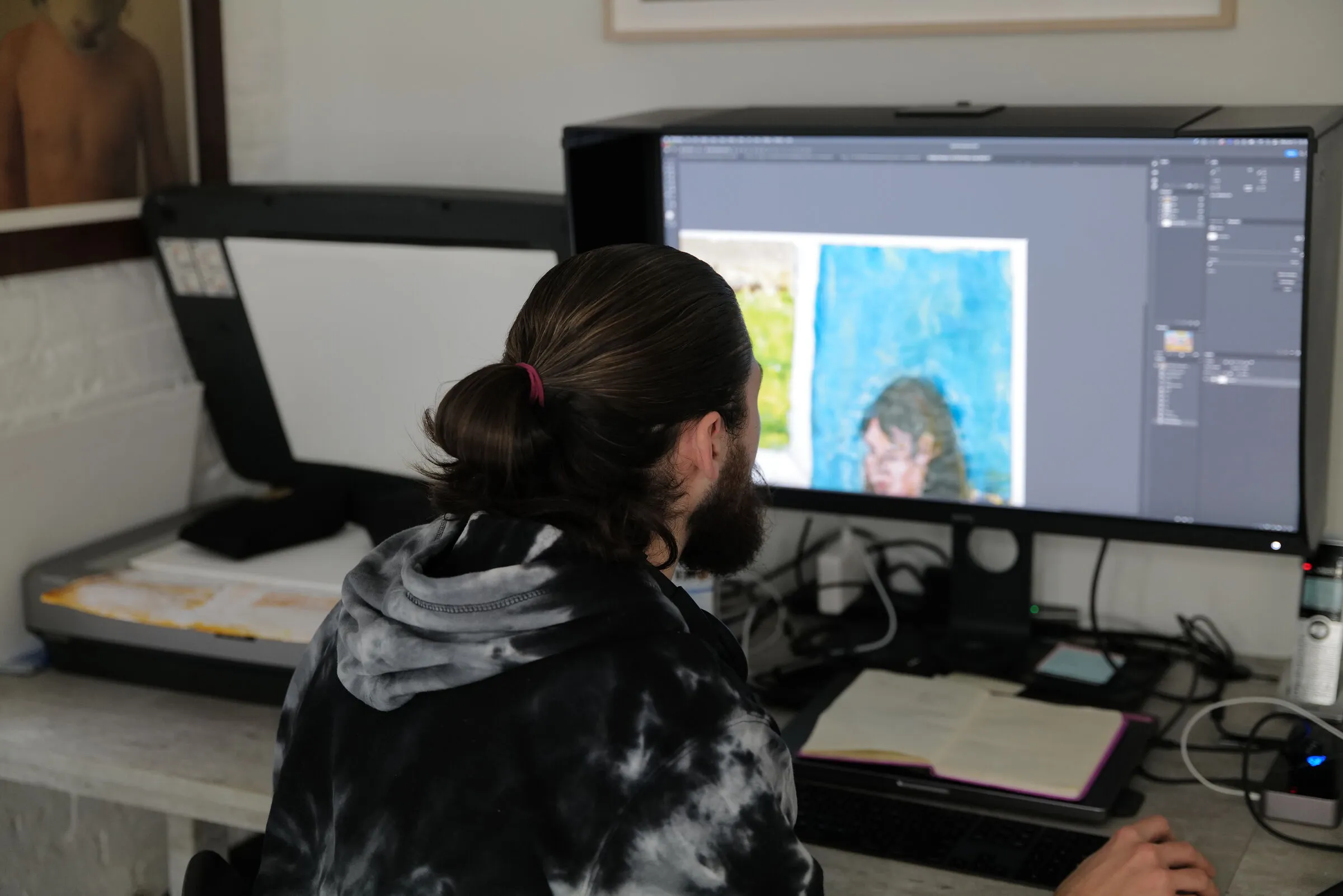
TIFF (Tagged Image File Format) is the long-running standard for fine art scan delivery and archiving, for reasons that line up exactly with what an archive needs. It's lossless. It supports 16-bit data. It carries embedded ICC color profiles, so the file's color travels with it. It holds IPTC and XMP metadata cleanly. And it opens in nearly every professional imaging, layout, and print application, which matters for a file meant to stay usable for decades.
TIFF supports lossless compression too. LZW compression shrinks the file with no loss of data — useful for storage without compromising the archive. The one practical limit is file size: the standard TIFF format caps at 4GB, which a very large, high-resolution scan can exceed. When that happens, the working alternative is Photoshop's PSB (Large Document Format), which handles the data without a practical size ceiling. The caveat is that PSB is proprietary to Adobe and won't open in everything, so use it only when the file genuinely exceeds the TIFF ceiling.
JPEG: A Derivative, Not a Master
JPEG earns its place — just not as the master. Its lossy compression makes small, portable files, which is exactly what you want for a website image, an email attachment, or a proofing preview. The problem is permanence: every JPEG save discards data, and JPEG often strips or mishandles the wide-gamut color profile an archive depends on, which is how a saturated red ends up looking dull or shifting between screens.
The right role for JPEG is derivative. Keep the lossless TIFF as the master, and generate a JPEG copy from it whenever you need something small to share. The master stays intact; the JPEG is disposable and regenerable. If a JPEG ever becomes your only copy of a work, the archive has already lost data it can't recover.
RAW and DNG: When the Capture Comes From a Camera
Scanners deliver finished TIFF files. Camera-based capture works differently: a camera records a RAW file — the unprocessed sensor data, before any in-camera conversion to a viewable image. RAW holds the full tonal range the sensor captured and gives the most latitude for color and exposure correction later, which is why it's the right starting point when artwork is photographed rather than scanned.
The complication is that RAW isn't one format. Each camera maker uses its own proprietary RAW (Canon's CR3, Nikon's NEF, and others), and a proprietary format tied to one manufacturer is a long-term risk for an archive — support can lapse. DNG (Digital Negative), Adobe's openly documented RAW format, exists to address this. Converting proprietary RAW to DNG gives you an open, well-documented archival negative that's more likely to remain readable over time.
For a camera-captured archive, the durable approach is to keep both the RAW or DNG negative and a processed, color-managed TIFF master derived from it. The negative preserves maximum latitude for future reprocessing; the TIFF is the finished, color-accurate file ready to reproduce. Professional fine art scanning skips this layer entirely, since the scanner delivers a finished TIFF directly — one of the practical advantages covered in scanning vs. photographing artwork.
What Lives Inside the File: Bit Depth, Color Space, and Metadata
The format is the container. Three things inside it determine whether the archive is actually complete.
Bit Depth
Bit depth is how much tonal information each pixel carries. An 8-bit file records 256 values per color channel; a 16-bit file records 65,536. On screen they look identical. Under heavy editing they don't: smooth gradations — a watercolor wash, a soft shadow, an out-of-focus background — can band or step in 8-bit but hold together in 16-bit, because there are far more intermediate values to draw on. 16-bit roughly doubles file size and processing time, so it's reserved for works that need it: photographic pieces, paintings with subtle gradients, anything likely to face strong future correction. Bit depth in artwork scanning covers when each is worth capturing.
Color Space
Color space is the range of colors the file can hold. An archival master should be in a wide-gamut space — Adobe RGB or ProPhoto RGB — not sRGB. sRGB was built for screens and clips the saturated colors a fine art pigment printer can reproduce, so archiving in it discards color the original actually has. Just as important, the file should carry an embedded ICC profile so any color-managed application interprets the colors correctly. A file without an embedded profile shifts unpredictably from screen to screen. TIFF embeds the profile cleanly; this is one of the things JPEG tends to mishandle. See color accuracy in art scanning for how the profile gets set in the first place.
Metadata
Metadata is the information that identifies the file: artist, title, medium, dimensions, capture date, copyright, and any inventory or accession number. The IPTC and XMP standards embed these fields inside the file itself, so the information travels with the image when it moves. TIFF supports embedded metadata; lossy export can strip it. For an archive of any size, embedded metadata is what makes the difference between a searchable record and a folder of anonymous images.
Master and Derivative: How to Structure the Archive
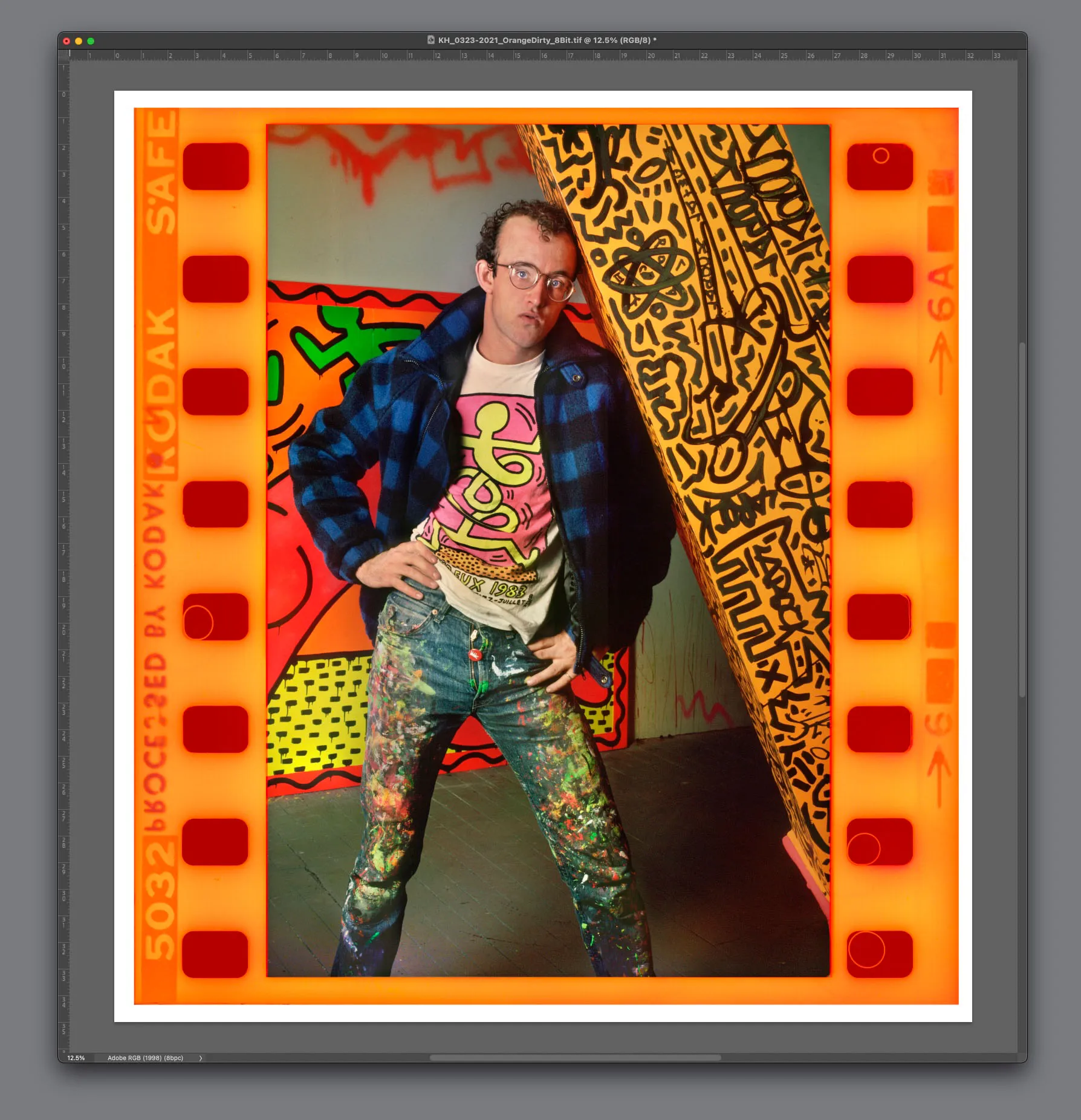
The format choices fall into place once you adopt the master-and-derivative model. One master file per work: lossless (TIFF, or PSB if oversized), wide-gamut, color-profiled, 16-bit where warranted, fully tagged with metadata. Every other version is a derivative generated from that master — a JPEG for the web, a smaller TIFF for a layout, a CMYK conversion for a printer.
The rule that keeps the archive durable: always work down from the master, never up from a derivative. You can make a small file from a big one with no loss; you can't rebuild a big file from a small one. A web JPEG should be derived from the master, not the other way around. If the master is intact, every derivative is regenerable. If the derivatives are all you kept, the archive is already degraded.
Frequently Asked Questions
Is TIFF or JPEG better for archiving artwork?
TIFF, without qualification. TIFF is lossless and preserves every pixel, supports 16-bit data and embedded ICC profiles, and holds metadata reliably. JPEG is lossy — it discards image data on every save and often mishandles wide-gamut color — which makes it useful only as a derivative for web and sharing, never as the archival master.
Should I archive in 8-bit or 16-bit?
Capture and archive in 16-bit for works with subtle tonal gradation or any file likely to face heavy future editing, since 16-bit holds smooth transitions together under correction. 8-bit is adequate for many color-accurate files that won't need strong editing, and it halves file size. When in doubt for an irreplaceable original, 16-bit preserves more headroom.
What's the difference between RAW and DNG?
RAW is unprocessed camera sensor data, but each manufacturer uses its own proprietary RAW format, which is a long-term readability risk. DNG is Adobe's openly documented RAW format; converting proprietary RAW to DNG gives you an open archival negative more likely to remain readable over time. Scanners deliver finished TIFFs, so RAW and DNG only apply to camera-based capture.
Do I need to keep the original RAW if I have a TIFF?
For camera-captured work, keeping both is the durable approach: the RAW or DNG negative preserves maximum latitude for future reprocessing, while the TIFF is the finished, color-managed master ready to reproduce. For scanned work the question doesn't arise — the scanner's TIFF is already the master.
Professional Artwork Archiving at Brooklyn Editions
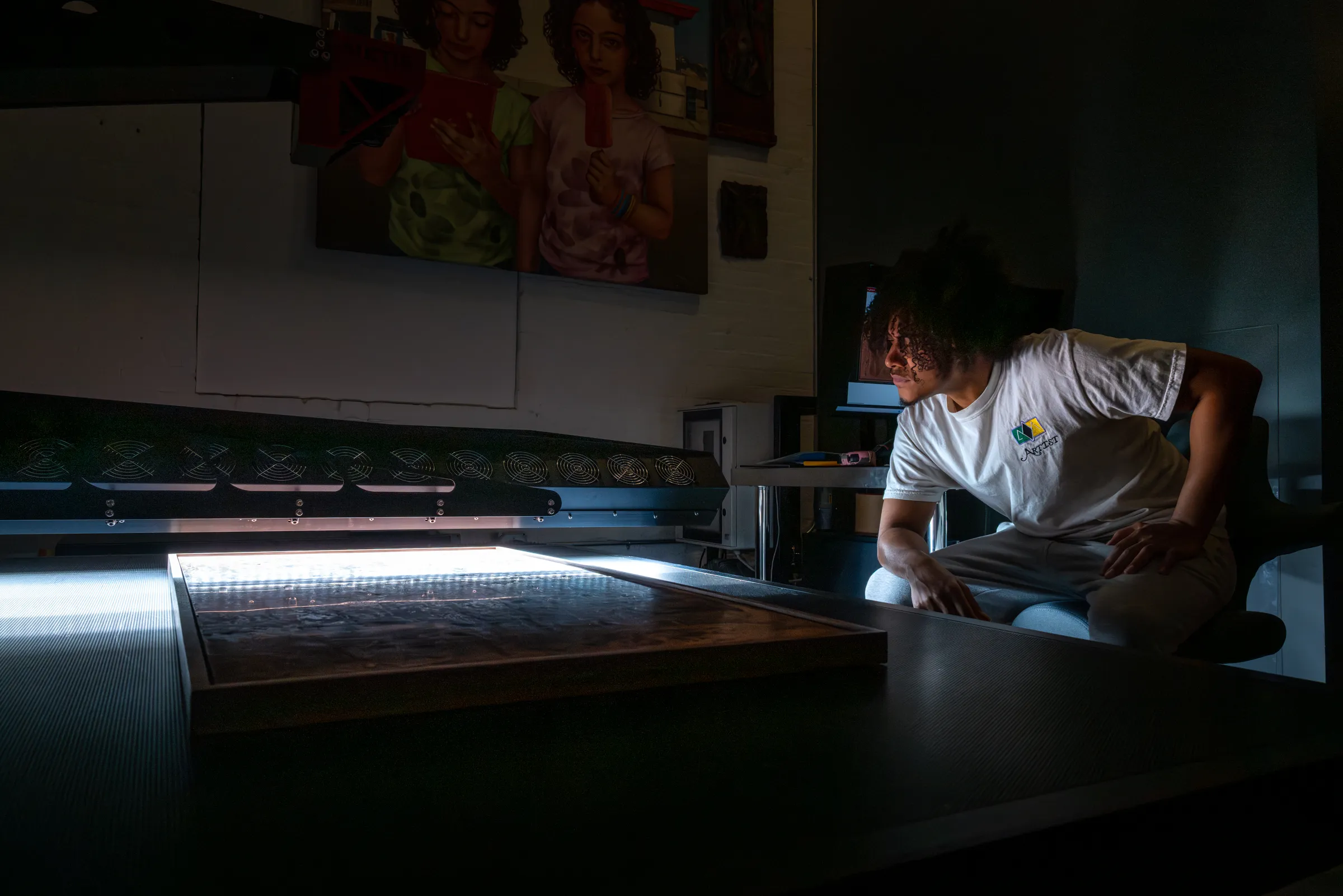
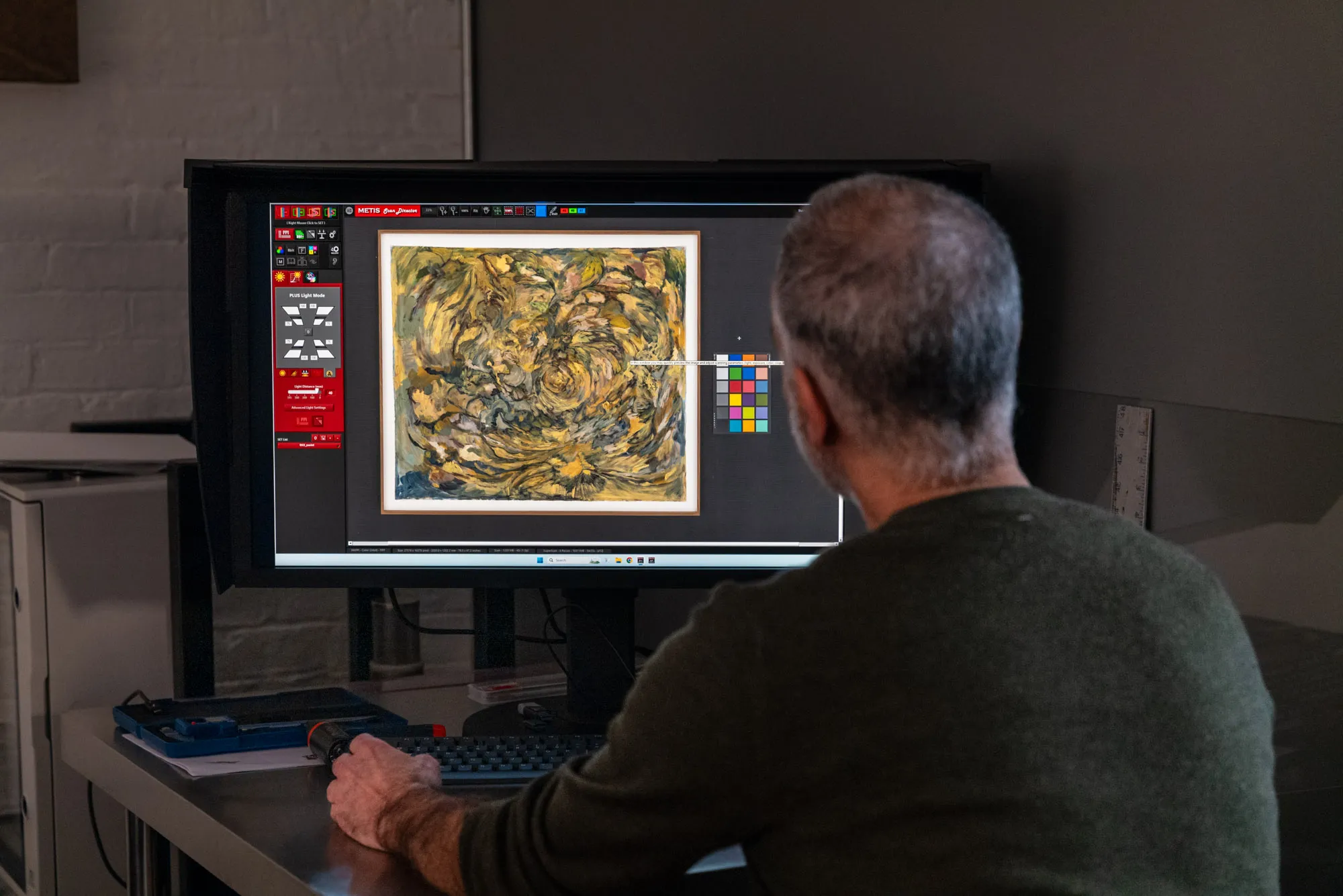
Brooklyn Editions digitizes artwork on the Metis DRS 2020 — a contactless system with a native optical resolution up to 1600 PPI and a scan bed that captures large paintings in a single pass — and delivers color-managed, wide-gamut master files built to serve as a lasting archival record. Every project starts with a consultation about the work, its scale, and how the files will be used, so the resolution, format, and color space are right before any capture begins. To plan an estate, collection, or institutional archive, our scanning services page covers the process and file delivery; the rest of this artwork archiving series goes deeper on formats, estates, and museum standards.