
Directional Lighting in Art Scanning
Quick answer
Lighting angle is what makes surface texture visible — or invisible — in a scan. Light that strikes a surface at a low, glancing angle (raking light) catches every ridge and hollow, throwing small shadows that read as relief: impasto, canvas weave, embossing, the tooth of paper. Light that strikes straight on, evenly and diffusely, flattens that relief and renders a smooth, even field of color. Neither is correct in the abstract. A heavily textured oil painting usually wants directional light to keep its surface alive; a smooth watercolor or a photographic print usually wants even light to avoid exaggerating texture that isn't part of the work. The job of a professional scan is to control the lighting angle precisely and choose the right balance for each piece.
The rest of this article explains how lighting angle interacts with surface, why even and directional light each have a place, and how professional scanning systems control the angle in ways a camera or flatbed cannot.
Why lighting angle changes what you see
Your eye reads texture through shadow. When light hits a raised surface from the side, the high points are lit and the low points fall into shadow, and that pattern of micro-shadows is what tells you the surface has depth. Change the angle and you change the shadows — and with them, how much texture you perceive.
This is easy to test in a room. Hold a textured painting flat under an overhead light and it looks relatively smooth. Tilt it so a window rakes across the surface and the brushwork leaps forward. The painting hasn't changed; the lighting angle has. Scanning faces exactly this variable, and a scan captures whatever the lighting decided to show.
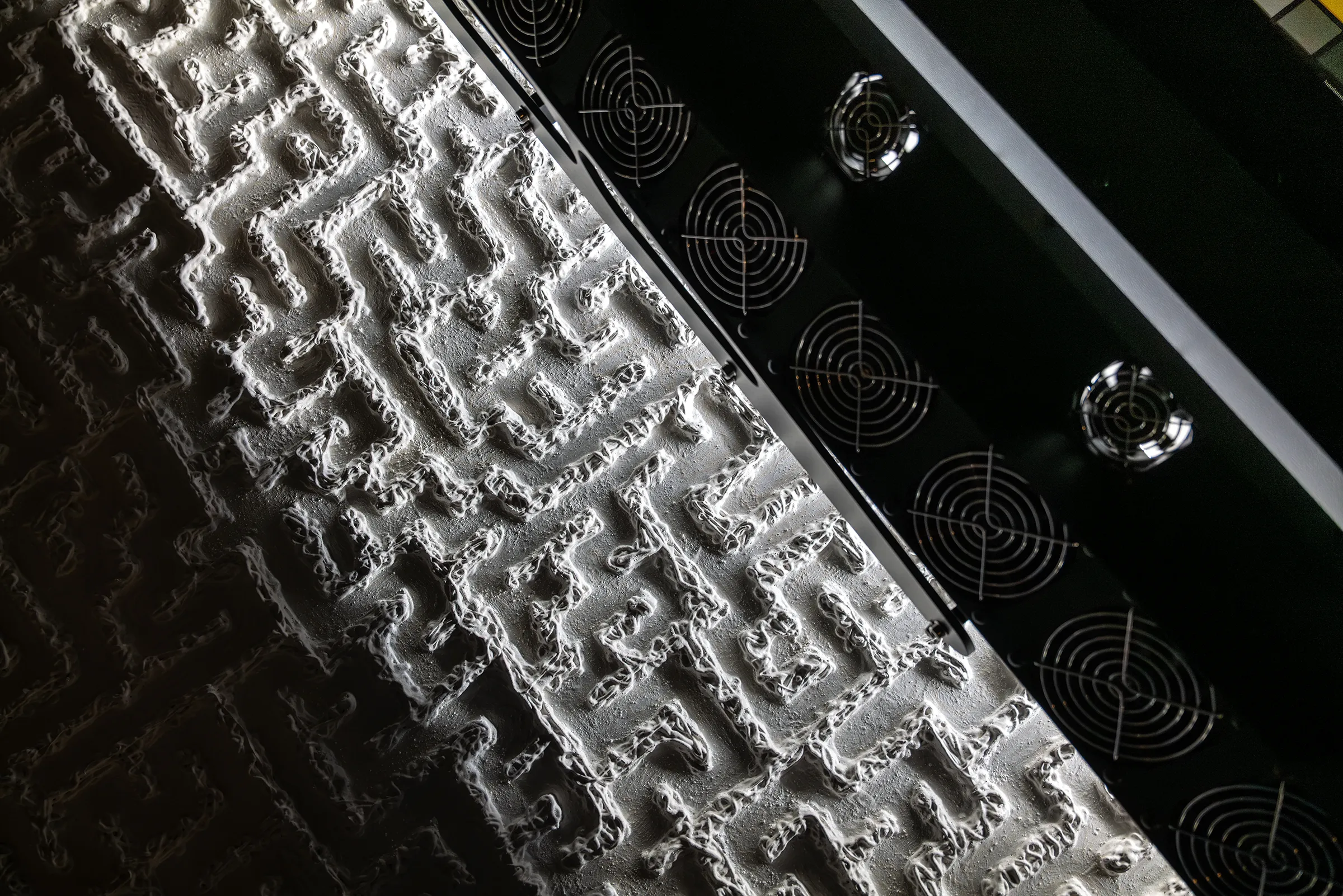
Raking light: revealing surface relief
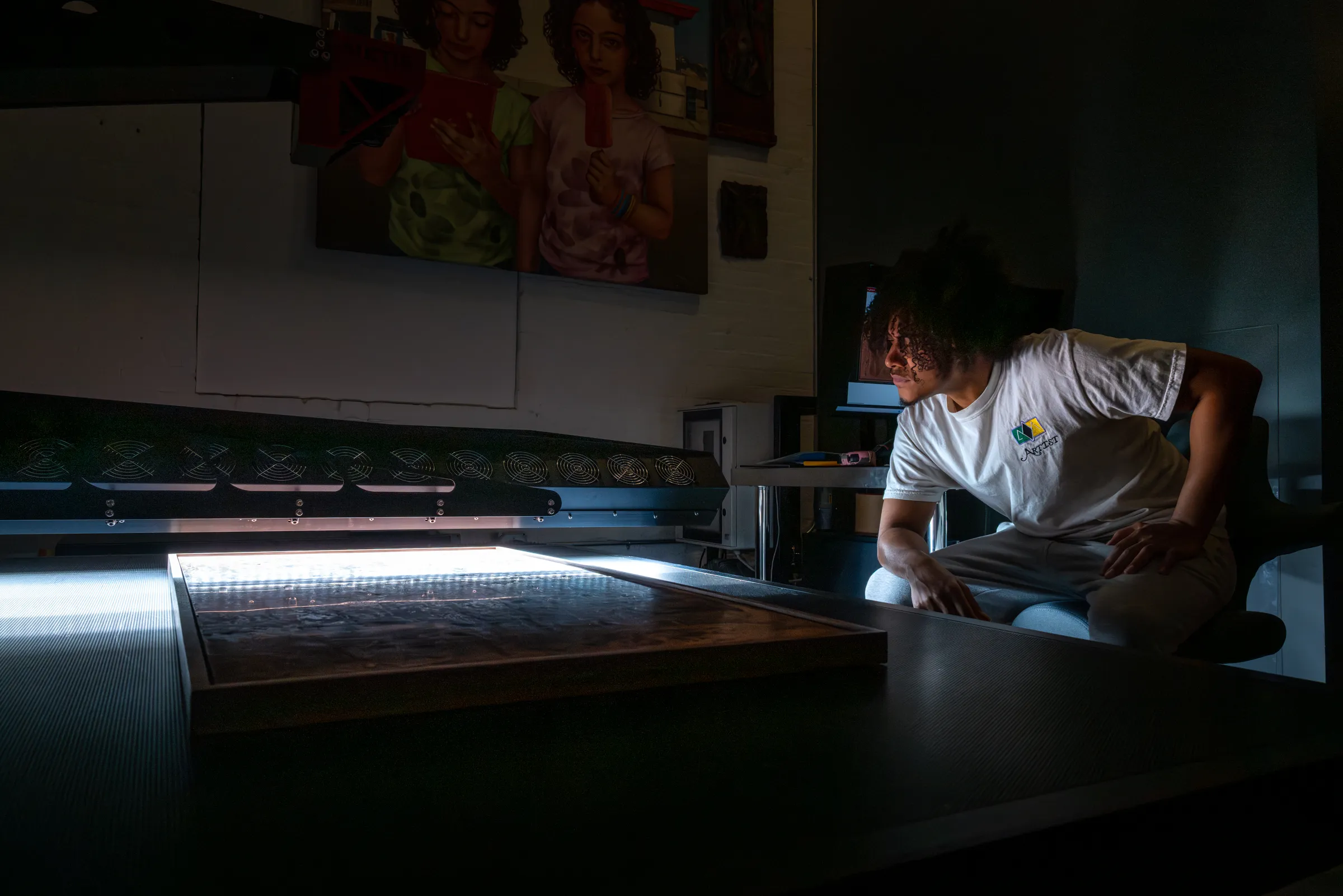
Raking light is light directed across a surface at a low, near-parallel angle rather than straight on. It is the standard tool — in conservation studios and in scanning alike — for making surface relief visible. Because it grazes the surface, even small height variations cast shadows long enough to read clearly: the ridge of a palette-knife stroke, the weave of rough canvas, the impression of a printing plate, a deckled paper edge.
For artwork where the surface is part of the meaning, raking-style directional light is what keeps the digital file faithful to how the piece looks in person. A flat, evenly lit capture of a heavily worked oil painting will read as lifeless no matter how high its resolution or how accurate its color, because the physical presence of the surface — the thing that makes it compelling in the room — simply isn't in the file.
Directional light has a cost, though: the same low angle that reveals texture also produces glare and specular reflections on glossy, varnished, or metallic passages, and it can exaggerate texture you would rather keep subtle. Controlling that trade-off is the whole craft.
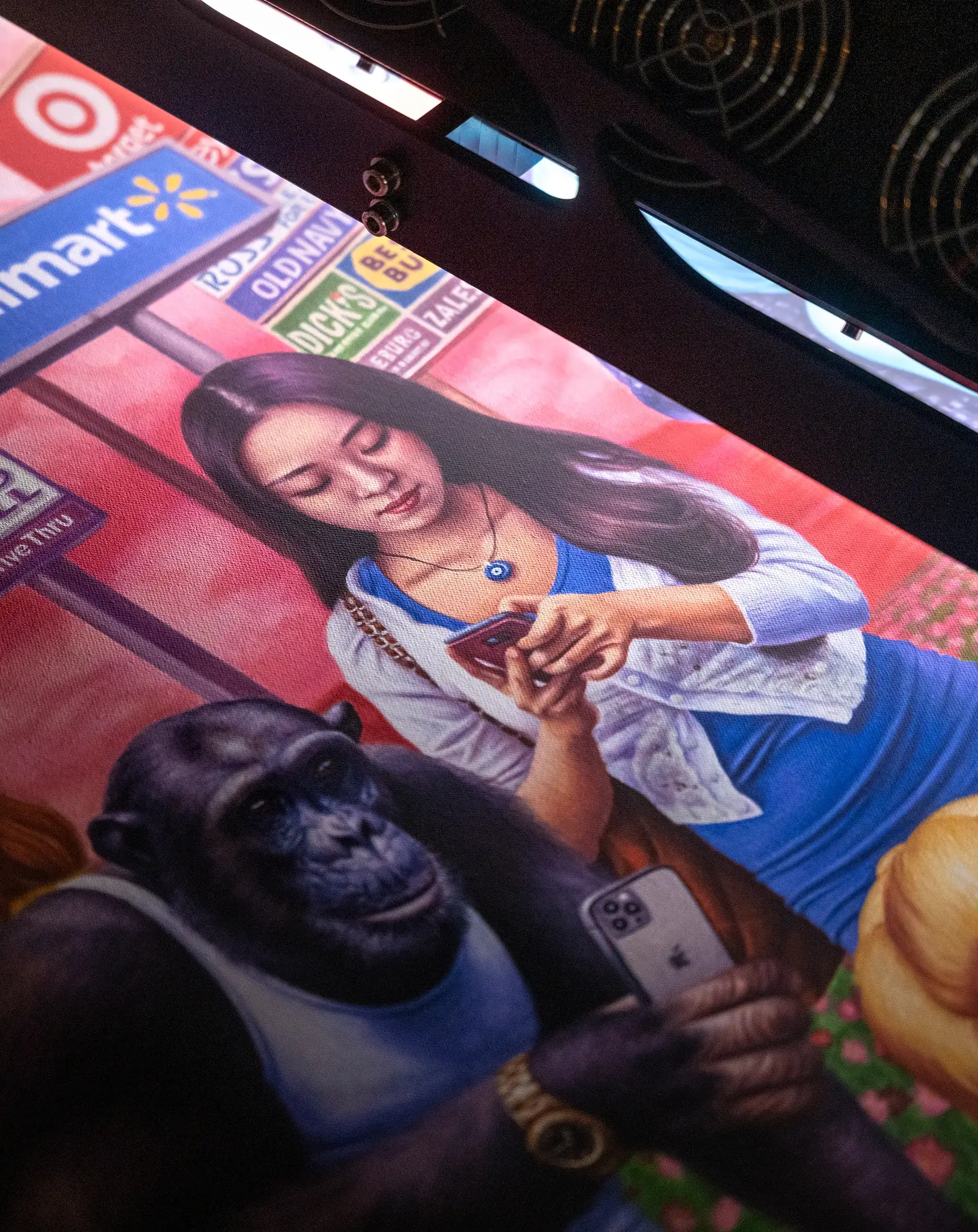
Even light: flattening when flat is right
Not every work wants its texture emphasized. Even, diffuse light — striking the surface uniformly from a high or balanced angle — minimizes shadow and renders a smooth field of color. For some artwork, that is exactly correct:
- Works on paper — watercolors, drawings, gouache — where the paper texture is a substrate, not the subject, and exaggerating it would misrepresent the work.
- Photographic prints, where the image is the work and surface relief is mostly an artifact to suppress (while still managing glare on glossy stock).
- Smooth, thinly painted works where directional light would invent drama the original doesn't have.
The point is that lighting is a decision matched to the work and its reproduction goals, not a fixed setting. A professional scanning workflow can lean toward revealing texture, toward flattening it, or balance the two across a single piece — for example, a painting with both smooth glazed areas and heavy impasto in different regions.
Why cameras and flatbeds struggle with lighting angle
Controlling lighting angle precisely is exactly where conventional capture falls short.
A flatbed scanner has a single light source in a fixed position and no ability to change its angle. It applies the same illumination to everything, which works for flat documents but flattens artwork into a characterless result — and offers no way to reveal texture when a work needs it.
A camera can use angled studio lights, but it records the entire surface at once from one viewpoint. That means the lighting angle is only ever correct for one part of the frame — the relationship between light, surface, and lens shifts across a large work, so texture that reads accurately in the center is wrong at the edges. Push the lights to a strong raking angle to reveal texture and the camera also captures the glare and uneven falloff that come with it, with no way to separate them from the image. For more on why camera capture of paintings so often disappoints, see why photos of paintings look wrong.
How professional scanning controls the angle
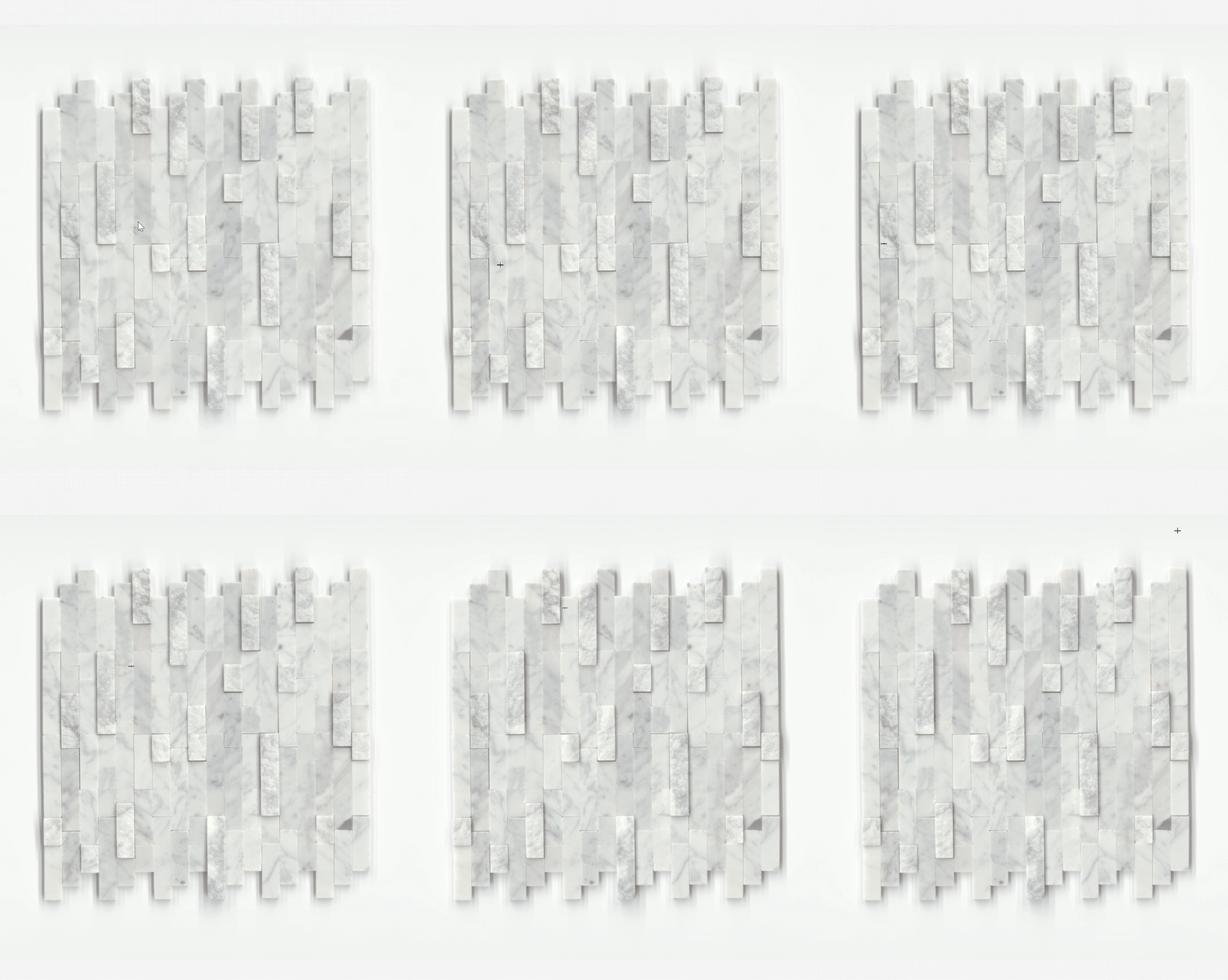
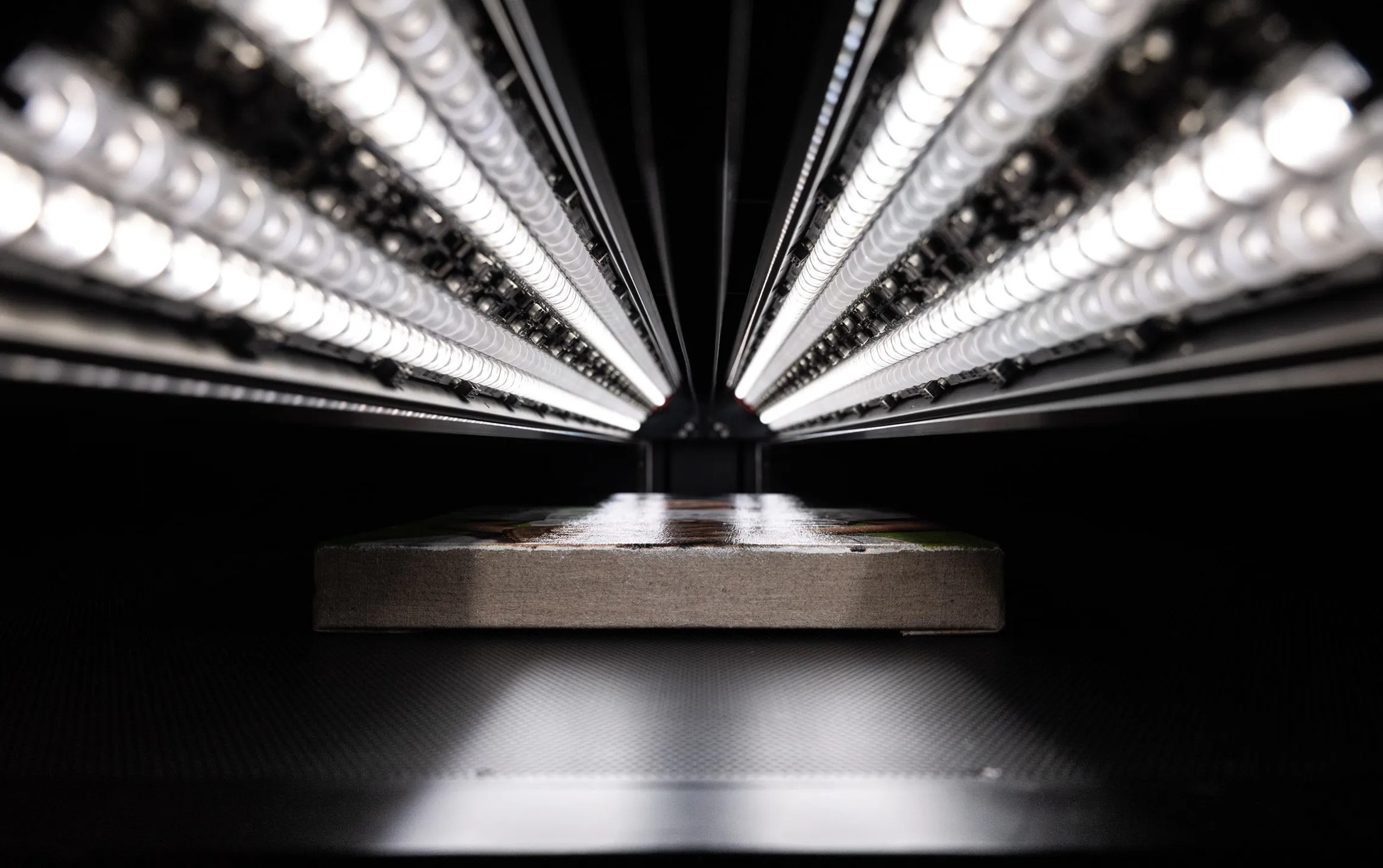
Professional fine art scanning systems solve the lighting-angle problem with multiple, independently controlled light sources held in precise registration with a single line of capture. Because the light moves with the sensor across the work, every pixel is recorded under the same angle, parallel to the surface — so the lighting is consistent from edge to edge, not shifting across the frame the way a camera's does. And because the sources are independently controllable, the angle and intensity can be tuned to reveal texture where it matters and managed to suppress glare where it doesn't.
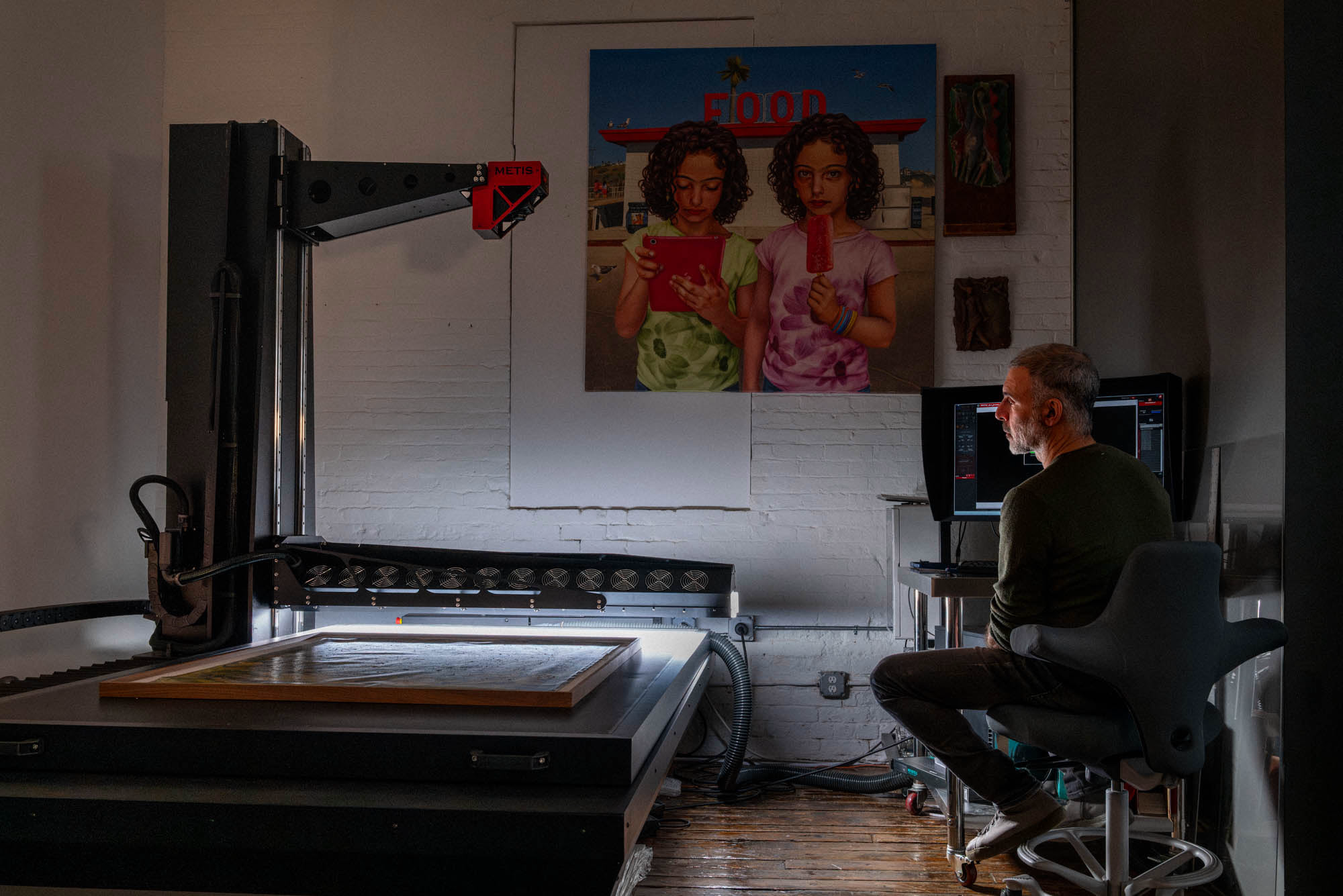
The Metis DRS 2020 that Brooklyn Editions operates is a concrete example. Its DC Synchrolight system uses eight independently controlled LED sources whose angle and intensity vary dynamically during the scan, so a work with mixed smooth and textured passages can be lit appropriately across its whole surface rather than compromised to one setting. Its SuperScan mode records all of those lighting configurations together in a single file, which means the balance between directional and diffuse light — how strongly texture is revealed — can be adjusted after the capture is complete, without the artwork present. For the full picture of how that system renders relief, see how Metis scanners capture surface texture, and for textured works specifically, scanning textured paintings.
Frequently asked questions
What is raking light in art scanning?
Raking light is light directed across the surface of a work at a low, glancing angle rather than straight on. Because it grazes the surface, even small height variations cast visible shadows, which makes relief such as impasto, canvas weave, and embossing read clearly in the captured file.
Does directional lighting always make a scan better?
No. Directional light reveals texture, which is right for heavily worked paintings, but it can exaggerate surface that isn't part of the work and it produces glare on glossy or varnished passages. Even, diffuse light is often the better choice for works on paper and photographic prints. The correct approach is matched to the specific piece.
Why can't a regular camera control lighting angle the way a scanner does?
A camera records the whole surface at once from a single viewpoint, so the lighting angle is only correct for part of the frame and shifts across a large work. A professional scanner moves its light in registration with the sensor, so every line is captured under the same angle, parallel to the surface, consistently from edge to edge.
Can lighting be adjusted after the scan is finished?
On most systems, no — the lighting is fixed at capture. On the Metis DRS 2020, the SuperScan mode records all of its lighting configurations together in one file, so the balance between directional and diffuse light can be refined after the scan, without the original artwork present.
Professional Artwork Digitization at Brooklyn Editions
At Brooklyn Editions, artwork is digitized using the Metis DRS 2020 — a professional scanning system with a native optical resolution up to 1600 PPI and a scan bed capable of capturing large paintings in a single contactless pass. Every scan project begins with a consultation to discuss the artwork, its dimensions, and the intended use of the files, so that we can recommend the right resolution and workflow before any work begins.
If you're planning to reproduce artwork as prints, create an archival digital record, or produce an edition, our scanning services page has full details on the process, file delivery, and how to get started.