
Fine Art Reproduction: From Original to Museum-Quality Print
Fine art reproduction is the process of turning an original artwork into a print that faithfully represents it — in color, detail, scale, and surface character. Done well, a reproduction can be hard to tell from the original at normal viewing distance. Done poorly, it reads as a flat, off-color approximation that undersells the work and, for an artist selling editions, undersells the value of the work too.
This guide explains how reproduction actually works, from the master file through to the finished print. It covers the full chain — capture, color management, paper, and ink — the variables that decide whether a print is faithful or not, and the practical steps to getting a reproduction worth putting your name on. Where technical terms appear, they're explained as they come up.
What Fine Art Reproduction Is
Reproduction is the production of prints from an original work of art. The most common form today is the giclee print — a high-quality inkjet print made with archival pigment inks on fine art paper or canvas. The term covers open editions, limited editions, and one-off prints, and it spans everything from a watercolor reproduced at original size to a small drawing enlarged to fill a wall.
Every reproduction depends on two distinct stages, and the quality of the print is capped by the weaker of the two. The first stage is capture: making a digital master file from the original. The second is output: printing that file onto a chosen substrate. A flawless print of a poor capture is still a poor reproduction. A perfect capture printed on a miscalibrated machine is also a poor reproduction. Faithful results require that both stages — and the color-managed chain that connects them — hold up end to end.
The Chain: From Original to Print
It helps to think of reproduction as a chain. Each link either preserves the fidelity of the original or loses some of it, and losses compound. Here is the chain, in order.
1. Capture — Making the Master File
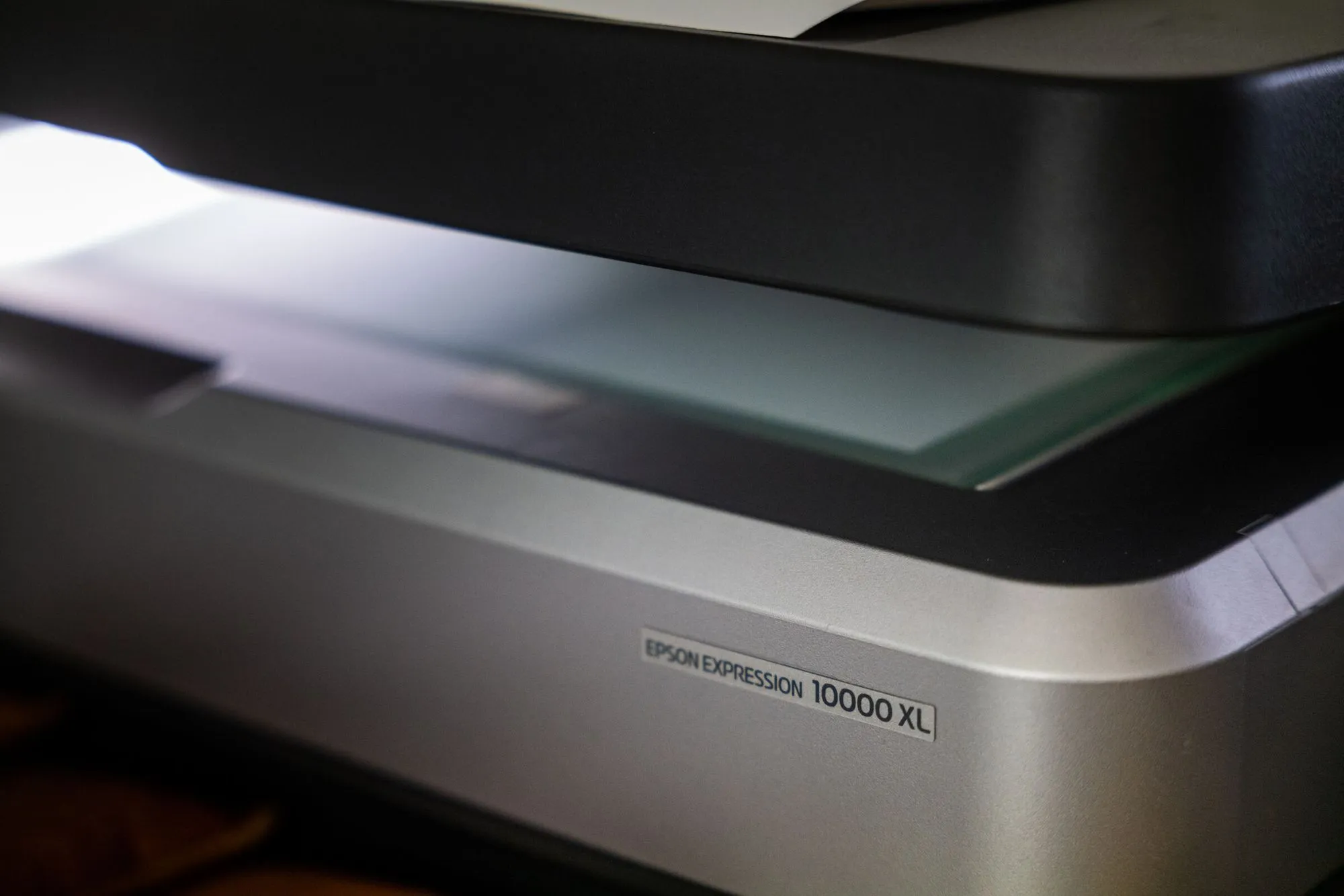
Everything starts with the digital master. For flat and dimensionally shallow work, professional scanning produces the most accurate, consistent capture available, because the light source, sensor, and artwork stay in a fixed geometric relationship throughout. That eliminates the lens distortion, uneven lighting, and angle variation that make camera capture harder to control.
Brooklyn Editions digitizes on the Metis DRS 2020, a professional fine art scanner with a native optical resolution up to 1600 PPI and a contactless, single-pass capture of large paintings. Metis and Cruse are the two state-of-the-art makers of fine art scanners — the instruments that cultural institutions and dedicated reproduction studios use when the goal is the most accurate file possible. The master file you get out of this stage is the source of truth for every print that follows, so it pays to get it right once. For a deeper look at how capture works, see our pillar guide on fine art scanning.
2. Resolution — Setting the Size Ceiling
Resolution captured at the master stage sets the largest size you can print without losing detail. A file holds a fixed number of pixels; spread them across a larger print and they get less dense, until the print goes soft or visibly pixelated. You cannot manufacture pixels that were never captured, and no upscaling software recovers detail that isn't there.
The math is simple. Divide the pixel dimensions of the file by your output resolution to get the maximum print size. A 20-inch-wide original scanned at 600 PPI holds 12,000 pixels across, which prints at 40 inches wide at 300 PPI — twice the original size with room to spare. The practical rule: capture at the highest resolution your likely uses require, then some, because files scale down without loss but never up. Our guide to why high resolution matters for art prints works through this in detail, and what DPI to scan artwork at covers the specific resolution targets.
3. Color Management — Keeping Color Honest
Color is where most reproductions fail. A professional master file is color-managed from capture onward: the scanner is calibrated against color patches of known value, and the file is delivered tagged with a wide-gamut ICC profile that any color-managed application can interpret consistently. Without that profile, a file may look fine on the screen it was captured on and then shift unpredictably on another display or printer — because it has no objective reference for its own colors.
The reason wide-gamut capture matters for reproduction is that fine art pigment printers can reproduce colors that the narrow sRGB space — built for screens — simply throws away. Capture and deliver in Adobe RGB or ProPhoto RGB and the saturated reds, deep blues, and luminous yellows in the original survive into the file, then get converted to the printer-and-paper output profile at print time. Break the color-managed chain at any point — an unmanaged application, an uncalibrated printer, a paper with no proper output profile — and color shifts creep in that no amount of eyeballing fully corrects.
4. Paper and Substrate — The Surface That Carries the Image
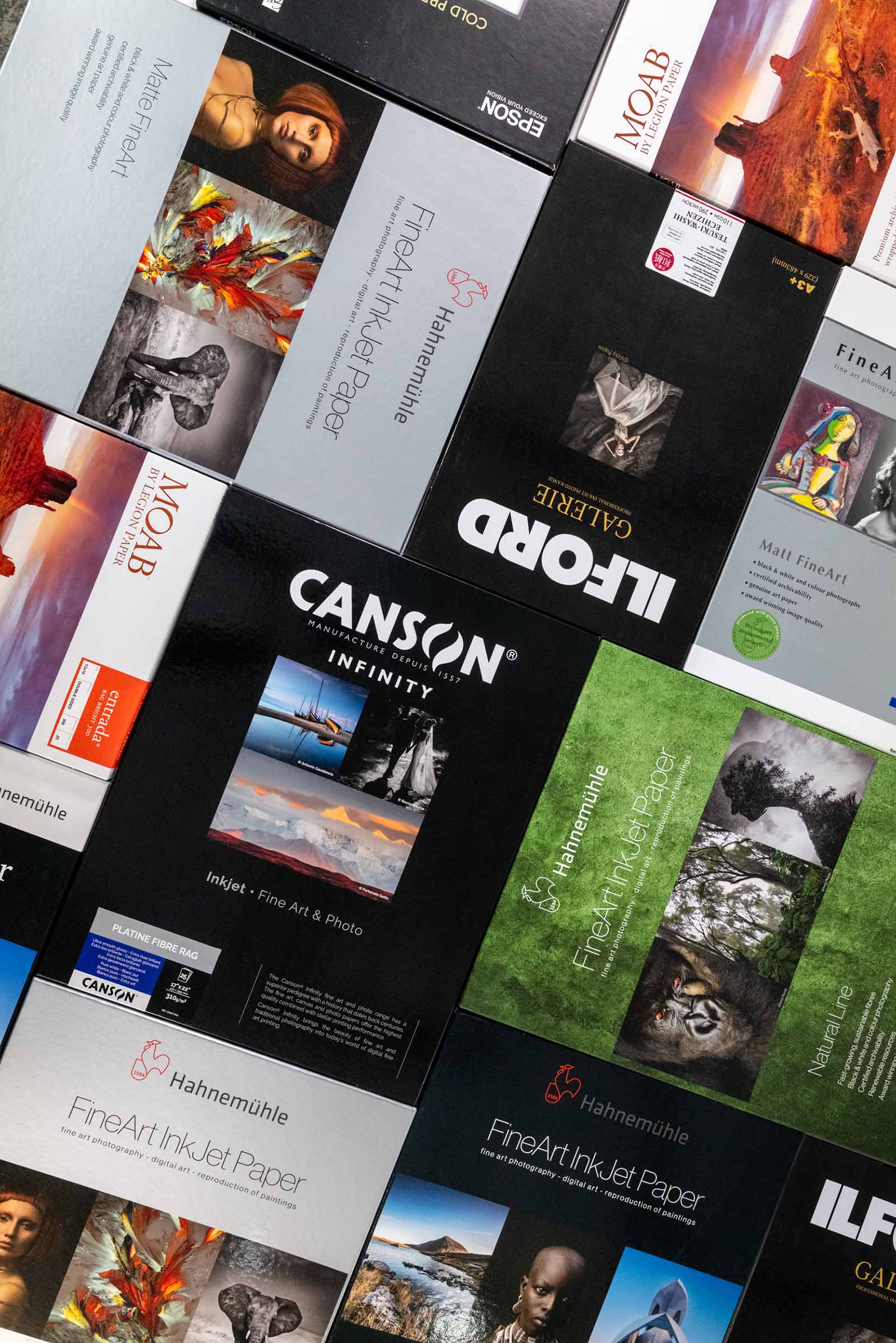
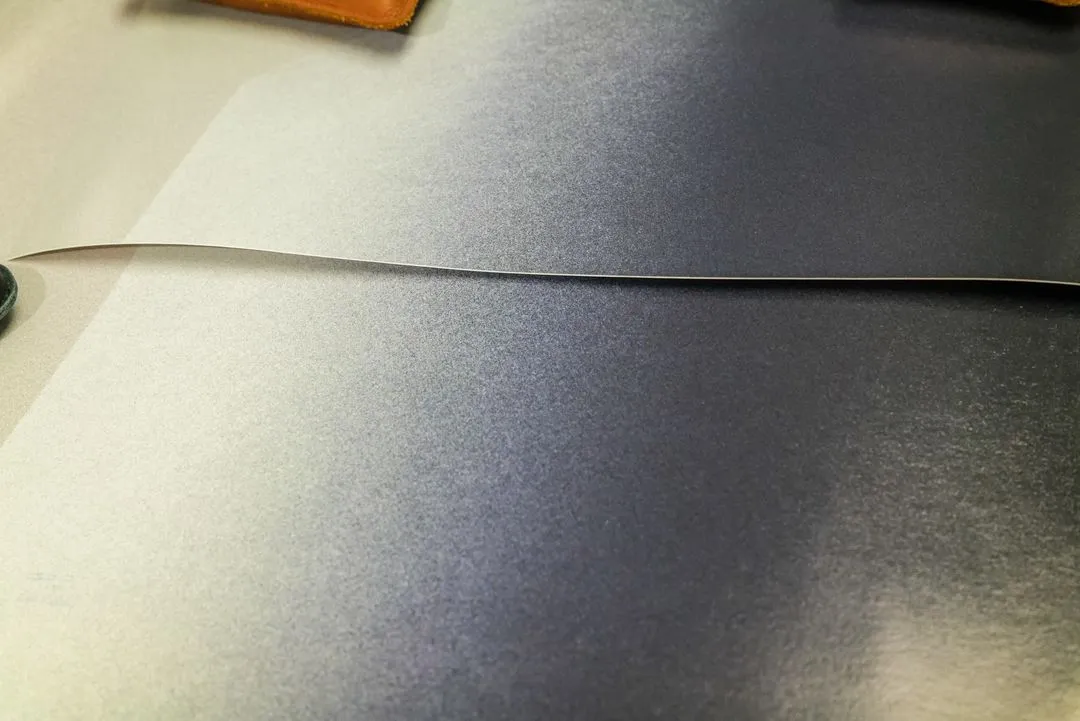
The paper is not a neutral backdrop. It shapes how color reads, how deep the blacks go, how sharp fine detail looks, and how long the print lasts. A matte cotton rag renders a watercolor or drawing with a soft, paper-forward character; a baryta or gloss surface holds detail and tonal depth that suits photographic work and richly detailed paintings. Canvas brings the look and feel expected of a painting reproduction. Each substrate has its own ICC output profile, and the same file printed on two papers will look meaningfully different — by design.
Matching paper to the work is a real decision, not a default, and it interacts with archival permanence and color gamut. Our guide to choosing paper for fine art prints covers cotton rag versus alpha-cellulose versus canvas, matte versus baryta, brighteners, and archival standards.
5. Inks and the Print Itself
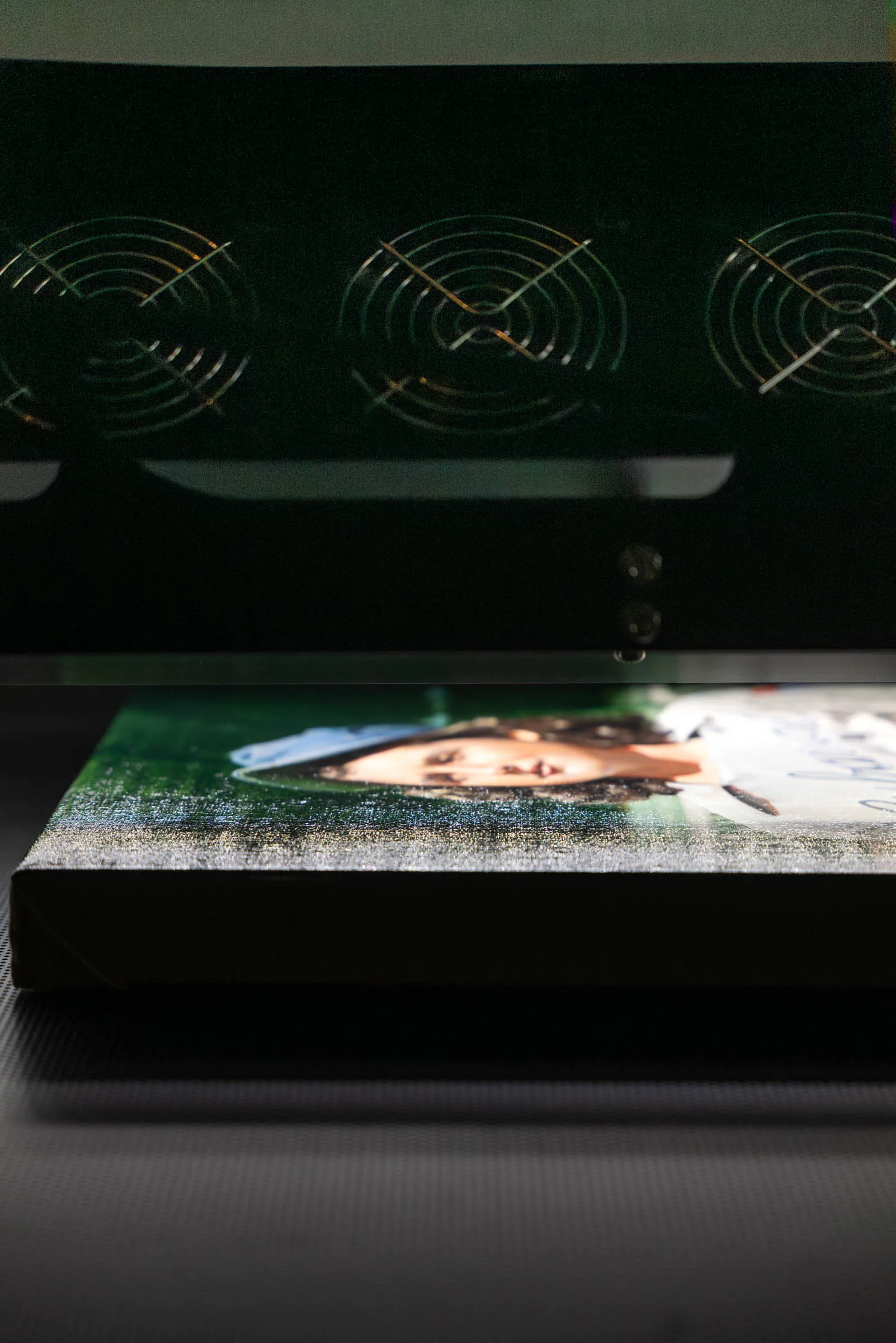
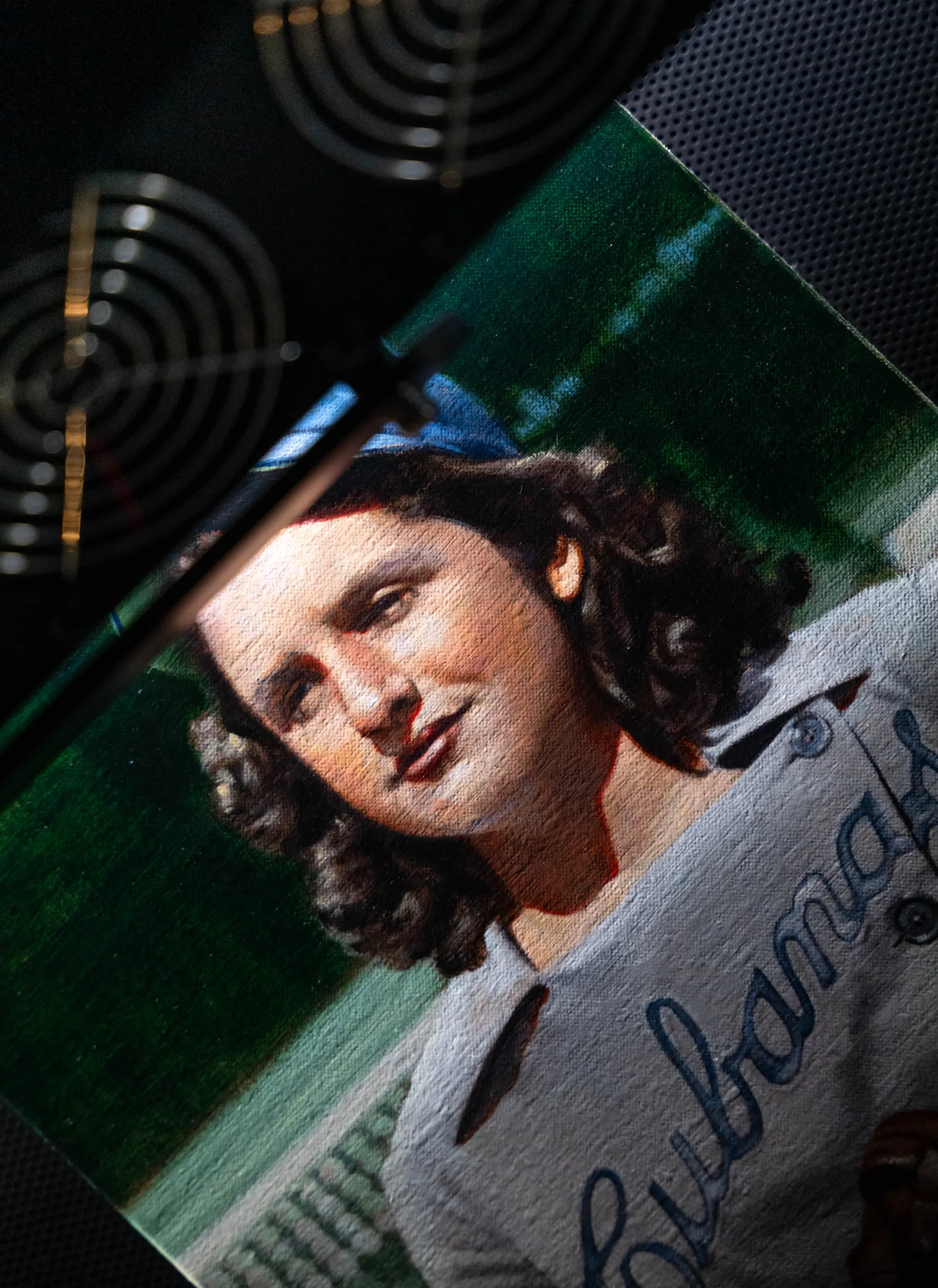
Giclee printing uses archival pigment inks rather than dyes. Pigment inks sit on the surface in particles that resist fading far longer than dye inks, which is why they're the standard for work meant to last. A fine art printer lays down ink at a very high dot density — 1200 DPI or more — even when the file feeding it is 300 PPI, building a finer pattern of ink dots than the pixel grid of the file itself.
The variables that matter at this stage are the ink set's color gamut, the printer's calibration, and the output profile for the specific paper. A well-calibrated machine with a current, paper-specific profile turns a faithful file into a faithful print. The same file run without that calibration is a gamble.
The Variables That Decide Fidelity
Pull the chain apart and a handful of variables do most of the work. Knowing them helps you specify a reproduction and judge whether you're getting what you asked for.
- Resolution. Sets the maximum faithful print size. Capture high; you can always scale down.
- Color management. An end-to-end color-managed workflow with embedded ICC profiles is what keeps a print matching the original. It is the single most common point of failure.
- Bit depth. 8-bit files hold 256 tonal values per channel and reproduce most work perfectly. 16-bit files hold 65,536, which matters for smooth gradients and heavily edited files where banding would otherwise appear.
- Dynamic range. The ability to hold detail in deep shadows and bright highlights at once. It matters most for dark paintings, high-contrast work, and photographic prints.
- Paper and ink. The substrate and ink set set the color gamut, surface character, and longevity of the finished print.
Resolution is necessary but never sufficient. A 1600 PPI scan with poor lighting and uncalibrated color is a large, low-quality file — and a large, low-quality reproduction follows from it.
Why a Single Color-Managed Workflow Matters
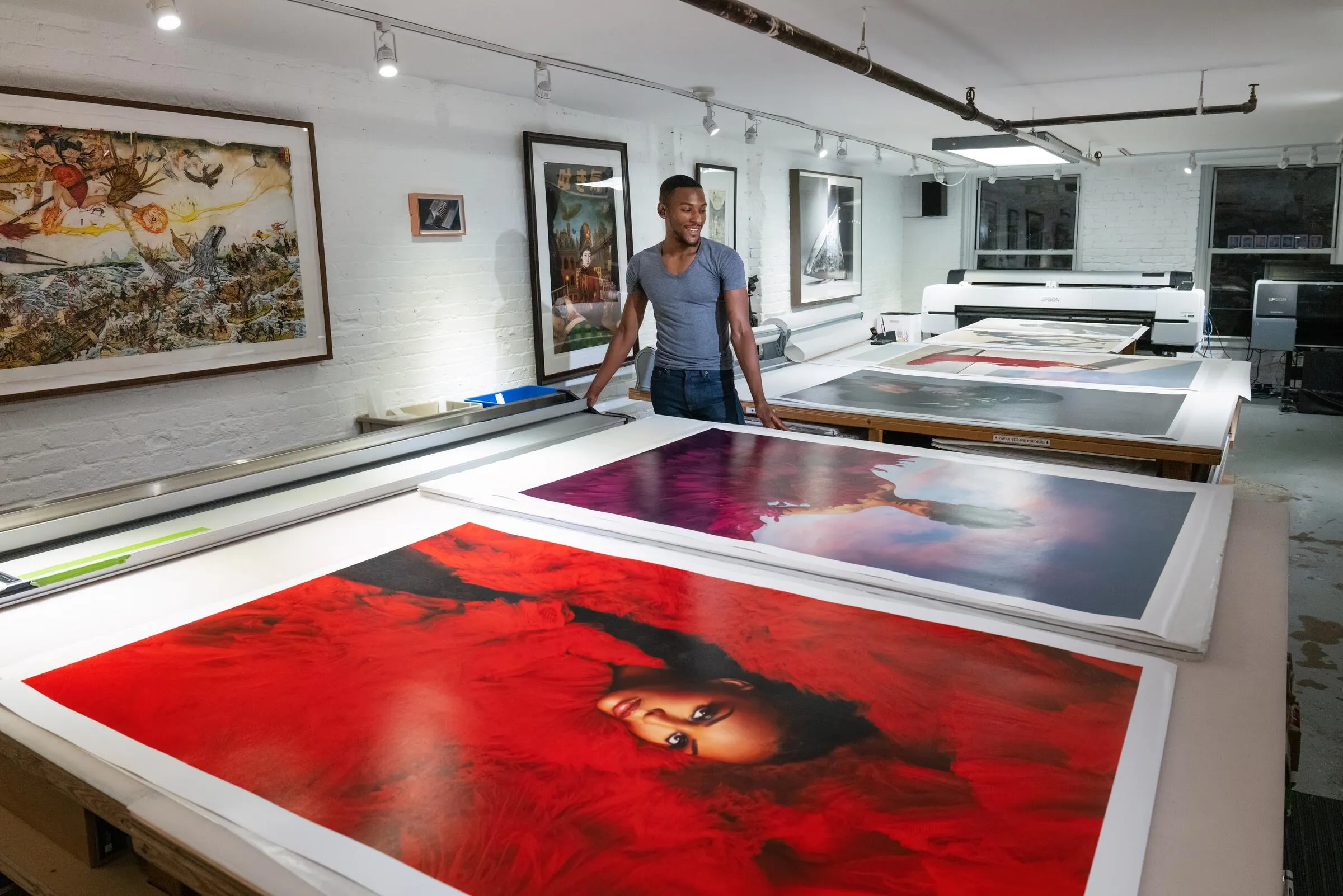
The strongest argument for reproducing your work at a studio that both scans and prints is the color-managed chain. When the same calibrated workflow runs from capture to print, and the studio can proof a print directly against the original under controlled lighting, discrepancies get caught before they become an expensive edition of off-color prints.
Brooklyn Editions works this way by design — scanning and giclee printing under the same roof, with proofing against the original as a standard part of the edition process. It's the approach we recommend for any reproduction where the match between original and print has to hold up.
How to Get a Faithful Reproduction
If you're planning to reproduce a work, a few practical steps load the odds in your favor.
- Start with a consultation. Talk through the artwork's dimensions, medium, surface, and your intended print sizes before any capture happens. The right resolution and workflow follow from intended use.
- Capture once, capture right. A high-resolution master made while the original is in hand is almost always cheaper than rescanning later — and the original may not be available for a rescan if it's sold, shipped, or damaged.
- Insist on color management. Ask what color space your file is delivered in and confirm it carries an embedded ICC profile. Always open files with the embedded profile, never discard it.
- Choose the paper deliberately. Match the substrate to the work and to how the print will be shown. Ask to see a proof on the paper before committing to an edition.
- Proof against the original. A studio that can hold the print next to the original under controlled light will catch shifts you can't judge from a screen.
Frequently Asked Questions
What is the difference between a giclee print and a regular print?
A giclee print is made with archival pigment inks on fine art paper or canvas, using a color-managed workflow built for accuracy and longevity. A standard print is typically made with dye inks on consumer paper, which fades faster and offers less color accuracy. For fine art reproduction, giclee is the standard.
How large can I print from a reproduction file?
Divide the file's pixel dimensions by your output resolution. At 300 PPI — the standard minimum for giclee — a file that is 12,000 pixels wide prints faithfully at 40 inches wide. Capturing at higher resolution at the master stage raises that ceiling, which is why high-resolution capture is worthwhile even when your first print is at original size.
Why does my print look different from my screen?
Screens and prints reproduce color differently, and an uncalibrated screen makes the gap worse. A faithful match depends on a color-managed workflow with embedded ICC profiles from capture through print, plus a calibrated monitor for judging the file. Without that chain, color shifts between screen and print are common.
Do I need to scan a painting before reproducing it, or can I photograph it?
For flat and dimensionally shallow work, professional scanning produces a more accurate, consistent master than camera capture, because lighting, sensor, and artwork stay in fixed registration. Camera capture has a place for three-dimensional pieces or works that can't be moved, but for most paintings and works on paper destined for reproduction, scanning is the stronger starting point.
Professional Fine Art Reproduction at Brooklyn Editions
Brooklyn Editions reproduces original artwork as giclee and archival pigment prints, scanning on the Metis DRS 2020 and printing under one color-managed roof so the chain from original to print never breaks. Every project starts with a consultation about your work and how you want to print it, and editions are proofed against the original before they run. To start a reproduction, see our fine art printing services, and for the capture side of the process, read our guide to fine art scanning.