
Demo: Pre-Appointment Checklist Component
This is a demo post showing the reusable checklist component and how to reproduce it. The styled checklist further down is generated entirely from a marker in this post's Post Body field — there is no custom code per post.

How To Add a Checklist
To reproduce on any post: open the Post Body field in the CMS and wrap your grouped checklist content between an opening checklist marker and a closing marker. The opening marker accepts optional options — download (PDF link), label (download-bar text), title, and intro. Each group is a short label paragraph ending in a colon, followed by a bullet list. Copy the exact markup from this post's Post Body to get started.
Pre-Appointment Checklist
Download a Printable Checklist
Before the consultation
- Measure the work accurately — note dimensions including any borders or margins.
- Know the medium and surface characteristics.
- Decide on intended use: reproduction, archival, publication, or all of the above.
- Note any condition issues: fragility, flaking, active deterioration, damage.
Before leaving your studio
- Painting or work on paper is fully dry and stable — not touch-dry, fully cured.
- Surface has been gently cleaned: dust, debris, loose hairs removed with a soft brush.
- Work is unframed where possible and glazing removed from works on paper.
On the day
- Bring any reference material relevant to the scan: prior prints, comparable images.
- Know the export and print sizes you'll need from the file.
Professional Artwork Digitization at Brooklyn Editions
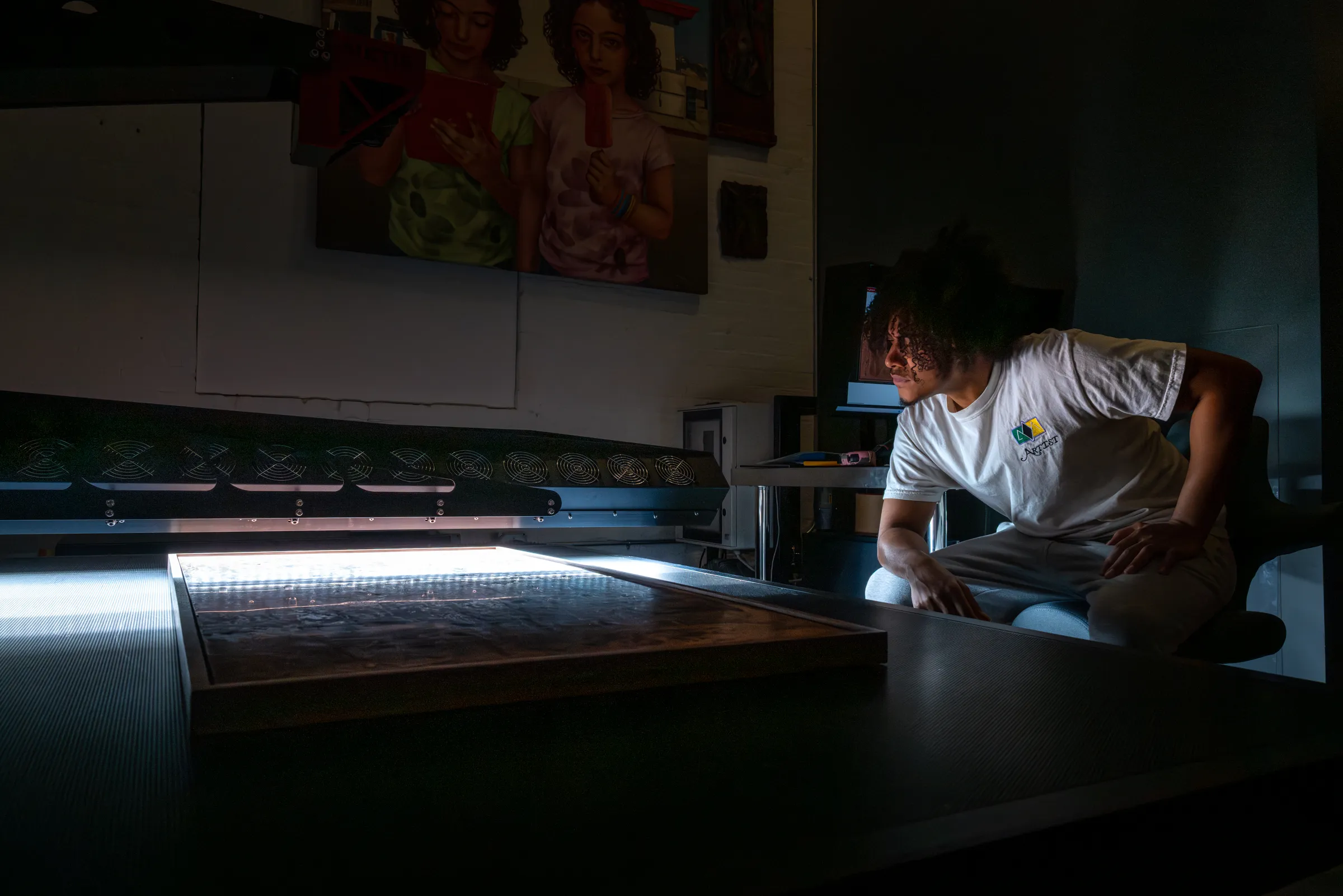
At Brooklyn Editions, artwork is digitized using the Metis DRS 2020 — a professional scanning system with a native optical resolution up to 1600 PPI and a scan bed capable of capturing large paintings in a single contactless pass.